Instagram Username Checker: Find an Available Handle
How to check whether an Instagram username is available, the rules every handle must follow, and a method for choosing a name you will keep for years.
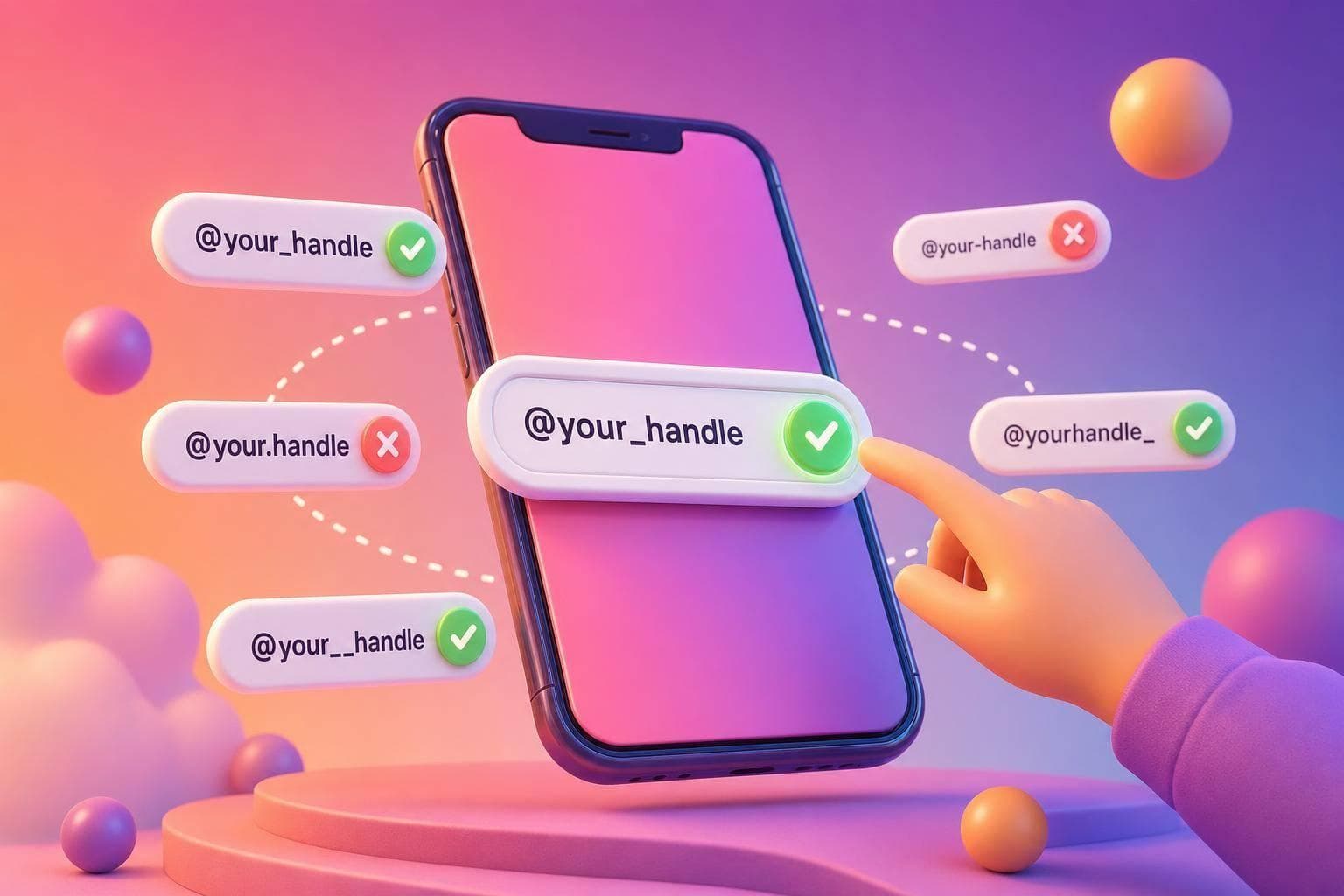
To check whether an Instagram username is available, type it into a username checker or try it in the app's username field: if it is taken, Instagram tells you straight away. The harder part is choosing a handle that is free, follows the rules, is easy to say and still fits your brand in five years. This guide covers all of it.
You can run candidates through the free Instagram username checker as you work through the steps below. No sign-up is needed.
What counts as a valid Instagram username
Before you check availability, make sure the name is allowed. A handle must follow these rules:
- It can contain letters, numbers, periods and underscores.
- It cannot contain spaces or most special characters.
- It has a maximum length of 30 characters.
- It cannot be one that is already in use by another account.
- It cannot end or begin in a way that breaks the platform's formatting rules, for example by using consecutive periods.
Instagram does not distinguish between uppercase and lowercase letters in a handle, so "SunnyBakes" and "sunnybakes" are the same name. Lowercase is the safest way to write one down.
Names that impersonate another person or business can be reported and removed, so pick something that clearly belongs to you.
Why "unavailable" does not always mean "in use"
A handle can show as taken for several reasons, and knowing which helps you decide what to do next.
- An active account uses it. Nothing to do but choose a variation.
- An inactive or abandoned account holds it. The name may be locked even though nobody posts. You can sometimes find the account by visiting its profile.
- It was recently released. If someone changed or deleted their handle, there can be a short delay before the name is free again.
- It is restricted. Some terms are reserved or blocked.
If the exact name you want is taken, do not assume it is permanently unreachable, but do not build your plans around getting it either. A strong alternative is almost always better than waiting.
A simple method for choosing a username
Step 1: Write down your must-haves
Decide what the handle needs to do. Common goals are being recognisable as your brand, being easy to type from memory, signalling what you do, and matching your website or other platforms.
Step 2: Generate ten to twenty candidates
Start with your brand or real name, then build variations:
- Your name plus a short descriptor, like a craft or a city.
- Your name with a prefix such as "the", "hello", "shop" or "official" when it makes sense.
- Two simple words that suggest what you do.
- A shortened version of a long brand name.
Aim for names that are easy to read aloud. If you have to spell it every time you say it, people will mistype it, and typed searches are how many visitors find you.
Step 3: Cut anything awkward
Remove names that:
- Use many underscores or periods in a row, which look messy and are easy to get wrong.
- Replace letters with numbers in a way that is hard to read, such as a zero in place of an "o".
- Are very long. Shorter names show fully in comments, tags and mentions.
- Can be misread. Test combinations of letters like "rn" and "m", or a lowercase "l" and capital "I".
Step 4: Check the shortlist
Run the remaining names through the checker and mark which are free. Then check whether the same name is available on your website domain and other platforms you use. A consistent identity across places makes you easier to find and harder to impersonate.
Step 5: Search it as a customer would
Type the name, and also type the phrase a customer would use, into Instagram search. See what comes up. If a similar name already belongs to a business in your field, customers may confuse you with them, and that is a reason to choose something more distinctive.
Naming patterns that work
Brand-first. Your business name, unchanged. Best for businesses that already have recognition or a clear name.
Name plus niche. A personal name or brand plus the thing you do, for example a trainer's name followed by "fitness". It tells strangers what the account is about.
Location tag. Useful for local services when the place is part of how people search. Keep it short.
Category word first. Works for accounts built around a topic, but it is harder to defend as a brand and tougher to find a free name.
Avoid trend-driven slang or jokes you may regret, since handles are costly to change once you have followers and tags.
Backup patterns when your first choice is taken
If your preferred name is gone, try these in order:
- Add a relevant word: your name plus "studio", "shop", "co" or "hq".
- Add your city or region if you serve a local market.
- Use a different order of the same words.
- Put "the" or "hello" in front.
- Use one underscore or period in a natural position.
Be careful with trailing numbers. A long string of digits makes an account look like spam and hurts recall. If you must add a number, keep it meaningful and short.
Your name field is a separate setting and is the searchable part of your profile. Even if your handle has to be a compromise, you can put the exact brand name and a description of what you do in the Name field. The guide to Instagram SEO shows how to use it.
Changing a username later
You can change your handle from account settings. Before you do, think about what depends on the old one:
- Links on your website, email signatures and printed material will point to the old address.
- Old tags and mentions may no longer link correctly.
- Followers who remember the old name may have trouble finding you.
- The old name can become available for others to claim, so someone could register it.
For an established brand, plan a switch carefully: announce it in a post and Story, update every link, and keep your display name stable so people still recognise you. For a new account with few followers, change it early rather than late.
Protecting your handle
Once you have a good name, secure the account. Use a strong, unique password, turn on two-factor authentication, and confirm your email address and phone number are up to date. Do not give your password to any third-party tool. UpGrow, for example, only needs your public username to work, never your password, and you should treat any service that asks for a login with caution.
If you run a business, consider claiming your brand name on the other major platforms even before you plan to use them, to keep your identity consistent.
After the handle: make the profile work
A good handle gets you found, but the profile has to convert the visit. Write a bio that says who you help and what to do next, and use the bio generator for draft options. When you are ready to bring in more of the right audience, UpGrow's Instagram growth service engages audiences you choose, though results vary by account and depend on your content.
FAQ
Is a username checker accurate?
It gives a good indication, but the final word comes from Instagram when you try to save the name. Some handles are held by inactive or restricted accounts, so a name that looks free elsewhere may still be refused.
Can I use a username that is already taken with a small change?
Yes, if the variation is clearly yours and does not copy another brand in a way that could confuse customers. Avoid names that imitate another account, since impersonation can lead to removal.
What is the maximum length of an Instagram username?
Thirty characters. Shorter is better because it is easier to read, remember and type.
Should my username match my business name?
Ideally, yes. If the exact name is taken, use the closest clear variation and put the exact business name in the Name field so searches still find you.
What happens to my old username if I change it?
The old name can be claimed by someone else, and links that point to it stop working. Update your website, bio links and printed material when you switch.