The 7 Best AI Video Generators and Tools for Creators in 2025 [RANKED]
Explore the top 7 AI video tools of 2025 that simplify video creation for all skill levels, from social media clips to professional training.
![The 7 Best AI Video Generators and Tools for Creators in 2025 [RANKED]](/_next/image?url=https%3A%2F%2Fwww.upgrow.com%2Fblog-images%2Fassets.seobotai.com%2Fcdn-cgi%2Fimage%2Fquality%3D75%2Cw%3D1536%2Ch%3D1024%2Fupgrow.com%2F67a54da0be11a9ef5f3c02fe-1738896162204.jpg&w=3840&q=75)
AI video tools are transforming content creation in 2025, making it faster and easier to produce high-quality videos for social media, marketing, training, and more. Whether you’re a beginner or a professional, this guide highlights the top 7 tools you need to know:
- Canva AI: Quick social media videos with templates and automated editing.
- Veed: Perfect for marketing videos with features like subtitles and noise removal.
- MagicUGC: The best AI UGC videos for e-commerce and ads.
- Runway: Advanced visual effects and generative AI for professional creators.
- Descript: Text-based video editing for podcasts and interviews.
- Synthesia: AI avatars for multilingual training and presentations.
- Sora (OpenAI): High-end experimental video generation.
Quick Comparison
| Tool | Best For | Key Features | Price Range |
|---|---|---|---|
| Canva AI | Social media videos | Templates, music library, 720p exports | Free - $15/mo |
| Veed | Marketing videos | Subtitles, 4K exports, noise removal | Free - $15/mo |
| Runway | Visual effects | Motion Brush, advanced controls | Free - $15/mo |
| Descript | Audio-video editing | Text-based editing, transcription | Free - $19/mo |
| Synthesia | Training videos | AI avatars, 140+ languages | $29+/mo |
| Sora (OpenAI) | Advanced generation | Experimental, high-end tools | Custom pricing |
| MagicUGC | E-commerce content | AI actors, ad optimization | Custom pricing |
These tools cater to varying skill levels and budgets, helping you create everything from quick social media clips to professional-grade videos. Dive into the full guide to learn how to choose the best tool for your needs.
The Best AI Video Generators of 2025!
AI Video Tool Categories
By 2025, AI video tools have developed into three main categories, each tailored to specific content creation needs. Knowing these categories can help creators pick the right tool for their projects.
Text-to-Video Tools
Text-to-video tools transform written scripts into videos using AI. For example, VEED's tool lets users input a script and automatically generates videos. It offers customizable templates, voiceovers, and access to a royalty-free stock footage library. This makes video production easier for creators without advanced editing skills.
AI Video Editors
AI video editors simplify the editing process, saving time and effort. These tools handle tasks like:
- Scene transitions and color adjustments
- Automatic subtitle creation
- Removing background noise
AI Avatar Makers
AI avatar makers create digital presenters for videos. Tools like Synthesia allow users to customize AI avatars and support over 140 languages. These features are especially useful for training videos and global audiences.
Tool Features Chart
| Tool Type | Primary Use Case | Automation Level |
|---|---|---|
| Text-to-Video | Social media content | High |
| AI Editor | Professional videos | Medium |
| Avatar Maker | Training & presentations | High |
These categories cater to a variety of creator needs, whether it's producing quick social media posts or detailed training videos. The key is to align your specific goals with the right type of tool.
Next, we’ll dive into the top AI video tools of 2025 and how they can enhance your content creation process.
7 Top AI Video Tools in 2025
AI video tools are transforming how content is created, offering solutions for different needs and skill levels. Here’s a look at some standout platforms.
Canva AI: Social Media Videos
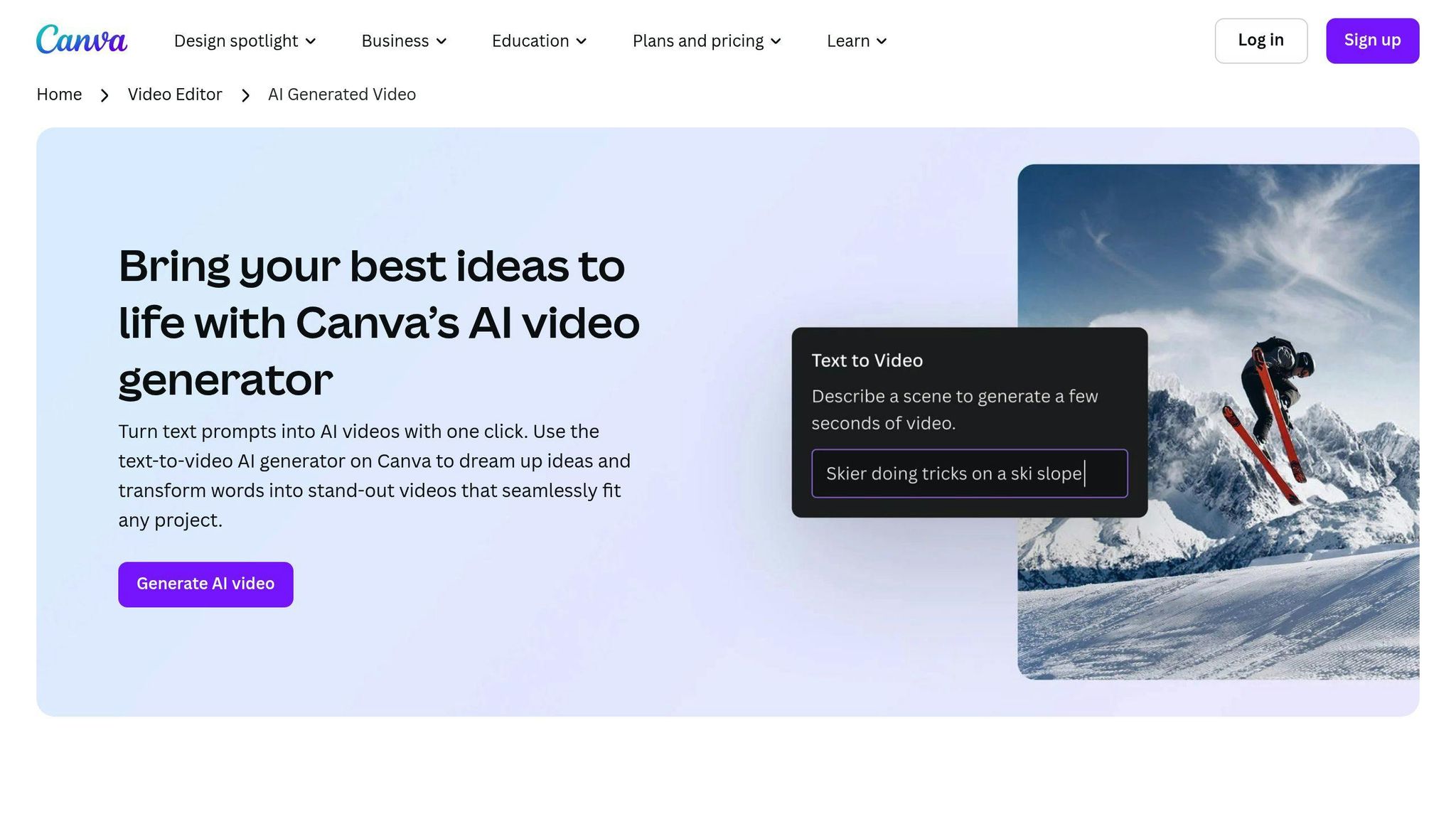
Canva AI simplifies social media video creation with its user-friendly interface and extensive template options. It’s designed for quick, polished results. Notable features include:
- AI-driven template customization
- Built-in music library
- Automated editing options
- Social media-ready export settings
While a free plan covers basic features, premium plans unlock advanced tools and higher-quality exports.
Veed: Marketing Videos
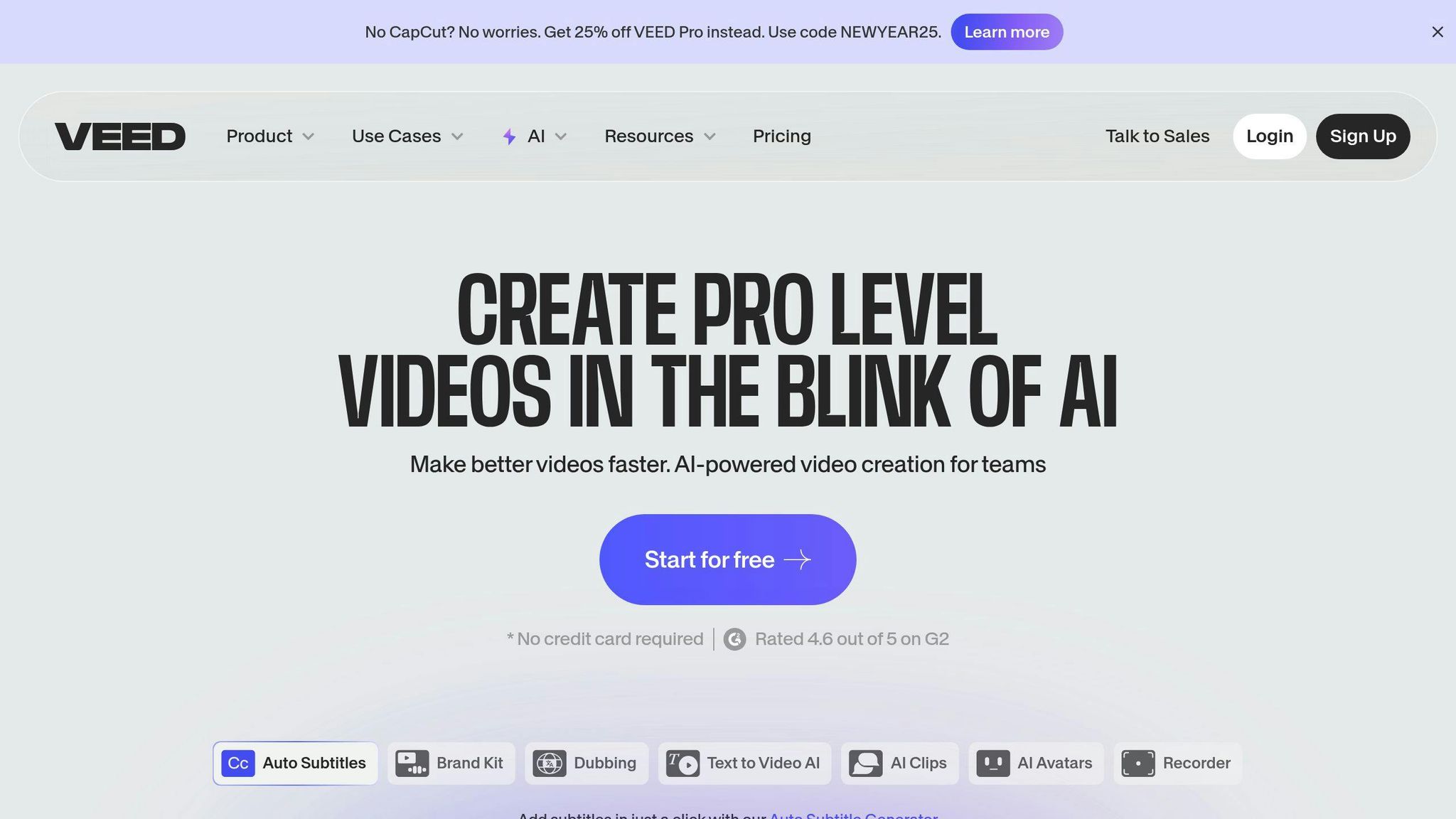
Veed is tailored for marketing professionals, offering tools like automated subtitles and background noise removal. It’s perfect for producing polished promotional content. Free users can access basic features and 720p exports, while paid plans ($15/month) allow for 4K quality and additional tools.
Runway: Visual Effects

Runway is a go-to for creating high-end visual effects with its cutting-edge generative AI tools. Features include:
- Text-to-video creation
- Motion Brush for precise effects
- Advanced controls for professionals
- AI training options for custom needs
The free tier provides 125 one-time credits, and paid plans start at $15/month.
Descript: Audio-Video Editing
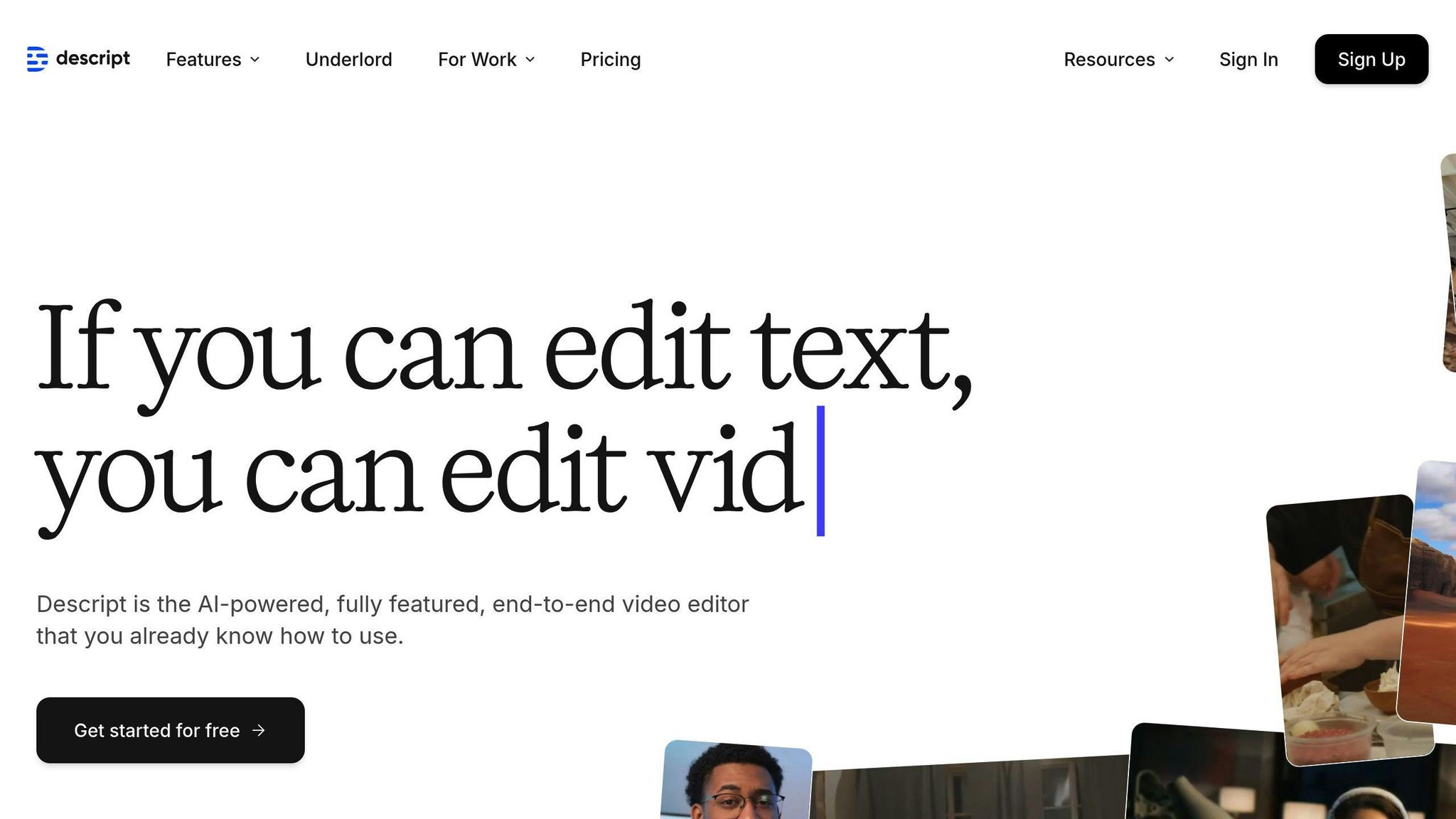
Descript redefines editing by letting users modify videos through text-based transcripts. This makes editing podcasts or interviews fast and intuitive. Free users get up to 1 hour of transcription, while the Hobbyist plan costs $19/user/month.
Synthesia: Training Content
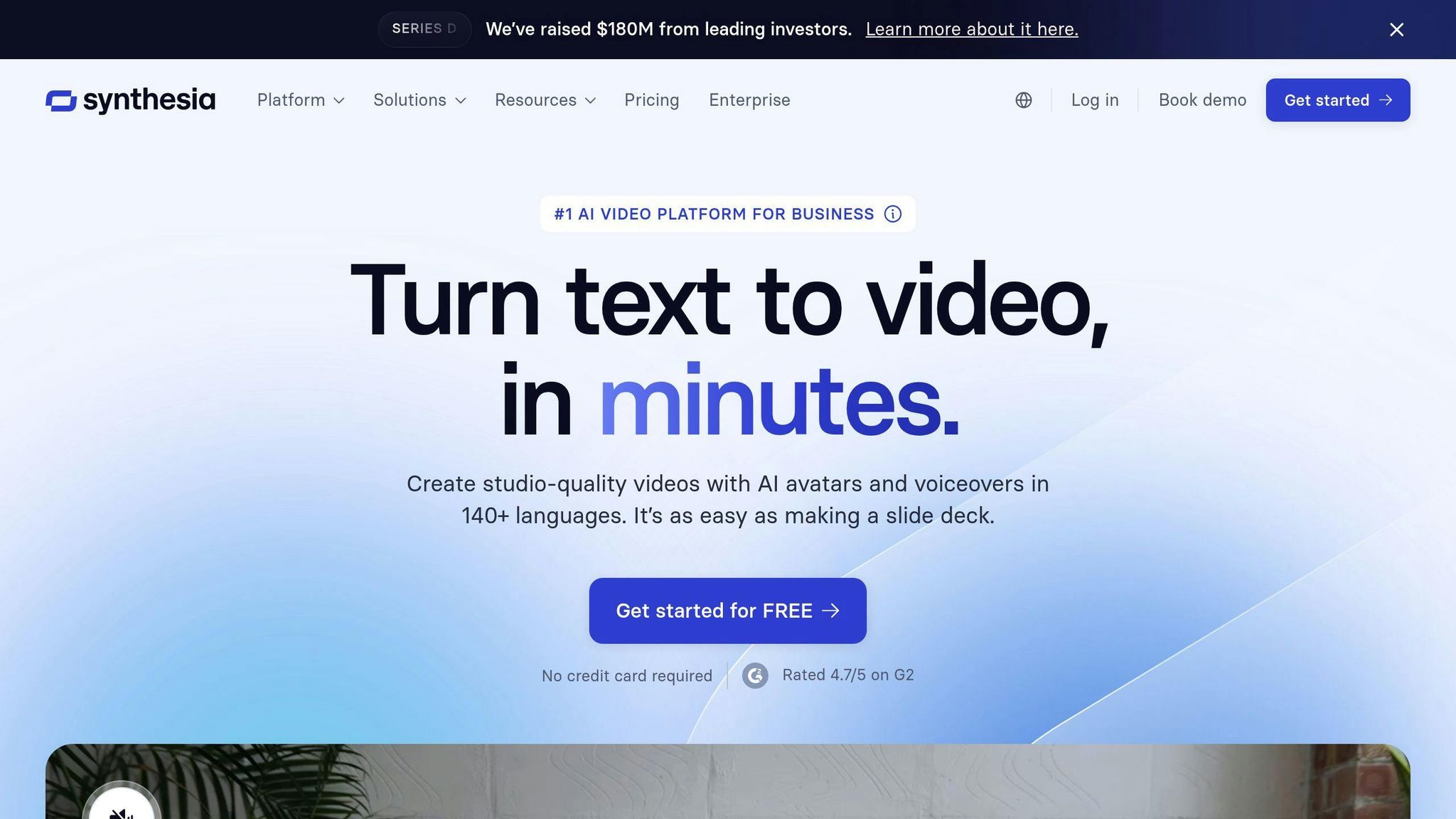
Synthesia specializes in creating multilingual training videos using AI avatars. Trusted by companies like Reuters and BBC, it offers:
- Over 230 AI avatars
- Support for 140+ languages
- Studio-quality video production
- Customizable presentation formats
The Starter plan starts at $29/month, with a free tier offering 3 minutes of video monthly.
Sora (OpenAI): Advanced Generation
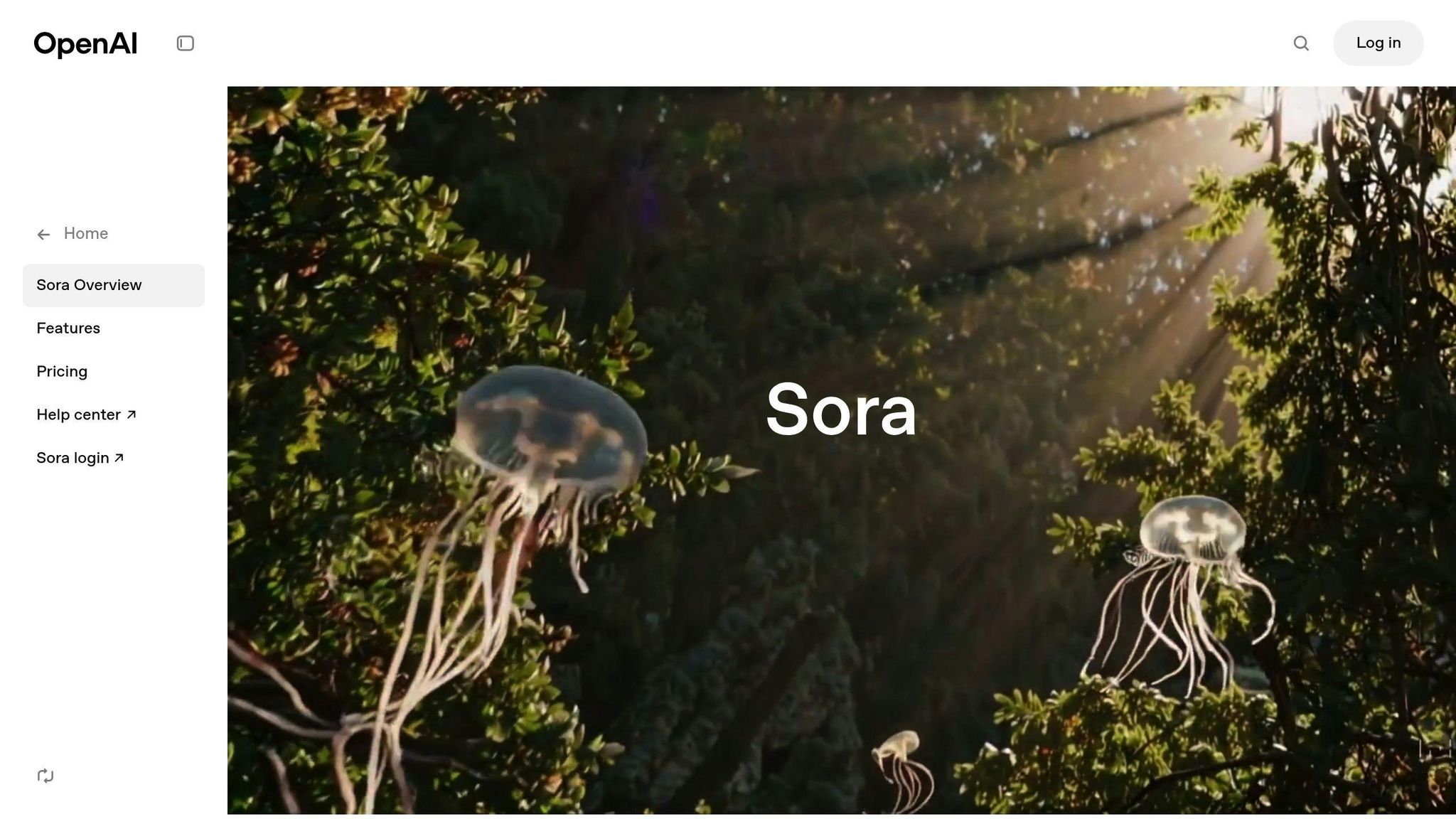
OpenAI’s Sora is designed for cutting-edge video production, ideal for creative studios and professionals. It focuses on experimental, high-end content creation, pushing the boundaries of what AI can achieve.
MagicUGC: Best AI UGC Creation Platform
MagicUGC is an AI UGC video generator built for e-commerce and small businesses, focusing on user-generated content. With a library of AI actors and automated tools, it’s excellent for creating high-performing ad campaigns. Key features include:
- A diverse AI actor and influencer library
- Automated content creation
- E-commerce-focused optimization
- Outputs ready for agencies
With these tools, you can find the one that best fits your project and budget.
Selecting Your AI Video Tool
Picking the right AI video tool can make a huge difference in how efficiently and creatively you produce content. Here's how to align tools with your goals and resources.
Budget-Friendly Tool Comparison
| Price Range | Tool Examples | Best For | Key Features |
|---|---|---|---|
| Free - $15/mo | Canva AI, Veed | Social media content, basic marketing | Customizable templates, automated subtitles, 720p exports, stock media library |
| $15 - $30/mo | Runway, Descript | Professional editing, effects | Text-based editing, motion effects, 4K exports, AI-driven transitions |
| $30+ /mo | Synthesia, Sora | Enterprise training, advanced generation | Custom AI avatars, 140+ languages, brand-specific options, advanced generation models |
Skill Level Alignment
Different tools cater to varying levels of expertise:
- Beginner and Intermediate Tools: Canva AI, MagicUGC, and Veed are easy to use, offering templates and automated editing. Perfect for those with little to moderate technical background.
- Advanced Tools: Sora and Synthesia are designed for experienced users, providing options like custom AI model training and detailed avatar customization. These are ideal for professional teams and studios.
Use Case Matrix
| Video Type | Recommended Tool and Features |
|---|---|
| Training & Education | Synthesia (140+ languages, professional avatars) |
| Social Media Ads | MagicUGC (AI-optimized ad content) |
| Podcast/Interview | Descript (Automated transcription and editing) |
| Creative Effects | Runway (AI motion tools and generation) |
| Marketing Videos | Veed (Marketing templates and automation) |
Once you've selected the right tool, the next step is to fine-tune your workflow and ensure high-quality results.
AI Video Production Tips
Production Steps
Making top-notch AI videos involves a clear plan. Start by identifying your video goals and understanding your audience. Follow this streamlined workflow to get the most out of your AI tools:
| Stage | Key Actions |
|---|---|
| Pre-Production | Write the script, gather assets, choose AI tools |
| Production | Fine-tune inputs, process with AI, batch tasks |
| Post-Production | Review and polish the final outputs |
Quality Standards
After completing the production process, focus on maintaining technical and creative quality to deliver polished results.
Keeping Your Brand Consistent:
- Use the same visual style across all videos.
- Match AI-generated voices and transitions to your brand’s tone.
Error Prevention
To avoid missteps, keep these common issues in check:
Input Quality:
- Write clear scripts with pronunciation guides for AI voiceovers.
- Use high-resolution source materials to ensure the best results.
Content Verification:
- Double-check AI-generated content for accuracy.
- Confirm that brand assets are used correctly.
- Ensure videos meet platform-specific guidelines.
"Synthesia, used by companies like Reuters and BBC, enables studio-quality videos with AI avatars narrating your text."
What's Next for AI Video
2026 Tool Updates
AI video technology is evolving fast, with big changes expected by 2026. Here's what to look forward to:
Smarter Video Generation Tools are improving in areas like resolution, frame rates, and creating lifelike motion. They’re also making it easier to turn scripts into fully-produced videos, simplifying the entire storyboarding process.
Improved Avatars AI avatars are becoming more lifelike, with natural expressions, smoother gestures, and accurate lip-syncing in multiple languages.
| Feature | Current (2025) | Expected (2026) |
|---|---|---|
| Video Resolution | Up to 4K | Up to 8K |
| Avatar Languages | 65+ languages | 100+ languages |
| Rendering Speed | Minutes | Real-time |
| Edit Complexity | Basic automation | Full scene reconstruction |
Better Workflow Tools AI tools are streamlining workflows with real-time collaboration, automated content repurposing, and outputs tailored to different platforms.
These updates are set to expand creative possibilities, making it crucial for creators to stay ahead of the curve.
Next Steps
To prepare for these advancements, creators can take a few practical steps:
Use Current Tools Get familiar with today’s AI video platforms. Learn their main features so you’re ready to take advantage of future upgrades.
Build Core Skills Strengthen your understanding of:
- Video composition and framing
- Writing scripts tailored for AI tools
- Managing and organizing assets
- Ensuring quality in the final output
Stay Updated Keep up with industry news and trends through trusted resources and professional communities. Being informed will help you quickly adopt new tools and features as they roll out.
FAQs
Picking the right AI video tool comes down to your specific goals and needs. Here's a quick comparison to help you decide:
| Use Case | Best Tool | Key Feature |
|---|---|---|
| Social Media Content | Canva AI | Fast, template-based videos |
| Training Videos | Synthesia | Realistic digital avatars |
| Marketing Videos | Veed | Automated editing tools |
| UGC Content | MagicUGC | AI-driven influencer content |
| Creative Effects | Runway | Advanced visual effects |
For social media campaigns, MagicUGC is perfect for creating AI-generated user content tailored to e-commerce and small businesses. Synthesia stands out for multilingual training videos, offering lifelike avatars and support for various languages.
When choosing, think about factors like your technical skills, budget, content type, desired quality, and how much content you plan to produce.