Meta’s Instagram Edits Explained: A Beginner’s Guide to the New Video App (2025)
Explore Meta's new video editing app, designed for seamless Instagram integration, advanced AI tools, and collaboration features to enhance content creation.
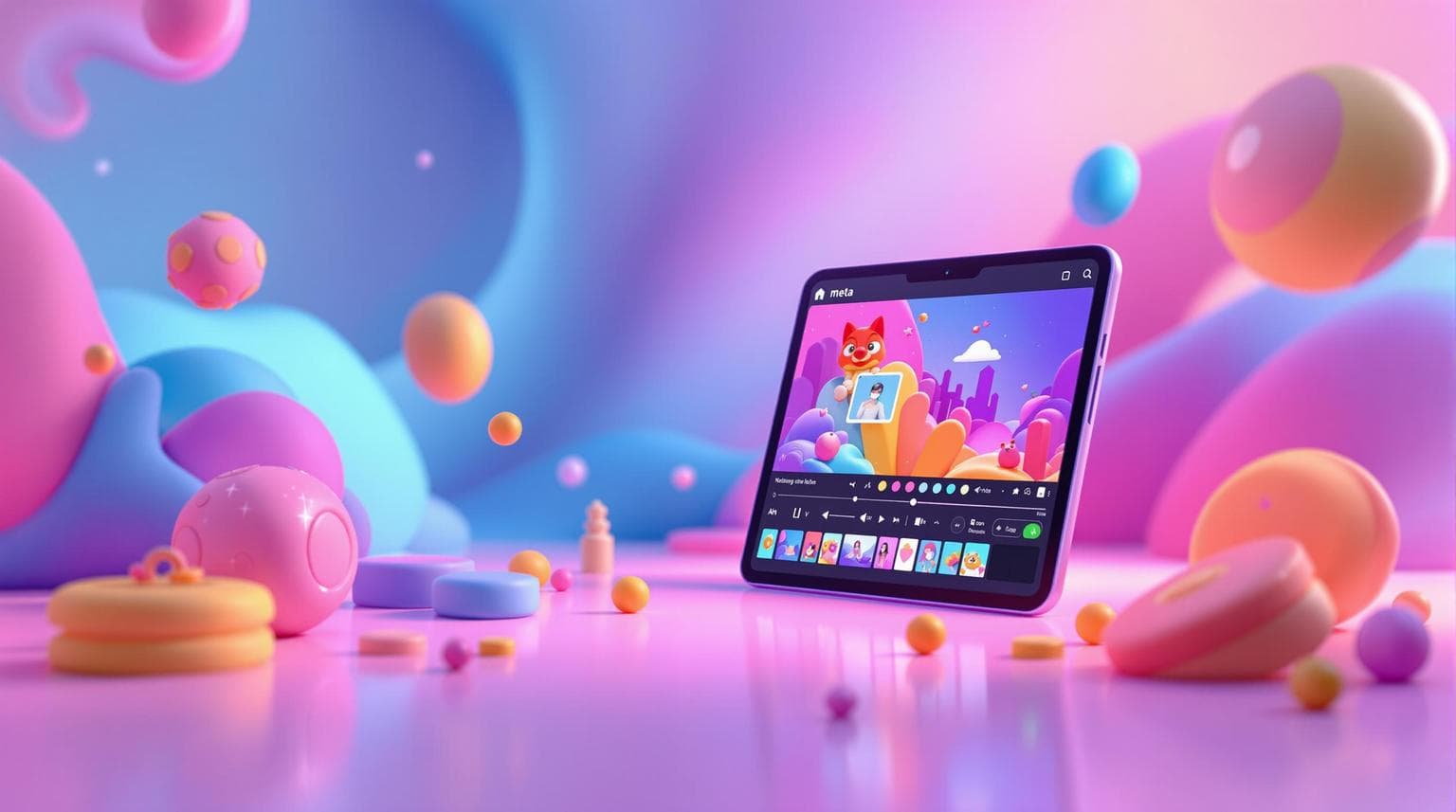
Instagram Edits is Meta's new video editing app launching on March 13, 2025, designed for creators who want professional-grade tools directly integrated with Instagram. It offers AI-powered features, team collaboration tools, and built-in analytics to simplify video creation and performance tracking. Here’s why it stands out:
- No Watermarks: Export polished videos without branding.
- AI Tools: Auto-captions, smart filters, and noise reduction for quick, high-quality edits.
- Collaboration Features: Share drafts, get real-time feedback, and explore trending ideas.
- Instagram Integration: Publish directly to Reels with optimized settings.
- Built-In Analytics: Track engagement and audience retention.
If you’re a creator looking for an alternative to apps like CapCut, Instagram Edits is tailored for Instagram-first content with tools to help you create, refine, and analyze videos - all from your smartphone.
Quick Comparison: Instagram Edits vs. CapCut

| Feature Category | Instagram Edits | CapCut |
|---|---|---|
| Integration | Direct Instagram upload | Requires export to Instagram |
| Export Quality | No watermarks | Includes watermark |
| AI Capabilities | Advanced animations, captions | Basic AI filters |
| Creative Tools | Optimized for Reels | Broader effects library |
| Analytics | Built-in Reels tracking | No built-in analytics |
Key Takeaway: Instagram Edits is perfect for creators focused on Instagram content, offering seamless integration, advanced AI tools, and collaboration features to elevate your video editing experience.
Instagram Reveals NEW Editing App! (First Look)
Features of Instagram Edits
Instagram Edits combines AI-driven tools, team collaboration features, and performance analytics to create a comprehensive solution for content creators. Here's a closer look at what it offers.
AI Tools for Editing
The app includes AI-powered features like auto-captions, smart filters, and noise reduction to help creators produce high-quality visuals and audio effortlessly. Videos can be recorded up to 10 minutes long in 1080p resolution, with adjustable framerates for smoother playback. These tools are perfect for creators who need to deliver polished results quickly.
In addition to individual editing, Instagram Edits also focuses on making teamwork more efficient.
Collaboration Features
Instagram Edits provides tools to simplify team collaboration, allowing creators to share ideas and refine projects together.
| Feature | Purpose |
|---|---|
| Draft Sharing | Share unfinished videos with team members for review and feedback. |
| Inspiration Tab | Explore trending ideas and save creative concepts for future projects. |
| Real-Time Feedback | Team members can leave comments directly on drafts for quick changes. |
"There will be a dedicated tab for inspiration, another to keep track of any early ideas you might have... powerful insights on how those videos do." - Adam Mosseri, Head of Instagram
Once the team finalizes a project, the app's analytics tools help measure its success.
Built-In Analytics
Instagram Edits integrates seamlessly with Instagram's analytics platform, giving creators detailed insights into video performance. The dashboard tracks metrics like engagement and audience retention while offering AI-based tips to improve future content.
This direct connection to Instagram's ecosystem makes it a powerful all-in-one solution for both creating and analyzing content.
How to Start Using Instagram Edits
Getting started with Instagram Edits is simple, whether you're new to video editing or switching from other apps. Here's how you can create polished videos using Meta's latest tool.
Download and Set Up the App
First, download Instagram Edits from your app store. Log in with your Instagram credentials and allow camera and storage permissions. Make sure you have at least 2GB of free storage and a stable internet connection for smooth performance.
Navigate the Interface
The app’s layout is designed for ease of use, with three main sections:
| Area | Purpose | Features |
|---|---|---|
| Project Hub | Manage video projects | Organize drafts and templates |
| Editor Space | Main editing workspace | Timeline, preview window, tools |
| Resource Panel | Access creative elements | Effects, music, transitions |
Create Your First Video
1. Import Your Content
Start a new project by uploading your footage, recording directly in the app, or pulling from your saved Instagram drafts.
2. Apply Basic Edits
- Trim clips to the desired length
- Adjust brightness and contrast for better visuals
- Add smooth transitions between scenes
- Choose music from the built-in library
3. Polish and Export
- Use AI tools like filters and captions to refine your video
- Preview your work and export in 1080p for clear Instagram quality
- Opt for a 4:5 aspect ratio to make the most of Instagram Reels
If you're working with a team, take advantage of the collaboration features to share drafts and gather feedback before posting. After publishing, the app’s analytics can help you track how your video performs.
These steps make Instagram Edits a practical choice for creators who want both speed and quality. Next, let’s explore how it compares to other popular editing tools.
Comparing Instagram Edits to Other Apps
How It Compares to CapCut
Instagram Edits is designed to compete directly with CapCut, focusing on smooth integration with Instagram and AI-driven tools for Reels. In contrast, CapCut offers a wider range of editing features suitable for multiple platforms. This difference defines their core strengths.
| Feature Category | Instagram Edits | CapCut |
|---|---|---|
| Integration | Direct Instagram connectivity | Requires export to Instagram |
| Export Quality | No watermarks | Includes watermark |
| AI Capabilities | Advanced AI animations, captions | Basic AI filters |
| Creative Tools | Optimized for Reels | Broader effects library |
| Analytics | Built-in Reels tracking | No built-in analytics |
What Instagram Edits Does Well
Instagram Edits stands out in several areas:
- Seamless Instagram Integration: Publish directly to Instagram with optimized settings and built-in tools to monitor engagement.
- High-Quality Outputs: Export polished videos without watermarks, supported by AI-powered features.
- Collaboration Tools: Share drafts easily for team feedback and adjustments.
- AI-Driven Features: Offers advanced AI animations and generative captions designed specifically for Reels, going beyond CapCut's simpler AI options.
Where Instagram Edits Falls Short
Despite its strengths, Instagram Edits has some drawbacks:
- Limited Multi-Layer Editing: Handling multiple video layers is restricted compared to other apps.
- Instagram-Only Focus: Its specialization for Instagram content may not suit creators working across platforms.
- Mobile Limitations: Larger projects can slow down performance or demand significant device storage.
- Gradual Tool Rollout: Some advanced features will only become available after the app's initial launch.
Instagram Edits will debut on iOS devices on March 13, 2025, with plans for Android support in the future. By weighing its pros and cons, creators can decide if this app aligns with their needs for video production.
sbb-itb-3c55afb
Tips for Using Instagram Edits
Start with Simple Edits
You don’t need to be an expert to dive into Instagram Edits. Start small with short clips (15-30 seconds) and focus on the basics. Tools like trimming, splitting, and adjusting brightness or contrast are great starting points. The app also offers built-in stabilization, which works best if your original footage is high-quality.
Once you’ve got the hang of these basics, staying organized will make your editing process smoother.
Keep Projects Organized
Keep your editing projects tidy by using clear folder structures. Label drafts, tag projects, and use shared folders for easy collaboration. Don’t forget to enable cloud backup to safeguard your work - it’s a lifesaver if something goes wrong.
With everything in order, you can shift your attention to crafting videos that perform well on Instagram.
Optimize Videos for Instagram
Instagram has its own set of rules for success. Grab attention in the first 3 seconds, keep videos under 60 seconds, and write captions that are short and to the point (under 125 characters). Adding 3-5 relevant hashtags can also help boost visibility.
"Create with purpose and passion and an aim to enrich the lives of the viewers watching your video." - Kelsey, Influencer and Content Creator
Use Instagram’s built-in analytics to track metrics like views and engagement. These insights will help you tweak your editing style and better connect with your audience.
By following these tips, you’ll be able to use Instagram Edits to create polished, engaging content with ease.
Source: Bearbottom Clothing case study
Source: Instagram technical specifications
Source: Content creator insights
Future of Instagram Edits
Upcoming Features
Instagram Edits is set to change the game for mobile video editing with AI-driven tools and tighter integration across Meta platforms. With unified analytics, creators will be able to track engagement across Facebook, Instagram, and WhatsApp, offering a clear picture of how their content is performing.
"Edits will have a much broader range of creative tools and probably a smaller addressable audience. Think a place to track all your ideas instead of templates. Think AI video editing tools on a per clip or per video basis. Think new insights on why your videos are succeeding or struggling."
The platform will also expand its creative toolkit with features like animations and captions designed for professional use. Unlike other platforms that rely heavily on templates, Instagram Edits focuses on creative thinking and detailed performance metrics.
These updates aim to reshape how creators approach mobile video editing, especially in a market that demands constant innovation.
Impact on Video Creation
Instagram Edits enters the scene at a critical moment, especially as CapCut faces challenges in the U.S. Its AI-powered tools simplify complex tasks like stabilization and color correction, while collaboration features allow real-time editing and shared project workspaces. Unified analytics provide in-depth performance tracking across Meta platforms, and cross-platform publishing ensures your content retains its quality wherever it’s shared.
The platform’s focus on vertical videos and extended Reels aligns with the growing trend of immersive social media storytelling. By removing watermarks on exported videos and offering advanced editing tools, Instagram Edits positions itself as a serious contender for creators who previously relied on other apps.
Instagram Edits aims to strike the right balance between professional-grade features and ease of use, potentially raising the bar for mobile video editing. As creators embrace these tools, expect to see more polished and captivating content across Meta’s ecosystem.
Conclusion
Instagram Edits is Meta's answer to the growing demand for mobile editing tools, arriving at a crucial time for creators navigating new challenges, especially after CapCut's recent hurdles in the U.S. market. The platform sets itself apart with advanced AI tools, collaborative features, and detailed analytics designed to simplify professional-level editing for mobile users.
What makes Instagram Edits stand out is its focus on giving creators more control and flexibility, moving away from rigid, template-based editing. As Instagram head Adam Mosseri explains:
"Edits will have a much broader range of creative tools and probably a smaller addressable audience. Think a place to track all your ideas instead of templates. Think AI video editing tools on a per clip or per video basis. Think new insights on why your videos are succeeding or struggling."
By connecting seamlessly with Meta's ecosystem, creators can monitor performance across platforms like Facebook, Instagram, and WhatsApp. This integration strengthens Instagram Edits' role as a key tool for modern content creators.
With its launch set for March 2025, Instagram Edits reflects Meta's commitment to helping creators produce standout content effortlessly. It combines professional-grade features with an easy-to-use design, opening up new possibilities for mobile video production.
FAQs
What is the Instagram AI video editing tool?
Revealed by Adam Mosseri in late 2024, Meta's Movie Gen AI allows users to edit videos using text prompts. This tool simplifies video editing by enabling professional-quality edits with just a few commands. It’s also integrated into Instagram Edits, making the creative process more intuitive.
When will Instagram Edits be available?
Instagram Edits is set to launch on March 13, 2025. It will initially roll out on iOS, with Android support coming later.
How does Instagram Edits differ from other editing apps?
Instagram Edits offers professional AI tools, direct integration with Meta platforms, and detailed performance analytics. Unlike template-driven editors, it prioritizes creative flexibility while giving users insights into how their content performs across Instagram, Facebook, and WhatsApp.
What are the app’s technical features and integrations?
The app supports video editing for clips up to 10 minutes long in 1080p resolution, with customizable frame rates and no watermarks on exports. It’s designed to work seamlessly with Instagram features like Reels and Stories, and includes built-in analytics to help creators track and refine their content strategies.
These features make Instagram Edits a powerful tool for creators looking to elevate their video content with ease.