How to View a Private Instagram Account in 2026 (What Actually Works - and What's a Scam)
You can't view private Instagram content without approval; use follow requests or mutual contacts and avoid private-viewer scams.
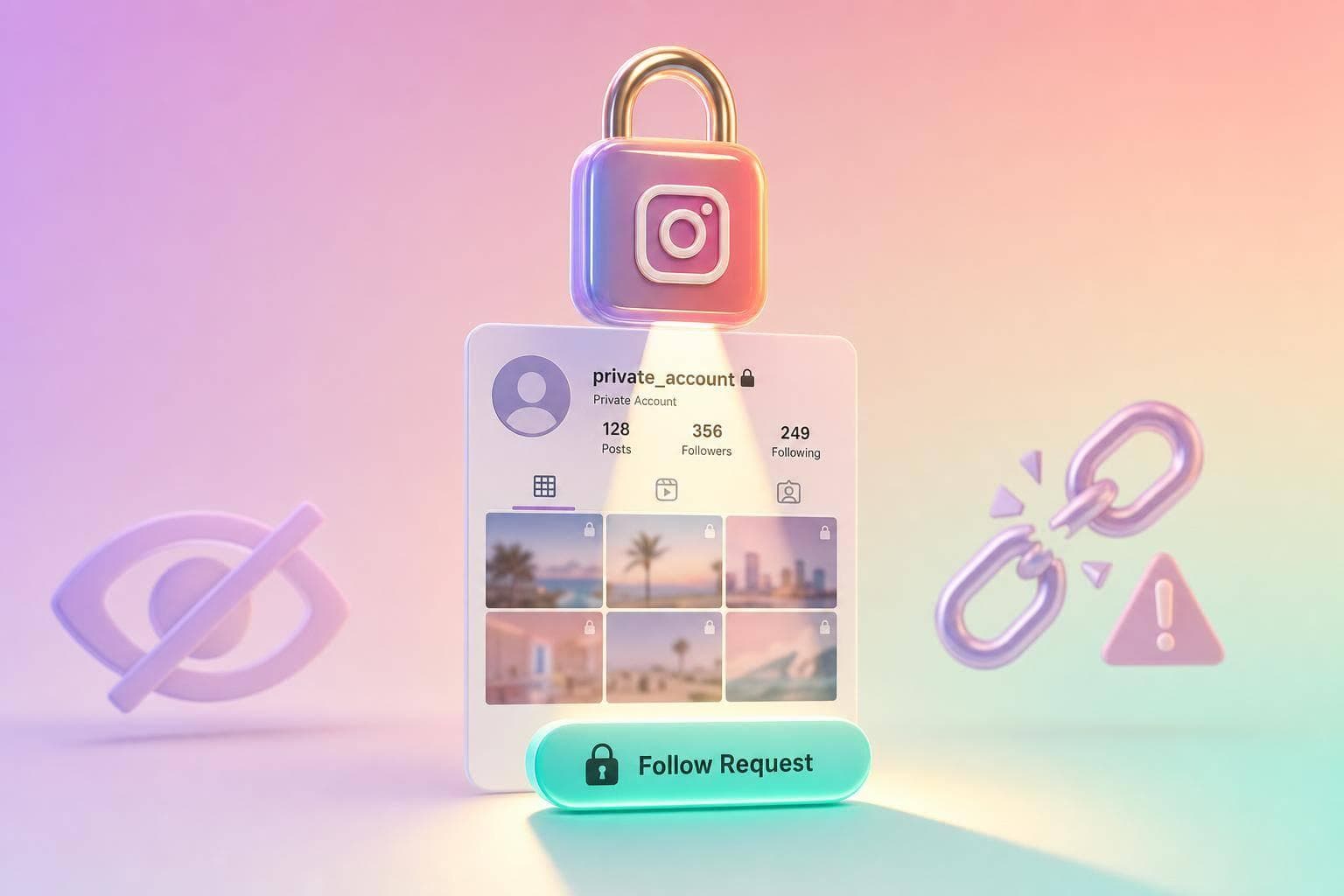
Short answer: you can’t see a private Instagram account unless the owner approves you. That’s the whole story in 2026.
I’ll keep this simple: private posts, Stories and Reels stay on Instagram’s servers. If you’re not approved, you get nothing. And since Meta shut down the Basic Display API in December 2024, third-party tools lost the last official path they used to claim access.
Here’s what matters most:
- What works: sending a follow request, asking a mutual contact, or checking public tags and mentions
- What doesn’t: “private viewer” sites, browser tricks, apps, and extensions
- Big risk: phishing pages, survey scams, malware downloads, and stolen logins
- Legal line: public-profile viewers can show public content only
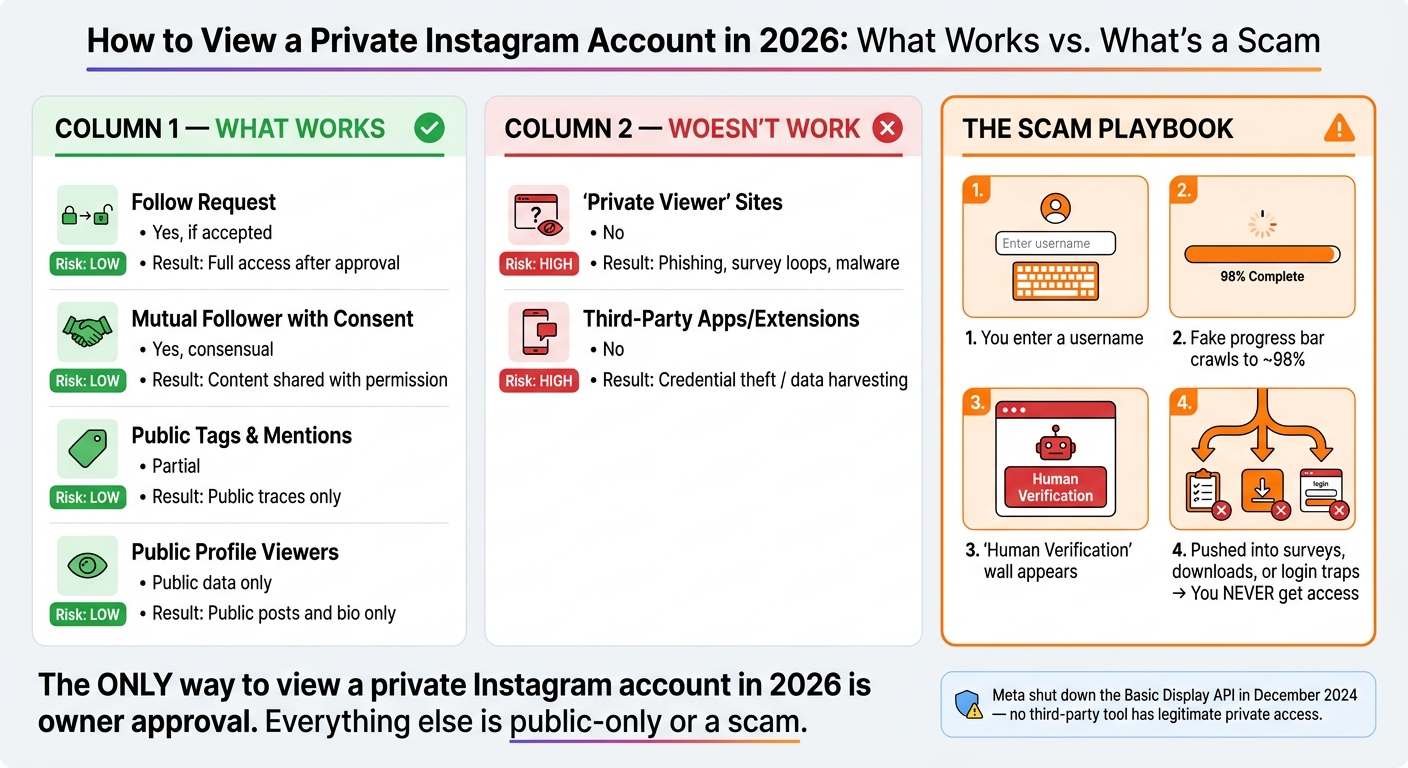
A lot of scam pages use the same script: a fake scan, a progress bar that stops around 98%, then a “human verification” wall. You don’t get access. You just get pushed into surveys, downloads, or login traps.
If a tool says it can show private Instagram content in 2026, I’d treat it as a scam.
| Method | Can it show private content? | Risk level | What I’d expect |
|---|---|---|---|
| Follow request | Yes, if accepted | Low | Normal access after approval |
| Mutual contact | Sometimes | Low | Shared content with permission |
| Public tags and mentions | No, only partial public traces | Low | Limited public info |
| “Private viewer” sites | No | High | Phishing, surveys, malware |
| Third-party apps/extensions | No | High | Login theft or data harvesting |
| Public profile viewers | No, public accounts only | Low | Public posts and bio only |
Bottom line: if you want to see a private account, the only direct path is approval. Everything else is either public-only or a scam.
Private Instagram Viewer Methods: What Works vs. What's a Scam (2026)
Can You Really See a Private Instagram Account?
No. You cannot view a private Instagram account in 2026 without the owner's approval. Instagram keeps private posts, Stories, Reels, and follower lists on its servers, so if you don't follow the account, that content never gets sent to you in the first place.
That leaves only a small set of legitimate options.
Why No Technical Bypass Exists in 2026
Instagram checks whether your account has been approved before it sends any private content. So even if you open browser tools like Inspect Element, there's nothing hidden there to reveal. You can't pull data that the server never delivered.
The only way around that would be hacking or using a stolen session. That's illegal, unsafe, and not a legit option.
What Actually Works Instead
If you can't view the account directly, these are the only realistic paths:
- Send a follow request.
- Ask a mutual follower for an introduction or a permission-based screenshot.
- Check their public profiles, tagged photos, and mentions.
That's also why most "private viewer" sites fail, which is the next question.
Are Private Viewer Sites a Scam?
Yes - sites that promise to "unlock" a private Instagram account are scams built to take your money or steal your login details.
Here’s the usual playbook, and why it falls apart.
The pattern barely changes. You enter a username, watch a fake progress bar crawl to about 98%, and then hit a fake "human verification" step that pushes you into surveys or downloads. That’s how they make money off you, or how they get malware onto your device. You still don’t get access to private posts.
Security analysts describe these sites as credential-harvesting and malware-delivery scams. Some of them even copy Instagram’s login screen so they can steal your account, making it vital to know how to tell if you've been hacked. The FTC warns that phishing scams are designed to steal passwords and other sensitive information. Never enter your Instagram username or password into any third-party viewer site.
Even if you strip away the scam part, the promise still doesn’t work on a technical level.
Why the Basic Display API Deprecation Matters
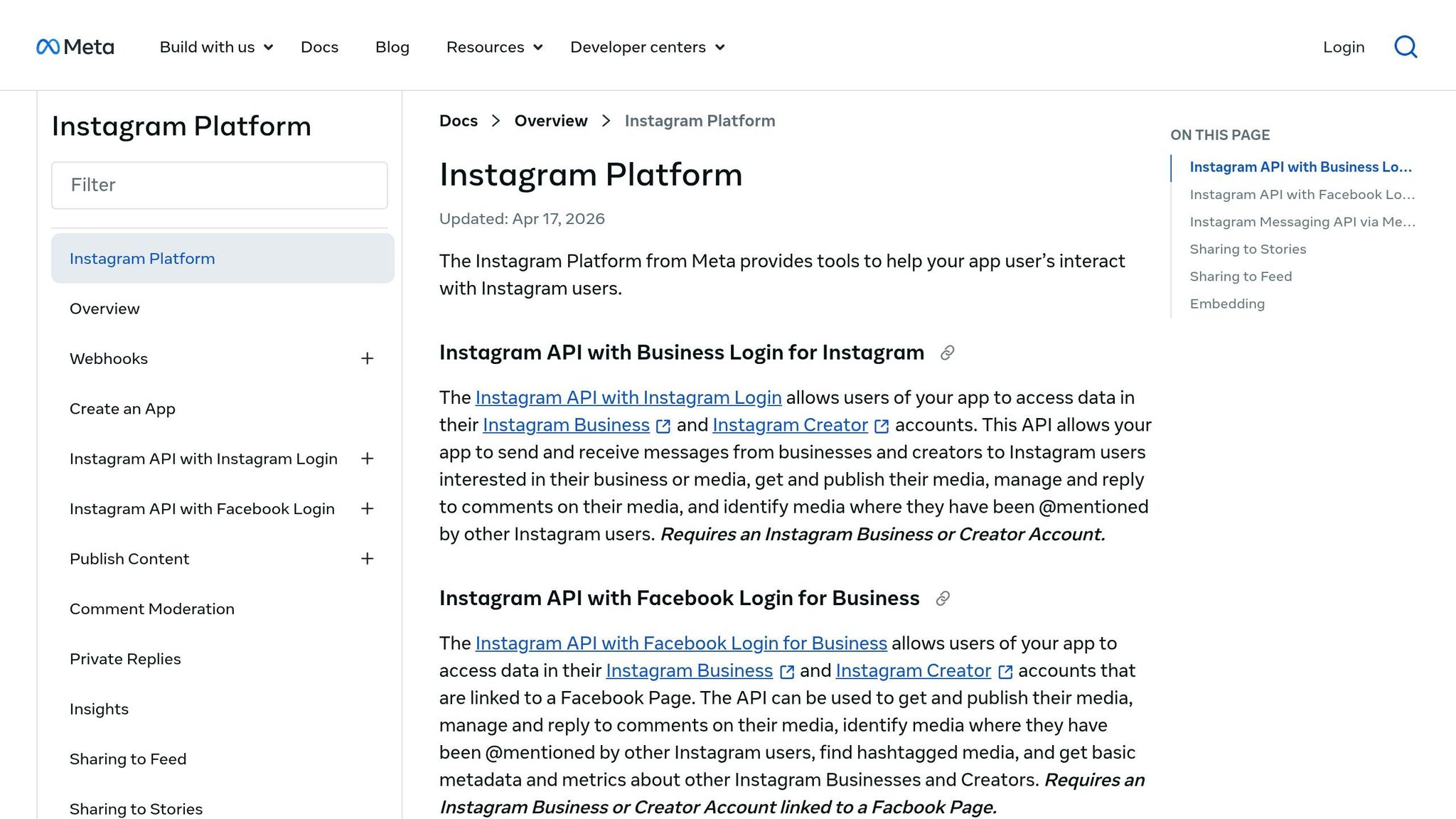
Meta deprecated the Basic Display API in December 2024, which means third-party tools can’t access private personal profiles in 2026. Current official APIs do not reach private personal profiles. So when a site says it’s "AI-powered", that’s just a shiny label on the same old trick.
Method Comparison Table: What Works, What Is Risky, and What Each Method Actually Does
| Method | Works? | Risk | What It Actually Does |
|---|---|---|---|
| Follow request | Yes (if accepted) | Low | Access after acceptance |
| Mutual follower with consent | Yes (consensual) | Low | Content shared with permission |
| Tagged photos and public mentions | Partial | Low | Public traces only |
| Free private viewer sites | No | High | Phishing, survey loops, malware |
| Third-party apps or extensions claiming private viewing | No | High | Credential theft / data harvesting |
| Legitimate public profile viewers | Public data only | Low | Public data only |
That leaves one safe next step: send a follow request.
How to Send a Follow Request That Gets Accepted
Since private-viewer sites are scams, the only legit move left is to send a follow request that feels easy to trust. A follow request is the only direct, lawful way to view a private Instagram account. So the job here is simple: make your account look like it belongs to a real person or business by optimizing your profile.
Set Up Your Profile Before You Tap Follow
Before someone accepts, they can check your profile photo, name, username and bio, plus your posts if your account is public. If your account is blank, half-finished, or packed with random numbers, it can look shady.
Before you hit Follow, check these basics:
| Profile Element | What to Fix | Why It Matters |
|---|---|---|
| Profile photo | Use a clear, recognizable headshot or brand logo | First thing they see in the request |
| Bio | Add a brief description of who you are or why you're interested | Gives context right away |
| Post history | Show several recent, genuine posts | Proves the account is active, not empty |
| Username | Use a recognizable name, not random characters | Makes your account easier to trust |
If you're a brand, keep the profile plain and low-pressure. Nobody wants to accept a request that feels like a sales pitch.
Once your profile looks trustworthy, send the request.
Step-by-Step: How to Send a Follow Request
- Find the profile and tap Follow.
- Send one short DM only if a brief introduction adds context.
- Mention mutual context if it exists. A shared friend or common interest can help build trust.
- Wait patiently. Don't spam messages or keep toggling the follow button.
- Respect a no - or silence. If the request is declined or ignored, treat it as a no. Do not impersonate anyone or try again with a second account after a decline.
A short intro can help, but only when it adds context. Think: “Hey, we’re both in the same local running group” or “We met at the conference last week.” Short, clear, and normal works better than a long message.
Use Mutual Connections and Public Signals Without Crossing Privacy Lines
If a direct follow request feels too cold, a mutual connection can help bridge the gap. Ask a shared friend if they’d be comfortable making a brief introduction or sending a message on your behalf. Keep it polite and professional, then leave it there.
You can also look at public signals first. Stick to what the account already shows openly: username, profile photo, bio, website links, and any public posts or tagged content.
If the account stays private, the next safe move is to review only public traces. If you only need public content, the next section covers legit public profile viewers.
How Legitimate Profile Viewers Work - and Is It Legal?
What a Legitimate Public Profile Viewer Can and Cannot Do
A legitimate public profile viewer shows only public Instagram content. That means posts, bios, and Stories from public accounts that anyone could already see by going to Instagram itself. Nothing beyond that.
A real public profile viewer stays in that lane. It shows public content, and it never asks for your Instagram password, 2FA code, or payment. That’s the line that matters. If a tool sticks to public content and doesn’t ask for login details, it fits the public-viewer category. If it promises private access, that’s where trouble starts.
UpGrow's Instagram web viewer for public profiles follows that same rule: public accounts only, no login required.
Legal and Ethical Limits in the United States
The moment a tool asks for credentials or claims it can reveal private content, it moves out of the public-viewer category and into risky territory.
Sending a follow request is completely legal - it’s exactly how Instagram is designed to work. Viewing public profiles anonymously is also generally lawful in the U.S., since the account owner chose to make that content public.
The illegal part is much more direct. Phishing for credentials, spreading malware, or using unauthorized tools to get private data may violate the Computer Fraud and Abuse Act (CFAA) and general U.S. consumer protection principles. Instagram also has teams dedicated to detecting and blocking scraping, and it can restrict accounts that collect information in unauthorized ways or give their password to third-party apps.
A lot of people make their profiles private on purpose. Respecting that isn’t just about the law. It’s also basic privacy etiquette.
Public tools show public content. Private accounts still require approval.