
Instagram DM Quiz Tools: 2026 Review
Compare 5 Instagram DM tools for quiz funnels, typed replies, team routing, analytics, and pricing.
Compare 5 Instagram DM tools for quiz funnels, typed replies, team routing, analytics, and pricing.
4.98 /5 - from 58k reviews
Trusted by 50,000+ creators — get real engagement delivered to your profile in minutes, not days.

If I had to pick fast, I’d choose ManyChat for scripted quiz funnels, Chatfuel for typed replies, and Respond.io for team handoffs. That’s the short answer.
Instagram DMs now do more than reply to followers. While these tools manage conversations, a solid Instagram growth strategy ensures you have a steady stream of new leads to automate. Brands use them to qualify leads, collect email or phone details, route chats, and book calls without sending people off Instagram. In this review, I looked at 5 tools across the points that matter most:
I focused on:
A few patterns stand out right away:
If you want tight control, go with a scripted flow tool. If you want replies to feel less rigid, pick the tool built for typed answers. If your team handles lots of chats across accounts, inbox routing matters more than quiz design.
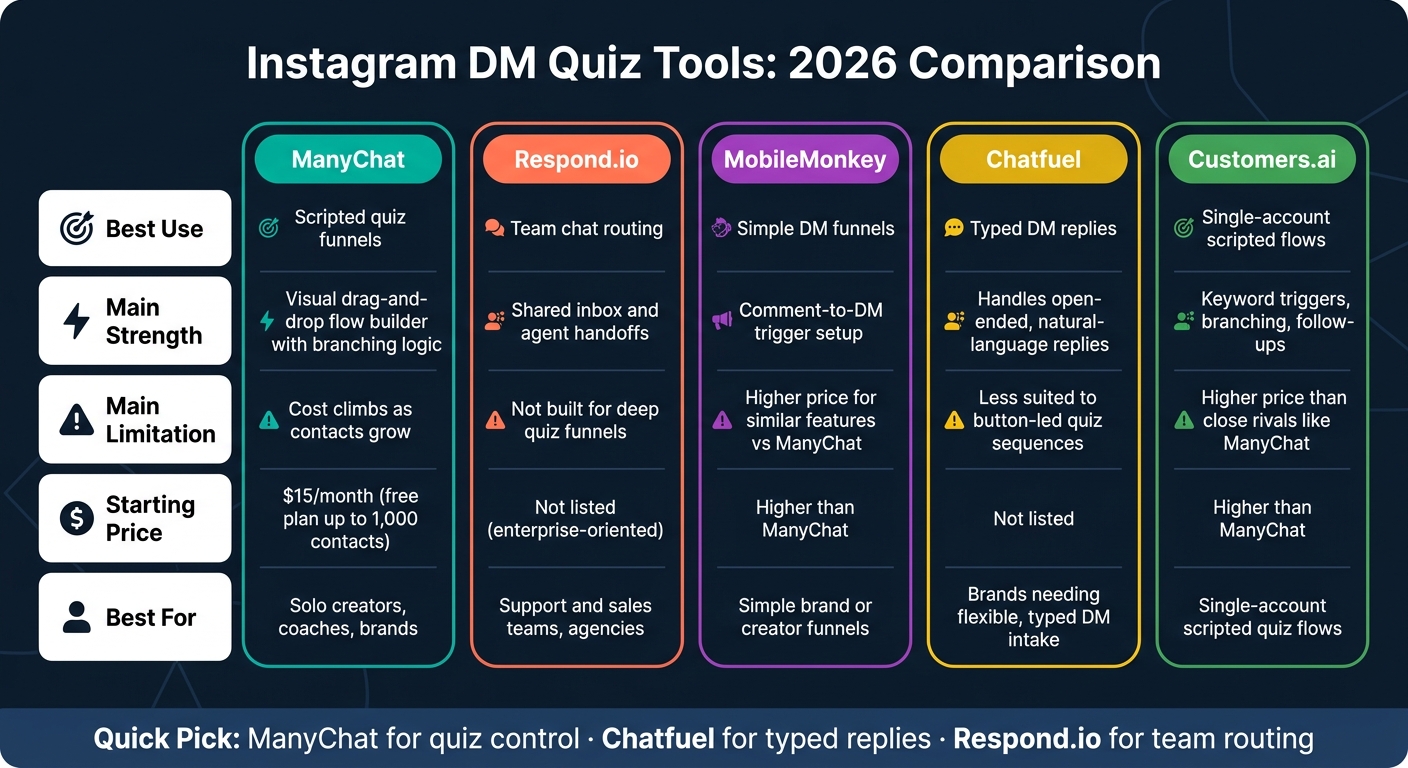
Instagram DM Quiz Tools Compared: ManyChat vs Chatfuel vs Respond.io (2026)
| Tool | Best Use | Main Strength | Main Limitation |
|---|---|---|---|
| ManyChat | Scripted quiz funnels | Visual flow builder and branching | Cost climbs as contacts grow |
| Respond.io | Team chat routing | Shared inbox and handoffs | Not built for deep quiz funnels |
| MobileMonkey | Simple DM funnels | Comment-to-DM setup | Higher price for similar features |
| Chatfuel | Typed DM replies | Better with open text answers | Less focused on fixed button paths |
| Customers.ai | Single-account scripted flows | Keyword triggers and follow-ups | Higher price than close rivals |
If you’re choosing based on workflow, the split is simple: ManyChat for quiz control, Chatfuel for typed replies, and Respond.io for team use.
ManyChat is still one of the most used Instagram DM quiz tools in 2026. It’s built for Instagram Business and Creator accounts and runs through Meta’s authorized Graph API, so it fits supported professional accounts cleanly.
Its main draw is the visual drag-and-drop flow builder. It’s widely seen as the top option in this category. You can connect triggers to branching quiz paths and move people through different sequences automatically, without handling each step by hand.
The branching works through conditions. Each answer can send a user down a different path, which makes multi-step qualification flows possible. That setup works well for brands and creators who want to qualify leads before booking calls or sending people to an email capture step.
ManyChat works best for scripted quiz funnels, not for busy team workflows with lots of moving parts.
It can collect a user’s name and email inside the DM flow, without sending them off Instagram. That means the qualification step stays inside the app instead of pushing people to a landing page. This friction-free approach is a key part of growing your Instagram followers organically by keeping users engaged where they already are.
ManyChat’s dashboard shows leads, engagement, and ROI in real time. The free plan includes up to 1,000 contacts, and the Pro plan starts at $15/month. Pricing then scales based on contact volume.
There is one clear tradeoff: pricing goes up per contact, so costs can climb as your list gets bigger compared with flat-rate options. For a single-brand quiz funnel, ManyChat stands out for flow depth. The next tools lean more into inbox handling and routing.
If your workflow needs more team routing than quiz depth, the next tool moves in that direction.
Respond.io is built mainly for team inbox management and multi-channel conversation routing, not scripted quiz funnels. It supports Instagram DMs inside a broader omnichannel inbox, which makes it a stronger fit for support and sales teams that need to send conversations to the right agents.
So, if your team is handling a high volume of messages across channels, Respond.io makes a lot of sense.
But for brands that want to build step-by-step quiz flows, it’s not the best match.
That means Respond.io is a better fit for inbox operations than for scripted quiz funnels.
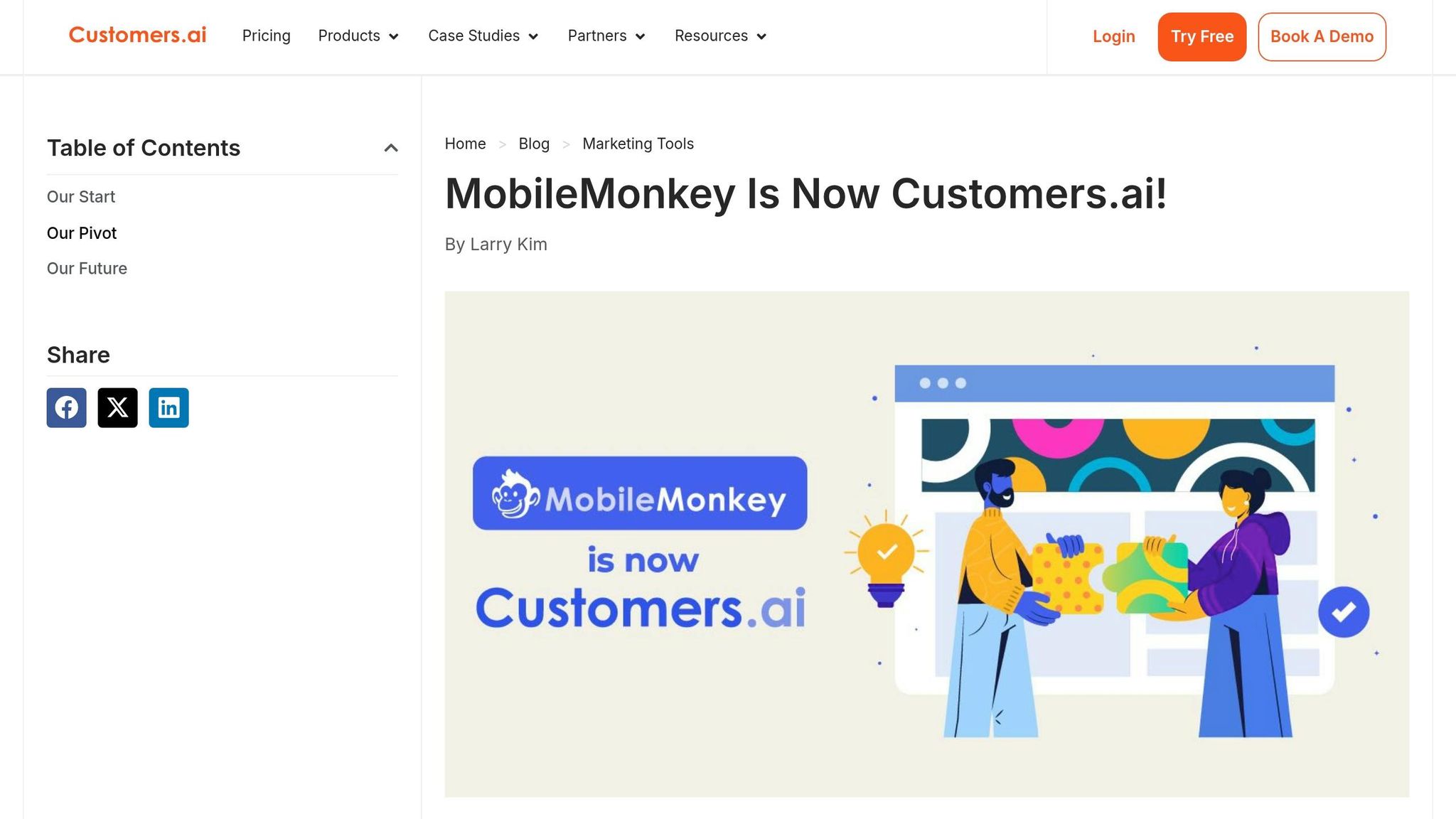
While Respond.io leans into inbox routing, MobileMonkey stays closer to quiz-style automation. It runs on the official Meta Graph API and supports Instagram DM funnels for Business and Creator accounts.
MobileMonkey does a solid job with basic scripted DM funnels. It also includes comment-to-DM triggers inside its flow builder, which makes setup pretty straightforward for simple campaigns.
MobileMonkey supports branching paths, but it doesn't stand out for depth or flexibility when compared with the category leader. Team inbox features, contact-field usage, and analytics are all there at a basic level, but that's about it.
The biggest downside in 2026 is price. MobileMonkey costs more than ManyChat while offering a pretty similar feature set. So yes, it works for quiz funnels. But on value and differentiation, it falls short.
It makes the most sense for simple creator or brand funnels using free Instagram tools, not for teams that need deeper routing or stronger analytics.
That means MobileMonkey is still usable for simple quiz funnels, but the next tool goes further on conversation depth. If you like this funnel style and want more bot-first flexibility, the next option is a better fit.
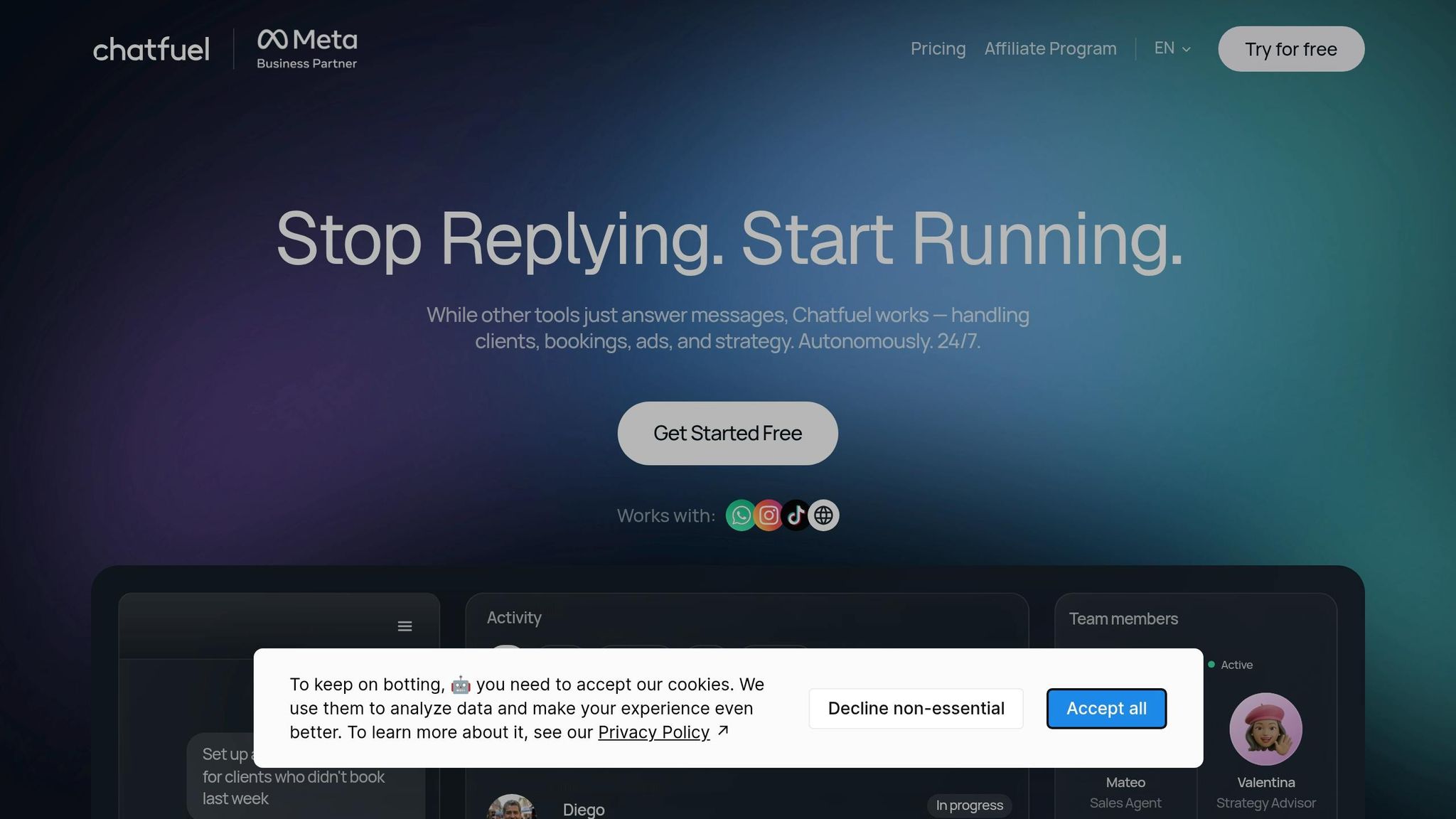
If you want replies that feel less stiff than what a rigid flow builder can produce, Chatfuel is probably the closest match. It’s a Meta-authorized DM chatbot that supports triggered Instagram DM funnels for Business and Creator accounts, and it serves the same Instagram DM automation use case as ManyChat.
Chatfuel handles open-ended replies better than rigid button paths. That makes it a good fit for quiz funnels built around typed intake questions instead of button-led branching.
For quiz logic, Chatfuel is the better pick when people are likely to type their answers instead of tapping buttons. ManyChat still has the edge in visual flow building, but Chatfuel helps when natural-language intake matters. It’s weaker on team inbox coordination and reporting than tools built more for day-to-day ops.
Use Chatfuel when quiz answers are likely to come in as typed responses, not button taps. For agencies managing multiple accounts, it’s worth weighing that open-ended reply handling against the visual flow-building strengths of other platforms.
For teams that need more routing depth or reporting, the final tool shifts the focus again.
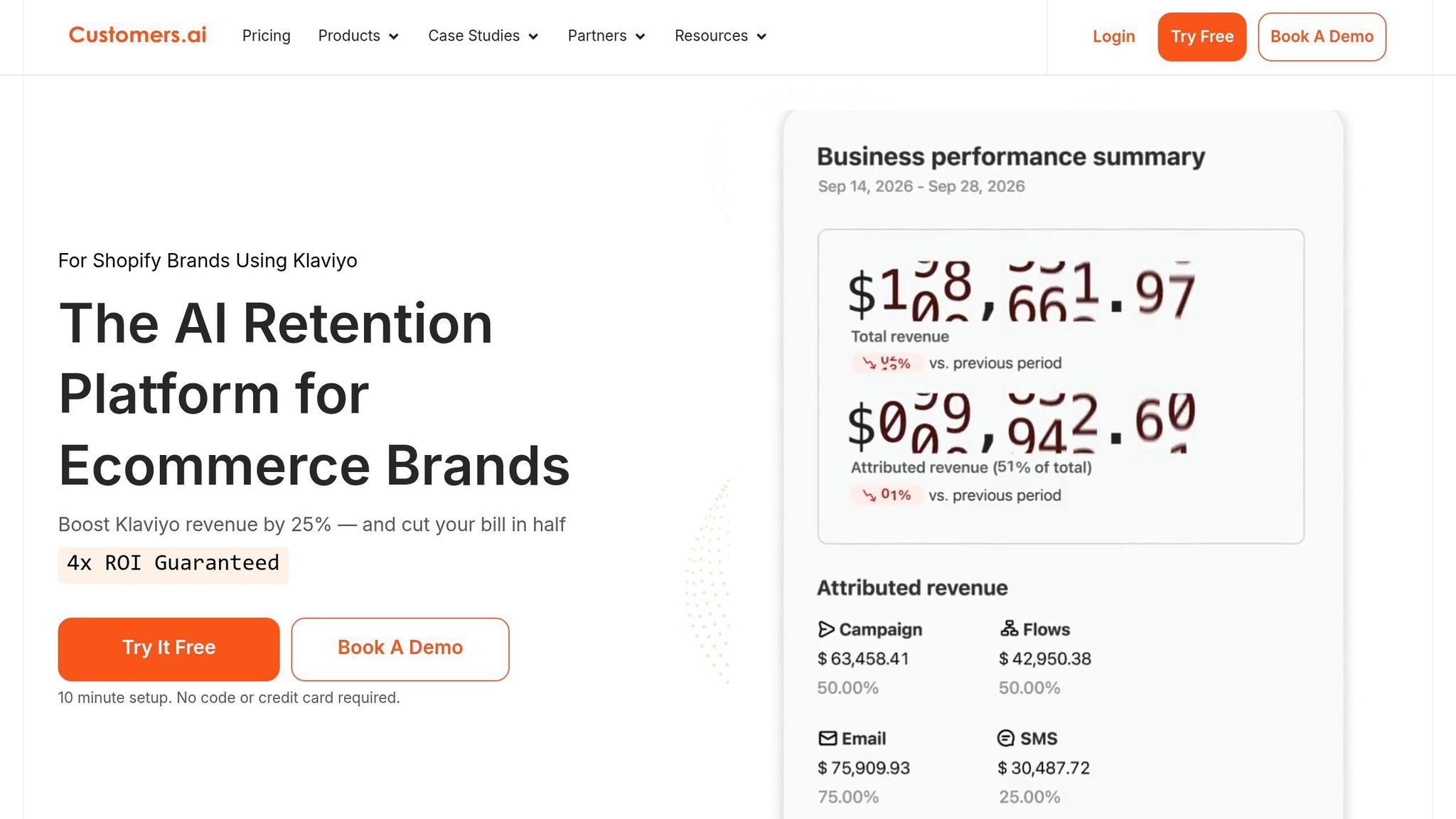
Customers.ai sits in the scripted-flow camp. The main issue here isn't what it can do. It's whether the price makes sense.
It supports keyword triggers, branching flows, and follow-ups. It's also best suited to single-account setups. If you're building quiz logic, you'll be working with a standard scripted flow.
On team inbox support and analytics, it doesn't go much past the basics you already get from other tools in this group.
The biggest downside in 2026 is cost. It offers features that are similar to ManyChat, but at a higher price.
So yes, it's a workable option. But for most quiz funnels, it isn't the strongest default pick.
These tools tend to split across two practical choices: how closely you want the quiz to stick to a script and how much team routing you need.
The main divide is scripted control vs. open-ended replies. ManyChat works best when you want fixed, predictable flows. Chatfuel, on the other hand, does a better job when people go off-script and type their own responses.
The second divide is team routing. If you're running a simpler setup with one account, ManyChat often fits better. But if your team is larger and needs stronger role-based access plus cleaner handoffs, other tools start to make more sense. That becomes a bigger deal in client work, where multiple accounts and shared workflows can get messy fast.
What matters most isn't just the trigger itself. It's what happens after that trigger: tagging, CRM handoff, conditional branching, and reporting.
| Tool | Pros | Cons | Best For |
|---|---|---|---|
| ManyChat | Best visual flow builder; predictable quiz paths | Limited open-ended reply handling | Solo creators, coaches |
| Respond.io | Strong team inbox routing; omnichannel support | Weak scripted quiz depth | Support and sales teams |
| MobileMonkey | Solid quiz automation; comment-to-DM triggers | Similar to ManyChat at a higher cost | Simple brand or creator funnels |
| Chatfuel | Handles typed, open-ended replies well | Less suited to button-led quiz sequences | Brands needing flexible DM replies |
| Customers.ai | Keyword triggers, branching, follow-ups | Similar features to ManyChat at a higher price | Single-account scripted flows |
So the best fit usually comes down less to a feature checklist and more to who's using the tool and how the workflow needs to run. The next section narrows that down by use case.
Pick based on workflow, not sheer feature count.
Once the tradeoffs are clear, the next move is simple: match each tool to the job it does best.
Brands usually need quiz flows that scale cleanly and keep costs easy to predict. If you're running scripted quiz funnels, ManyChat is the default pick. It gives you steady branching and solid contact capture without making the setup feel like a maze.
Creators who rely on typed replies should go with Chatfuel. It handles open-ended DM intake better than button-led flows, which helps keep responses low-friction without extra setup. That matters when you want people to reply naturally instead of forcing them through taps at every step.
Agencies managing multiple accounts should lean toward Respond.io. It's the best fit here for routing and team inbox control. If your team needs handoffs, assignments, and shared visibility, its omnichannel inbox setup fits that workflow best.
| Use Case | Recommended Tool | Why |
|---|---|---|
| Brands | ManyChat | Predictable branching and contact capture for scripted quiz funnels |
| Creators | Chatfuel | Handles typed, open-ended replies better than button-led flows |
| Agencies | Respond.io | Team inbox routing with handoffs and shared visibility across accounts |
The final takeaways narrow these options into the simplest default pick for most teams.
The big divide here is scripted quiz automation vs. inbox-first routing.
Once you see that split, the last step gets a lot simpler: pick the tool based on the job you need done.
ManyChat is the go-to for scripted, branching DM funnels. Chatfuel makes more sense when people type replies instead of just tapping buttons. Respond.io stands out for team inbox routing and handoffs across multiple accounts. Customers.ai can handle single-account scripted flows, but it doesn’t give you much that ManyChat doesn’t already cover. And MobileMonkey? Skip it unless you need that exact setup.
Here’s the short version:
| Priority | Best Tool |
|---|---|
| Scripted quiz funnels | ManyChat |
| Typed, open-ended replies | Chatfuel |
| Team inbox routing | Respond.io |
| Single-account scripted flows | Customers.ai |
| Cost efficiency | Skip MobileMonkey |
Start with your workflow. Then look at features.
Choose a tool that matches your main goal, whether that’s lead qualification or audience engagement. And make sure it uses the official Meta Graph API. That helps protect your account and keeps your setup in line with Meta’s rules.
A good option should include:
Yes. With automation tools connected to the Meta Graph API, you can collect contact details like names and email addresses right inside a DM flow.
These flows can pre-screen and qualify prospects based on what they reply. Then, for high-intent leads, they can send a booking link right away.
They can also turn comments, Story replies, and mentions into structured lead data for your marketing and sales funnel.
Choose based on how many people need access and how you plan to work together. If you're a solo creator, you'll usually get the most out of a tool that's simple to set up and comes with the main automations and ready-made templates.
For teams, put team member access, multi-account management, and priority support at the top of the list. And no matter which route you take, check that the platform uses official Meta Graph API integrations for security and compliance.


