
10 AI Tools for Instagram Stories and Reels
AI cuts Instagram content time by up to 70%: 10 tools that streamline creation, editing, and audience growth for creators.
AI cuts Instagram content time by up to 70%: 10 tools that streamline creation, editing, and audience growth for creators.
4.98 /5 - from 58k reviews
Trusted by 50,000+ creators — get real engagement delivered to your profile in minutes, not days.
Creating Instagram Reels and Stories used to take hours, but AI tools now cut that time by up to 70%. These tools help with everything from editing to audience growth, making it easier to post frequently and improve reach. Here's a quick look at the 10 best AI tools for Instagram creators in 2026:
These tools save time and help creators produce high-quality, viral Instagram Reels that reach more people. Whether you're a solo creator or managing a business account, they make Instagram content creation faster and more effective.
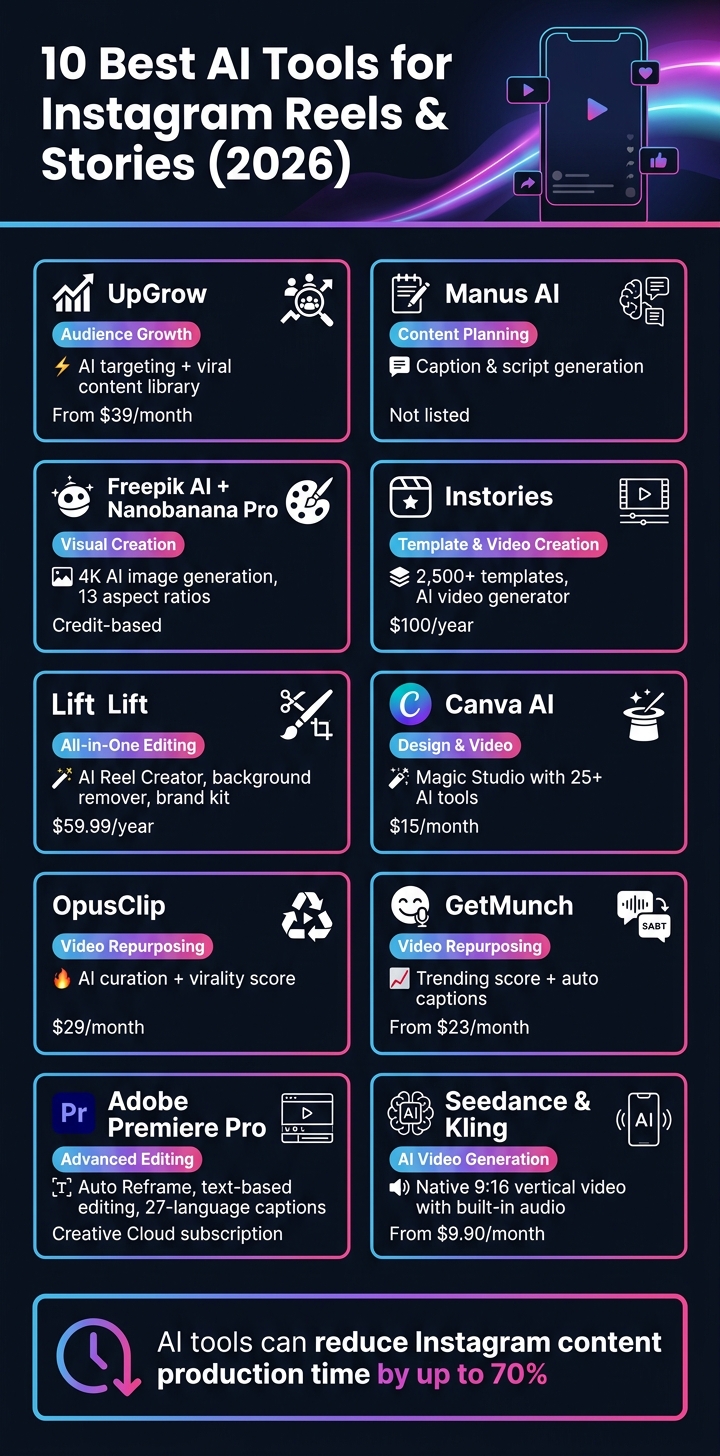
10 Best AI Tools for Instagram Reels & Stories (2026): Features & Pricing
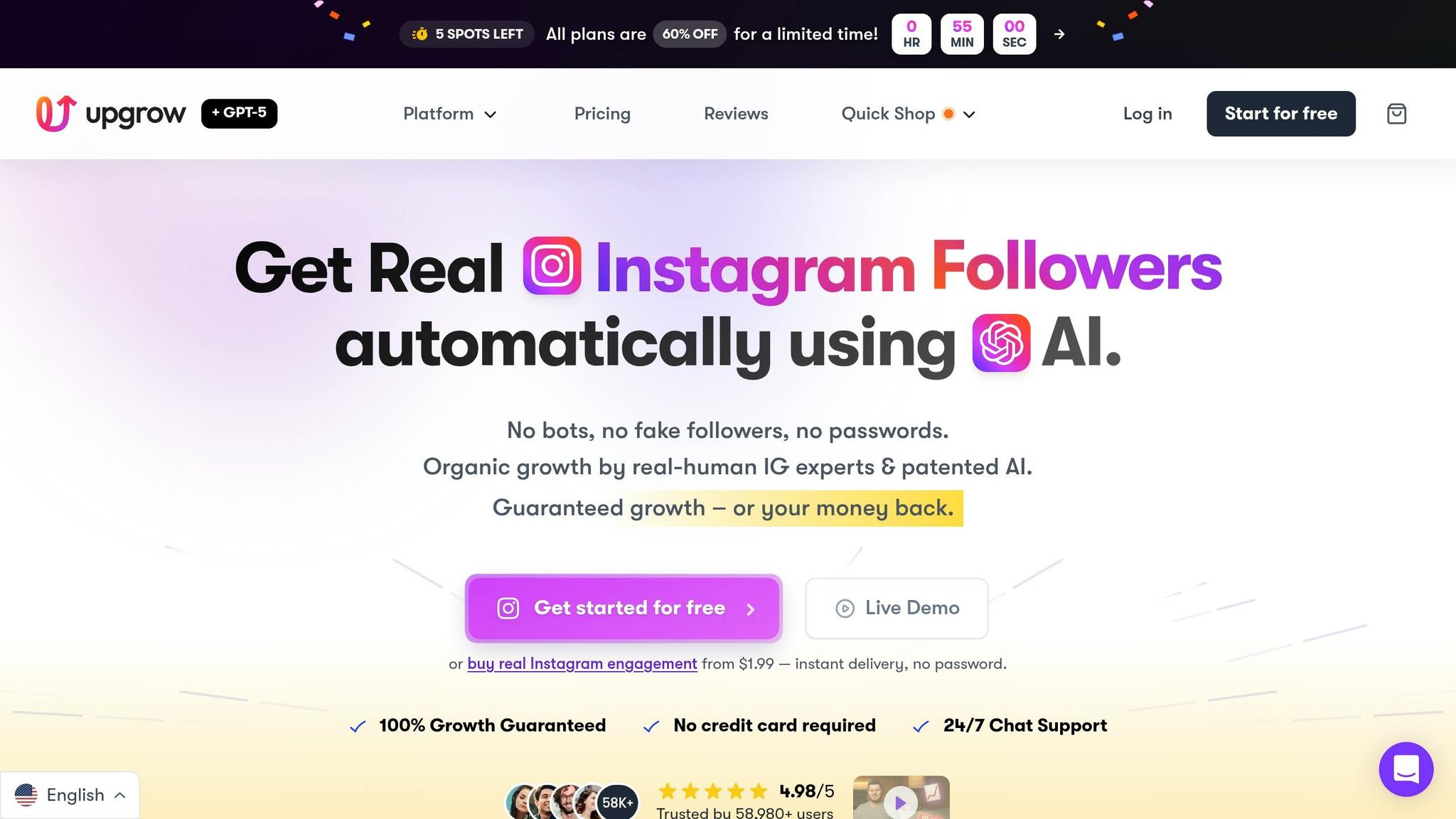
UpGrow isn’t just another tool for creating content - it’s your go-to solution for making sure that content actually reaches the right audience. After all, great content needs more than creativity; it needs visibility.
UpGrow’s Smart AI-Targeting takes the guesswork out of finding your audience. You set the filters - location, age, gender, language, interests, hashtags - and their AI works to attract real users who are genuinely interested in what you’re sharing. Beta testers of the UpGrow Boost™ feature saw a 275% increase in monthly followers. On average, basic users gain between 1,000 and 1,500 followers monthly, while Turbo users see growth of 3,500 to 5,000+ followers. This means Your Reels, Stories, and posts are landing in front of people who are ready to engage.
For Reels creators, the Viral Content Library is a must-have. It highlights trending templates and post ideas tailored to your niche, so you’re never stuck wondering what to create. Plus, tools like the AI Hashtag Generator and Post Optimizer make it easier than ever to go from brainstorming to publishing with confidence.
"UpGrow is the secret to growing your Instagram following fast! In just one month, I gained over 4,000 real followers - it's been a total game-changer for my fitness account." - Oliver1962
With a stellar rating of 4.98/5 from more than 58,000 reviews, UpGrow is fully compliant with Instagram’s guidelines and offers a 7-day money-back guarantee. Plans start at just $39/month, and as of May 2026, there’s a 60% discount available.
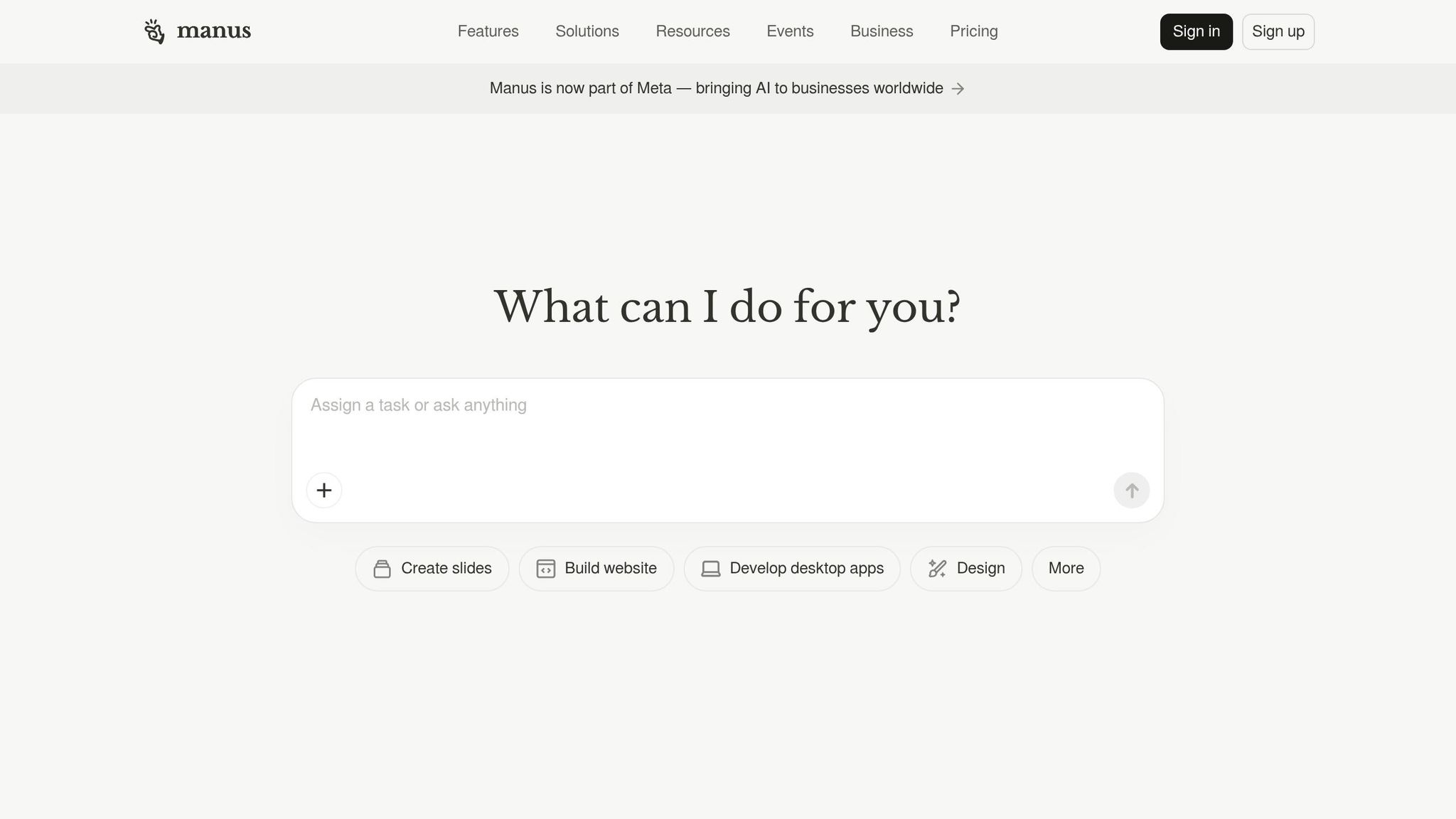
Manus AI is built to simplify content planning for Stories and Reels. It helps you organize ideas and kickstart your creative flow. While it’s not a full-fledged video editor, it shines when it comes to generating Instagram content ideas, drafting captions, and creating short script outlines. However, it doesn’t offer features like exporting vertical 9:16 videos or adding visual effects, so you’ll still need separate editing tools for the production stage.
Think of Manus AI as your brainstorming partner. Use it to map out your content ideas and scripts, then transition to a dedicated video editor to bring your Instagram Stories and Reels to life. This combination ensures a smooth creative workflow, from concept to polished final product.
If you're crafting visually striking Stories or Reels - think product shots, branded graphics, or stylized scenes - this duo is a game-changer. Freepik's AI Image Generator combined with the Nanobanana Pro model allows you to produce polished, high-resolution images without needing a professional photographer. It simplifies content creation while delivering top-tier visuals.
Nanobanana Pro offers support for 13 aspect ratios, including the all-important vertical 9:16 format, perfect for Stories and Reels. With image generation capabilities up to 4K resolution, your visuals stay crisp and vibrant, even on high-density phone screens. One standout feature? Its exceptional text rendering, a common challenge for many AI image generators. This makes it ideal for creating graphics with captions or overlays integrated directly into the image.
For added flexibility, you can use multi-image fusion to mix up to 14 reference images, ensuring consistent branding across your visuals. If you're running a product-focused account, you can upload product shots to lock in specific details like colors, textures, and styling - keeping everything aligned across your Stories.
"The Pro version's text rendering is phenomenal. We create social media graphics, posters, and infographics all in one tool. It's become our agency's secret weapon." - David Mueller, Creative Director, PixelPerfect Studio
The tool operates on a credit-based pricing model, with premium features like Nanobanana Pro and high-resolution exports available on paid plans. Plus, it’s mobile-friendly, so you can work directly from your phone instead of being tied to a desktop. While it excels in visual creation, you’ll need a separate tool for final touches like transitions, audio, and timing.
Up next, explore another tool that can elevate your Instagram Stories marketing strategy.
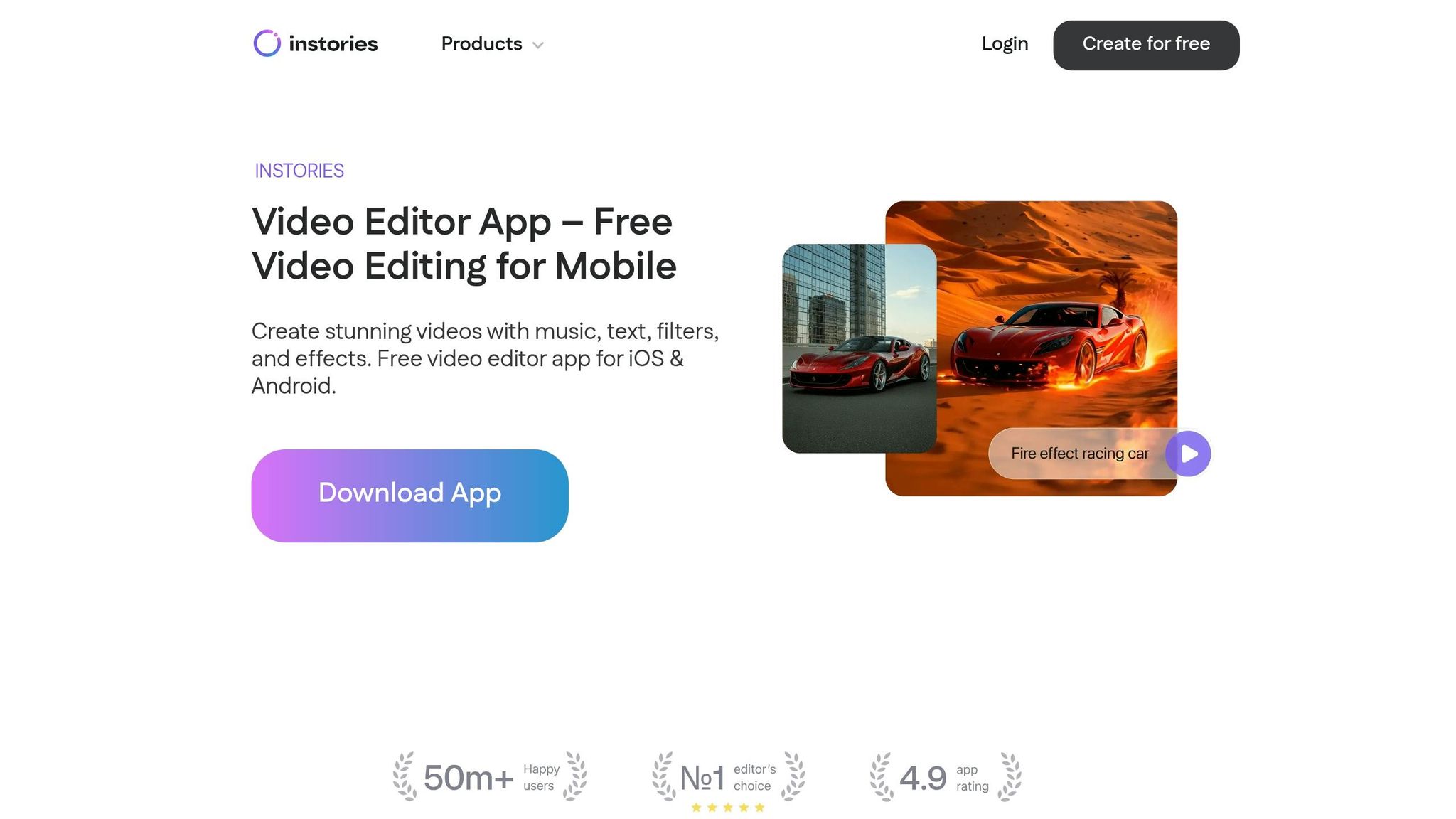
Instories is a mobile-first app designed specifically for creating vertical content in the 9:16 format. With over 5 million downloads on Google Play and an impressive 4.7/5 rating from more than 44,000 reviews on the Apple App Store, it’s clear that this app has struck a chord with users.
One of Instories' standout features is its extensive design options. The app offers over 2,500 ready-made templates, 200+ text animations, and more than 100 fonts, with the added flexibility to upload custom fonts. The template library is updated 3–4 times per month, ensuring users always have access to fresh and trendy designs. For U.S. small business owners, the app includes built-in "Call to Action" sticker packs and pricing callouts, making it easier to create content that drives sales. This high-quality content is essential for those looking to get more followers on Instagram organically. On top of the robust template collection, Instories integrates AI tools to simplify content creation.
The AI features are where Instories really shines. It includes tools like AI Cutouts and background removal, as well as an AI Video Generator that automates clip creation. There’s also a Music Extractor feature that allows users to pull audio directly from video files, making it easy to use trending sounds without searching through endless music libraries. For those who want access to the most advanced AI tools, Instories offers a premium "AI Max" tier priced at $100 per year.
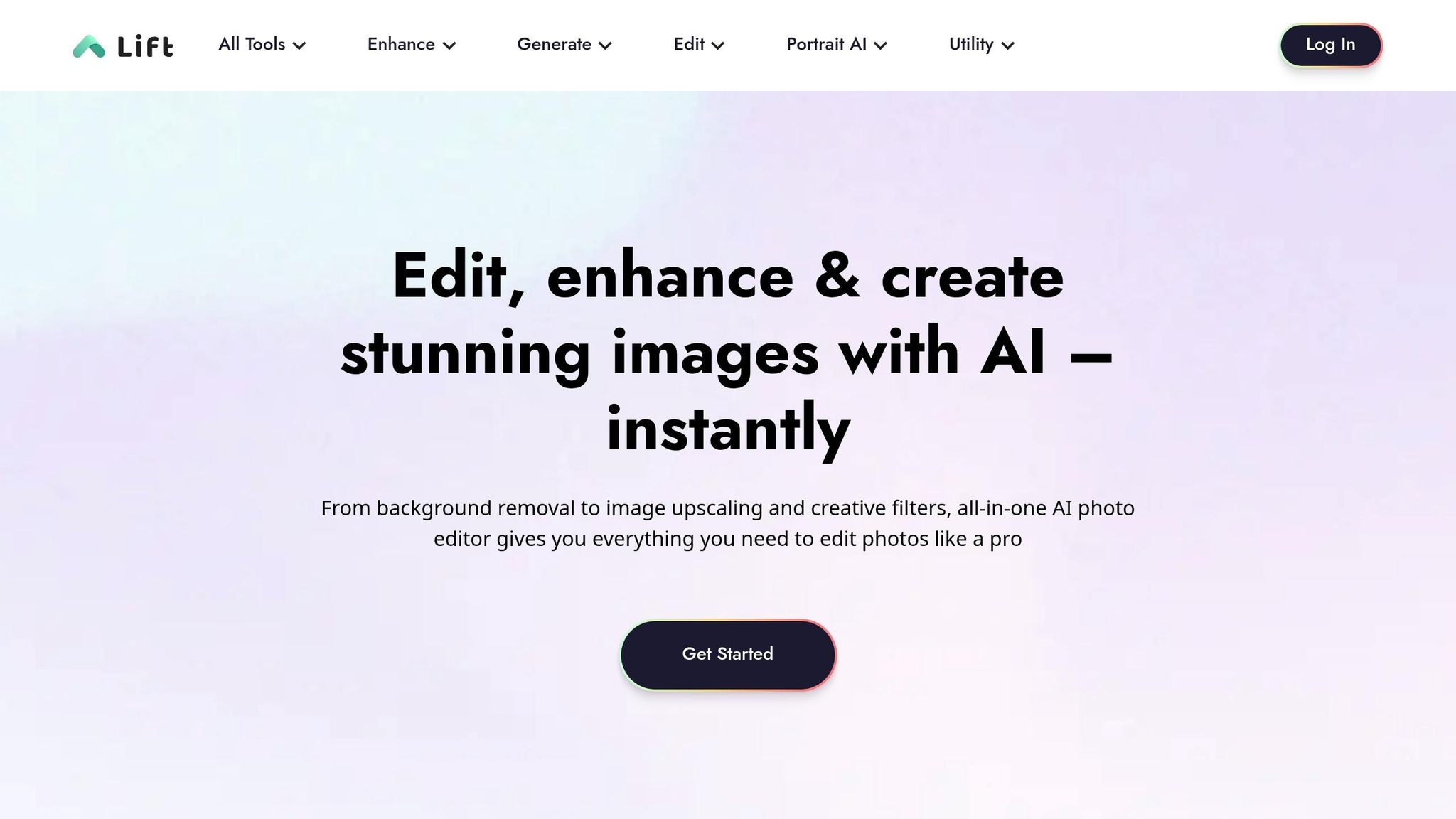
Lift is a mobile and browser-based editing app tailored for Instagram creators. With a 4.7/5 rating from 21,000 reviews on the Apple App Store and a 4.4/5 rating from 16,000 reviews on Google Play, it has already surpassed 1 million downloads on Android alone.
What sets Lift apart is its ability to tackle multiple editing tasks in one place. The Magic Eraser lets you remove unwanted objects or people from your photos with ease. The AI Background Remover cuts out backgrounds in a single tap, while the AI Background Generator replaces them with a more polished scene. For vertical content, the AI Image Extender uses outpainting to transform horizontal or square images into the popular 9:16 vertical format.
For video creators, Lift offers the AI Reel Creator, which syncs clips and transitions to the beat of your chosen music, giving your videos a professional touch. The AI Image Enhancer is another standout tool, fixing blur, lighting, and resolution issues with one click - even making older footage look fresh and usable.
These powerful tools save time and make content creation more efficient. Lift also includes a built-in AI assistant that generates captions, suggests hashtags, and provides strategy tips - an invaluable feature for small business owners juggling their own content creation. The Brand Kit feature allows users to save logos, fonts, and hex codes, ensuring every Story or Reel aligns with their branding.
"Lift makes it so easy to make beautiful content! As a small business owner I am also my own content creator." - Karolina Dorenbos
Lift Pro is priced at $59.99 per year or $4.99 per week and includes unlimited exports, watermark removal, over 1,000 templates, and access to advanced AI tools. A free trial, lasting between 3 to 7 days, is available depending on your platform.
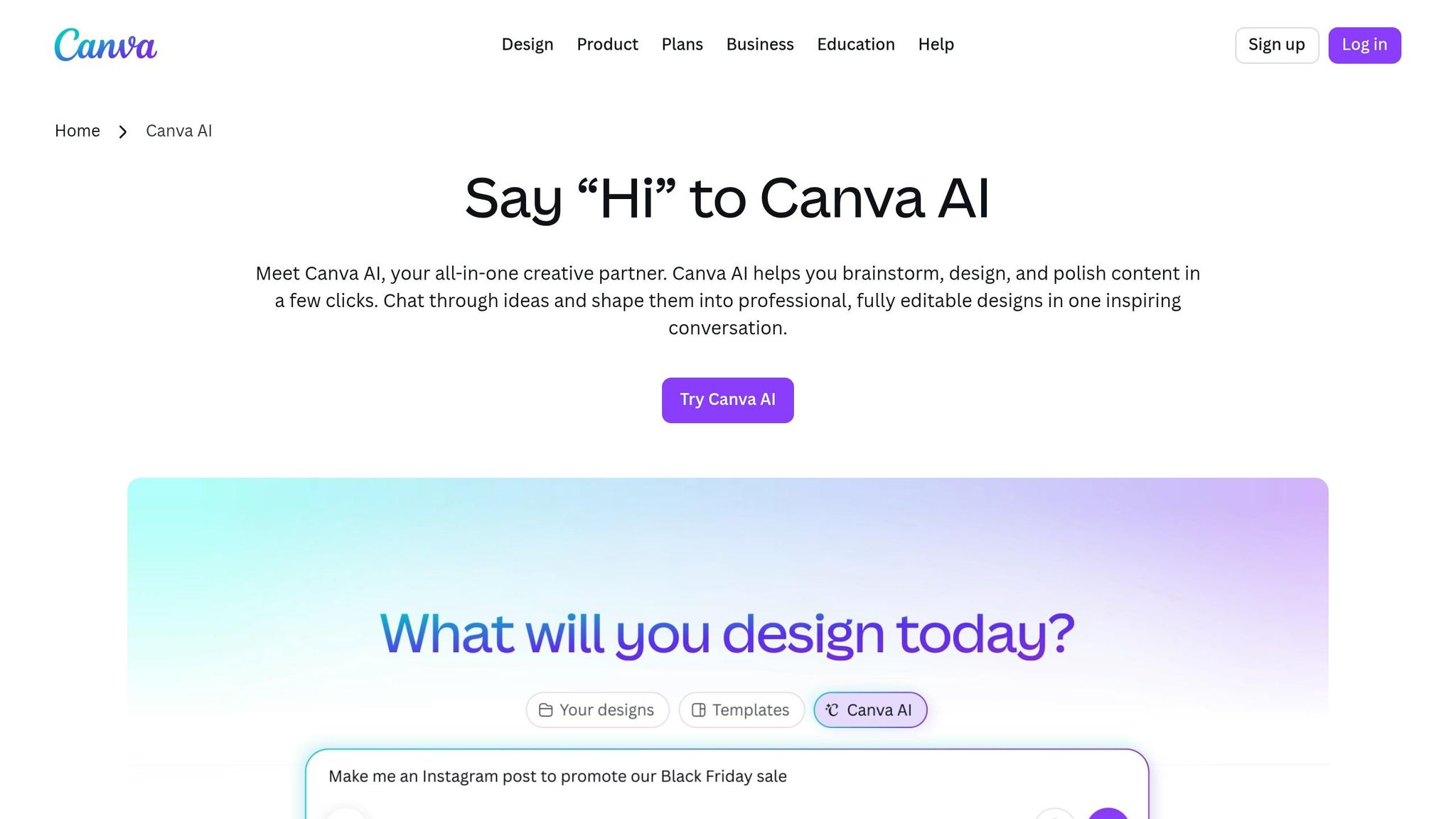
Canva AI brings its user-friendly editing tools to Instagram Stories and Reels, making content creation both simple and efficient. Through its Magic Studio, Canva integrates more than 25 AI-powered tools into its well-known editor, so you won’t need to spend time learning a new system.
One of the standout features for video creators is Magic Design for Video, which is tailored for Instagram’s mobile-first format. Just upload three clips and provide a prompt, and Canva generates 8–12 ready-to-use 9:16 templates, complete with transitions, music, and text overlays. These templates are pre-set to 1080 x 1920 pixels, ensuring your content fits Instagram’s full-screen format perfectly. Got content in a different format? The Magic Switch tool can instantly transform square posts or horizontal videos into vertical Stories or Reels in seconds.
"The new AI tools in Canva make it even easier to make Stories quickly... it has an extensive theme library, AI-powered layout ideas, and smart resizing." - Tanmay Ratnaparkhe, Co-founder, Predis.ai
For U.S.-based brands juggling multiple accounts, Canva’s Brand Kit helps maintain a consistent Instagram aesthetic by automatically storing logos, hex codes, and fonts. This feature ensures every design stays on-brand. Meanwhile, Audio-to-Text converts spoken audio into captions, making your videos accessible to viewers watching without sound. Need help brainstorming captions or hashtags? Magic Write can provide suggestions to get you started.
Canva’s free plan offers about 50 Magic Write uses per month and access to basic templates. For more advanced AI tools like Magic Switch, the Brand Kit, and premium templates, the Pro plan costs $15/month - a great option for individual creators. Teams of three or more can unlock the full suite for $10 per user per month. Once your Reel is ready, you can publish it directly to Instagram or download it as an MP4 file.
With these AI-powered tools, Canva makes creating polished, on-brand content faster and easier than ever.
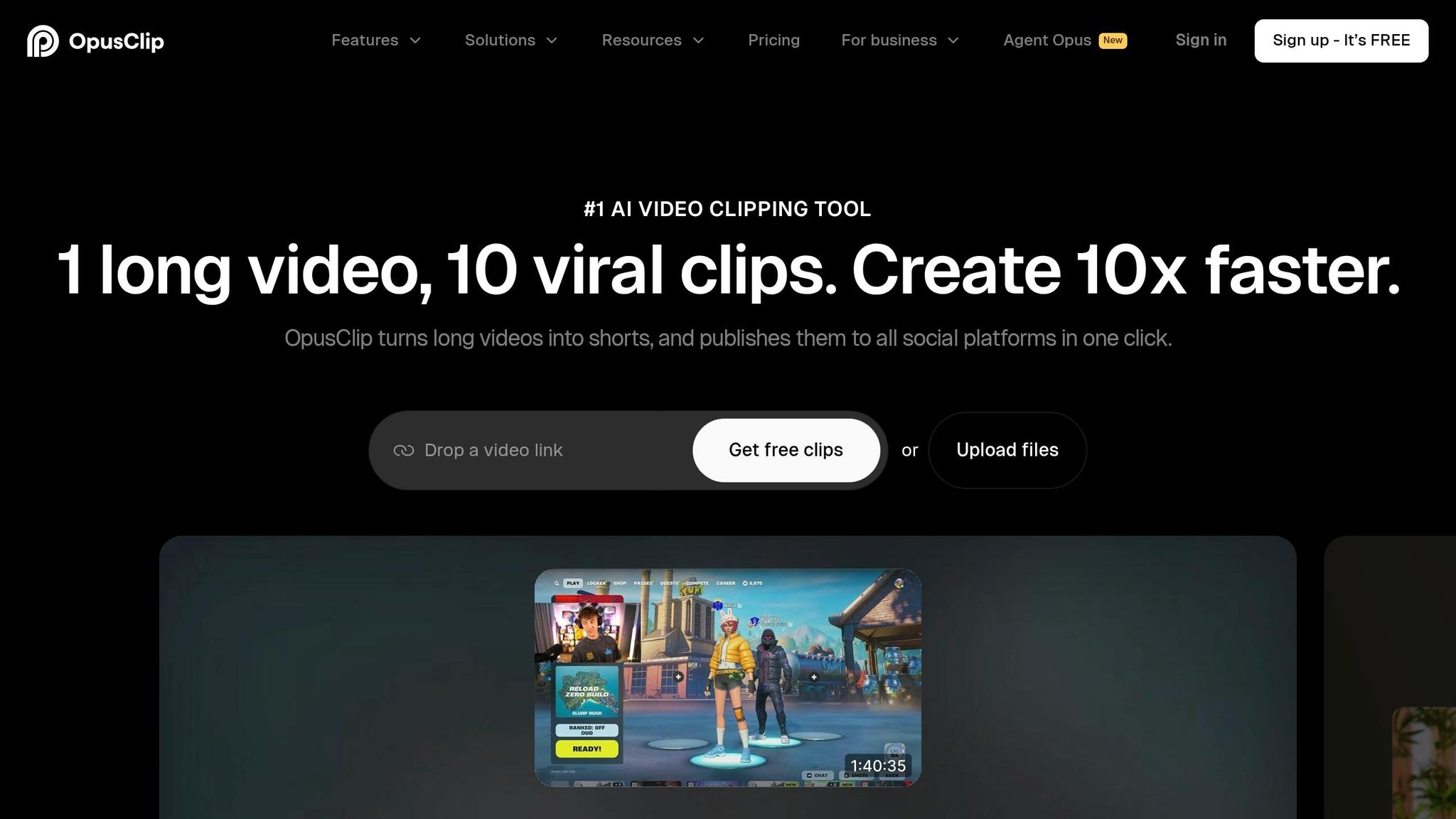
OpusClip transforms long-form videos like webinars, podcasts, or YouTube content into Instagram-ready Reels in no time. Perfect for creators focusing on short-form media, it simplifies video editing with efficiency and precision. With over 16 million creators and businesses using it, OpusClip is built to pull the best moments from lengthy videos and reformat them for platforms like Instagram and TikTok.
Its standout feature, AI Curation, scans videos for the most engaging segments and assigns each a Virality Score to help prioritize what to post. For example, a single 30-minute video can yield 10 or more Reels in under an hour. Once the clips are chosen, the ReframeAnything tool automatically resizes 16:9 footage into the vertical 9:16 format, using AI object tracking to keep the speaker centered.
Captions are another strong point. With a 97% accuracy rate, captions are crucial since about 85% of social videos are watched on mute. If something needs tweaking, the AI Co-Pilot allows you to search by keyword, and the No Caption Mode ensures no overlap if captions are already baked in.
"It used to take days to create clips. Now it takes us minutes to create them." - Lewis Howes, Creator
OpusClip offers straightforward pricing: the free plan includes 60 minutes of editing (with watermarks), the Starter plan costs $15/month for 150 minutes, and the Pro plan is $29/month (or around $14.50/month if billed annually). The Pro plan includes full editing capabilities, AI B-roll, and scheduling Instagram posts. There's also an iOS app that lets you clip, caption, and share directly from your phone.
GetMunch, often referred to simply as Munch, is a tool designed to transform long-form videos into short, Instagram-ready clips. Whether it's podcasts, webinars, or YouTube videos, this AI-powered platform can quickly convert them into vertical clips perfect for Instagram Reels and Stories. Using advanced technologies like GPT, OCR, and NLP, GetMunch scans your video to pinpoint the most engaging moments and reformats them into the 9:16 aspect ratio that Instagram requires.
One standout feature is its Trending Score, which evaluates clips based on real-time trend data from platforms like Meta, TikTok, and Google. This score helps determine a clip's potential to go viral. On top of that, GetMunch simplifies your workflow by automatically generating captions, hashtags, and post descriptions - cutting down on the time you'd spend writing copy.
A great example of its capabilities happened in September 2023 when content creator Kaique.editor used GetMunch to repurpose a Portuguese-language YouTube podcast. The AI managed to identify keywords, detect the language, and flag trending topics. It then created clip cuts, titles, and post descriptions - all without manual intervention.
"The tool processed everything effectively - from identifying keywords and recognizing Portuguese speech to flagging trending topics - with exceptional cuts that consistently highlighted intriguing segments." - Kaique.editor
While the tool is impressive, it’s a good idea to review clips before posting, as the AI might occasionally miss some context or cut off punchlines.
Pricing starts at $23/month (or $19/month if billed annually) for the Candy Bar plan, which includes 100 minutes of video rendering. The Pro plan offers 250 minutes for $49/month (or $40/month billed annually). New users can also take advantage of a free trial to test the platform.
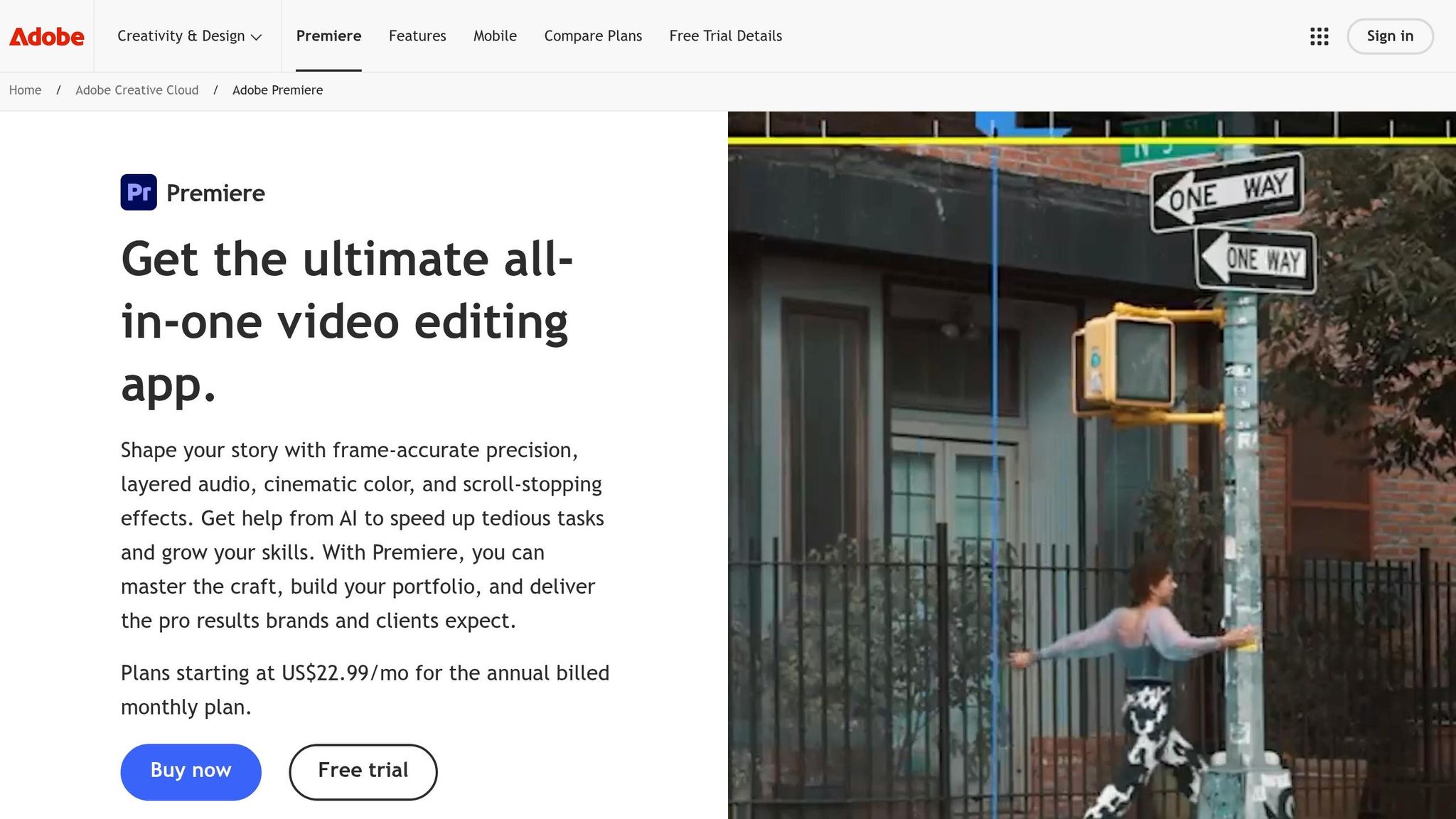
Adobe Premiere Pro has been a top choice for professional video editors for years, and now its AI-powered tools are making life easier for Instagram creators. One of its standout tools, Auto Reframe, simplifies the process of converting widescreen (16:9) footage into the vertical (9:16) format that Instagram requires. It does this by automatically identifying the focal point of your video and adjusting the frame accordingly. Another helpful feature, Scene Edit Detection, identifies transitions between scenes in longer videos, helping you quickly create a rough cut from raw footage. These tools streamline the editing process, leaving you more time to focus on creative touches.
The platform also brings AI to audio editing. It can clean up background noise, enhance dialogue clarity, and even automatically lower background music when someone is speaking using its Auto Ducking feature. With Text-Based Editing, you can edit your video by tweaking its transcript - an easy way to remove filler words or awkward pauses. Plus, the Speech to Text tool generates transcripts in over 18 languages and offers auto-translation for captions in 27 languages, making it a great option for creators who want to reach a global audience.
Here's a quick look at some of its key features and how they can elevate your Instagram content:
| Feature | How It Helps Instagram Creators |
|---|---|
| Auto Reframe | Automatically adapts widescreen footage for Instagram's vertical format |
| Enhance Speech | Cleans up audio for better sound quality |
| Text-Based Editing | Lets you edit video by modifying its transcript |
| Auto Ducking | Adjusts background music volume during dialogue |
| Scene Edit Detection | Breaks down long videos into smaller, manageable clips |
| Remix | Adjusts music tracks to perfectly match the length of your Instagram Reel |
For creators who want the precision and flexibility of desktop editing, Premiere Pro's AI tools offer advanced features that go far beyond what mobile editors can do. Adobe Premiere Pro is part of the Creative Cloud subscription, which includes a free trial for newcomers. The mobile version has also earned high praise, holding a 4.8/5 rating on the Apple App Store.
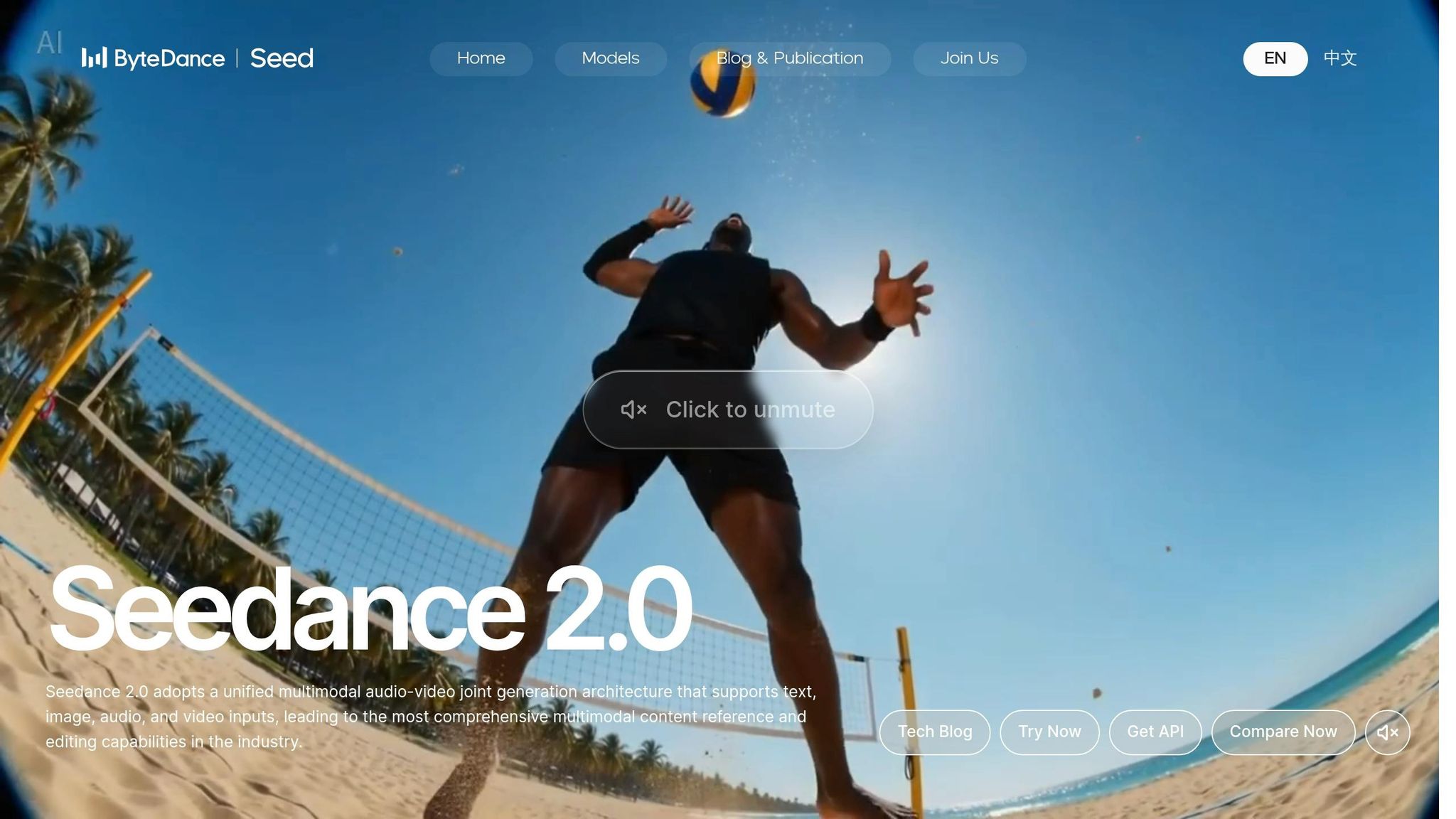
Create Instagram-ready Reels effortlessly with Seedance 2.0 and Kling 3.0, two AI-powered video tools designed to generate 9:16 vertical videos at 1080x1920 resolution. From the moment your video renders, it's perfectly formatted for Instagram Stories and Reels, saving you time and hassle.
Kling 3.0's standout Multi-Shot feature splits a 15-second clip into multiple shots, each with its own prompts, angles, and durations. This helps you craft a mini-story within your Reel. Meanwhile, Seedance 2.0 offers @-Reference Grammar, allowing you to tag up to 12 assets to control visual elements and camera movements. Its Temporal Stabilizer ensures consistent facial features and outfits across frames, giving your characters a polished, cohesive look.
Both tools handle audio seamlessly. Seedance 2.0 creates a stereo mix with lip-synced dialogue and ambient sound in the same pass as the video. Kling 3.0 supports native audio too, offering Voice IDs for character-driven content. This built-in audio integration means you don’t need a separate editor to add sound.
"Kling AI is the production engine that makes high-frequency shipping possible without a video team." - Paul Grisel, Founder, VIDEOAI.ME
For efficiency, use Kling 3.0's multi-shot feature to batch-create five clips in just 30–60 minutes - perfect for planning a week’s worth of content. When designing your Reels, keep subjects centered and avoid placing key visuals in the bottom 20% (where Instagram’s UI overlays appear) or the top 10% (where the username is displayed). Personal brands can take it further by training a custom AI actor with 10–20 reference photos, enabling a consistent on-screen presence across hundreds of clips without additional filming.
Seedance offers flexible pricing, starting at $9.90/month for 150 credits (about 15 renders) and going up to $59.90/month for 1,500 credits. With these tools, creators can produce polished, vertical content quickly and efficiently, meeting the rising demand for high-quality Instagram Reels.
These AI tools make creating Instagram Stories and Reels easier at every step. The 10 tools discussed can handle everything from automated editing to growing your audience naturally, reducing production time by as much as 70%. This kind of efficiency is especially important in 2026, when Instagram's algorithm favors frequent posting and fast content turnover. For solo creators and small teams, keeping up without AI support can be tough.
Each tool focuses on a specific part of the content creation process. For example, UpGrow uses AI targeting to grow your audience organically, while other platforms improve visuals or simplify video editing. Adding these tools to your workflow can help you level up your Instagram game.
"AI isn't here to replace your creativity - it's here to amplify it." - Tanmay Ratnaparkhe, Co-founder, Predis.ai
Many of these tools are budget-friendly, with free tiers or entry plans starting at around $9.99/month. Start by choosing one or two tools to tackle your biggest challenges - whether that's coming up with ideas, editing, or growing your audience. Give them a few weeks, track your Instagram analytics, and see what makes the biggest impact. From there, you can refine and expand your approach.
Start with tools that are simple yet packed with features. Canva is perfect for creating eye-catching Stories and Reels, thanks to its ready-made templates and AI-powered layouts. For editing, CapCut stands out with its trendy effects and automatic captioning. Meanwhile, FluxNote shines when you need Reels with voiceovers and high-quality footage. Together, Canva, CapCut, and FluxNote handle design, editing, and content creation seamlessly.
To keep your branding consistent in AI-generated visuals and videos, rely on tools that offer brand kit integration. These tools allow you to save your brand colors, fonts, and logos, making it easy to apply them automatically across your projects. By customizing templates with these assets, you can maintain a cohesive look and feel. Make it a habit to update and use your brand kit regularly during content creation to ensure all visuals and videos reflect your brand identity seamlessly.
The best way to grow your Instagram followers with UpGrow is by sticking to its organic, Instagram-approved growth strategies. Skip the shortcuts like bots or fake followers. Instead, UpGrow's AI-powered tools let you target real users based on factors like location, age, gender, and language preferences.
You can also take advantage of UpGrow’s real-time analytics to track your progress. This helps you fine-tune your content while staying within Instagram’s community guidelines, reducing the risk of any account issues.


