
Ultimate Guide to Instagram Caption Prompts
Master writing Instagram caption prompts that boost engagement, save time, and align with your brand—includes templates, testing tips, and AI tools.
Master writing Instagram caption prompts that boost engagement, save time, and align with your brand—includes templates, testing tips, and AI tools.
4.98 /5 - from 58k reviews
Trusted by 50,000+ creators — get real engagement delivered to your profile in minutes, not days.

Struggling with Instagram captions? You're not alone. Writing captions that engage your audience, align with your brand, and drive action can feel overwhelming. That’s where caption prompts come in - they simplify the process by guiding you to craft captions that resonate with your audience and meet your goals.
Ready to create captions that connect with your audience and boost engagement? Let’s dive into how to write prompts that deliver results.

Essential Elements of Effective Instagram Caption Prompts
Crafting effective Instagram caption prompts is essential for boosting engagement and maintaining your brand's identity. To get the most out of AI-generated captions, start by providing clear, detailed prompts that reflect your style and require minimal tweaking.
A well-crafted caption prompt includes several key elements. Begin with a clear description of your content - this helps the AI understand the context and generate relevant captions. Next, define your target audience by specifying details like age, location, interests, or other relevant demographics for your brand. Your tone of voice is equally important: decide whether you want your captions to be playful, professional, witty, or inspirational. This ensures your brand's voice remains consistent across posts.
Don’t forget to state your objective. Are you looking to drive sales, increase engagement, or build awareness? Each goal requires a slightly different approach. Be specific about caption length as well. Short captions (under 125 characters) avoid Instagram's truncation after 80–100 characters, while longer captions (up to 400 characters) work well for storytelling. Lastly, include a strong call-to-action (CTA), such as "link in bio", "tag a friend", or "save this post." You can also specify preferences for formatting and emojis - line breaks enhance readability, and strategic emoji use can make captions more engaging, especially since about 50% of Instagram users incorporate emojis in their posts.
"A good social media caption summarizes your content while adding value, in as few words as possible." – Chantal Hermetz, Social Media Specialist, Later
Tailor your prompts to match your specific goals. For engagement, focus on questions, humor, or relatable content paired with CTAs like "Tag a friend" or "Comment your favorite". If you're aiming to drive sales, highlight product benefits, customer testimonials, or urgency, and include CTAs like "Shop the link in bio" or "DM for details". For brand awareness, prompts that showcase behind-the-scenes stories or highlight brand values work well. CTAs like "Share this post" or "Follow for more" can help expand your reach.
A great example comes from Later's social team, led by Lindsay Ashcraft, in June 2025. They posted an Instagram carousel with a pop-culture-themed hook, educational value, and a "link in bio" CTA. The post reached over 100,000 users, earned 5,000+ likes, and generated nearly 600 shares. The secret? Front-loading the hook in the first sentence to grab attention immediately.
"Stay true to your core voice, but give yourself the flexibility to adapt based on the strengths of the platforms you're posting on." – Angela Vannatter, Social Media Manager, Earnest Ice Cream
Once you've tailored prompts for specific goals, it's essential to test and refine them. Create at least five caption variations and use A/B testing to identify the most effective one. Experiment with different caption lengths - short, punchy captions (125–150 characters) and longer, storytelling-style captions (up to 400 characters) - to see which resonates better with your audience.
After posting, leverage Instagram Insights to monitor saves, shares, and impressions. These metrics will help you understand what works and guide you in crafting future prompts based on actual performance data. Keep a swipe file of your best-performing captions to reuse successful formats and ideas. Before posting, read your captions aloud to ensure clarity and flow, and run them through a grammar checker to catch any errors.
"What's the point of asking the question if you're not going to consider the answers? Make sure the questions you're asking are purposeful and relevant to the conversation around your product." – Angela Vannatter, Social Media Manager, Earnest Ice Cream
Building on the earlier discussion about crafting effective caption prompts, let’s dive into how different types of prompts address specific objectives. Each category serves a unique purpose, helping you tailor your content strategy to achieve your goals.
Engagement-focused prompts are all about sparking conversations and encouraging interaction. To grab attention, start with a compelling hook in the first 2–3 lines - this ensures your audience sees the key message before Instagram’s truncation kicks in. Questions that include "you" or "your" are especially effective, boosting engagement by 47%.
Instead of broad, generic questions like "What do you think?", try something more specific, such as:
These types of questions are easier to answer and naturally invite responses. Additionally, prompts encouraging users to tag friends can help expand your post’s reach by tapping into their networks.
Data shows that posts with captions generate 2.8x more engagement. Captions over 250 characters tend to perform even better, achieving a 2.93% engagement rate compared to 2.11% for captions under 50 characters. To improve readability, break up text with line breaks, bullet points, or emojis. Interestingly, around 50% of Instagram accounts already use these techniques to keep their audience engaged.
Now, let’s take a look at how sales-driven prompts mix persuasion with authenticity.
When it comes to selling products, a good caption strikes a balance between persuasion and authenticity. Focus on highlighting the benefits of your product while addressing your audience’s pain points. Show them how your product solves a problem or fits seamlessly into their lifestyle.
"A good Instagram caption does more than just describe a photo or video. It drives action." – Shopify
To maximize impact, place your key benefits and call-to-action (CTA) above the truncation point so they’re immediately visible. Strong CTAs guide users toward making a purchase, while storytelling - like sharing the inspiration behind your product or offering a behind-the-scenes glimpse - creates an emotional connection. Adding practical tips or care instructions can also encourage conversions.
Interestingly, shorter captions (under 30 words or about 120–150 characters) tend to perform best for sales posts, which is crucial since roughly 60% of Instagram users consume content without sound.
Educational and motivational prompts are ideal for building authority while providing value to your audience. Offering quick, actionable insights - like how-to guides, industry tips, or tutorials - encourages followers to save your post for later, signaling Instagram’s algorithm to boost your reach.
To make your content easier to digest, use line breaks or bullet points. This is especially helpful since users typically spend less than eight seconds on social media posts.
Motivational prompts work best when they go beyond generic quotes. Instead, share personal stories or authentic experiences that inspire your audience to push their limits. By shifting from a polished, overly sales-driven tone to something more relatable, you can foster deeper connections with your community.
Lastly, don’t underestimate the power of keywords. Including relevant terms in your captions - not just hashtags - can improve your discoverability on Instagram’s Explore page, as the algorithm analyzes text to understand your content.
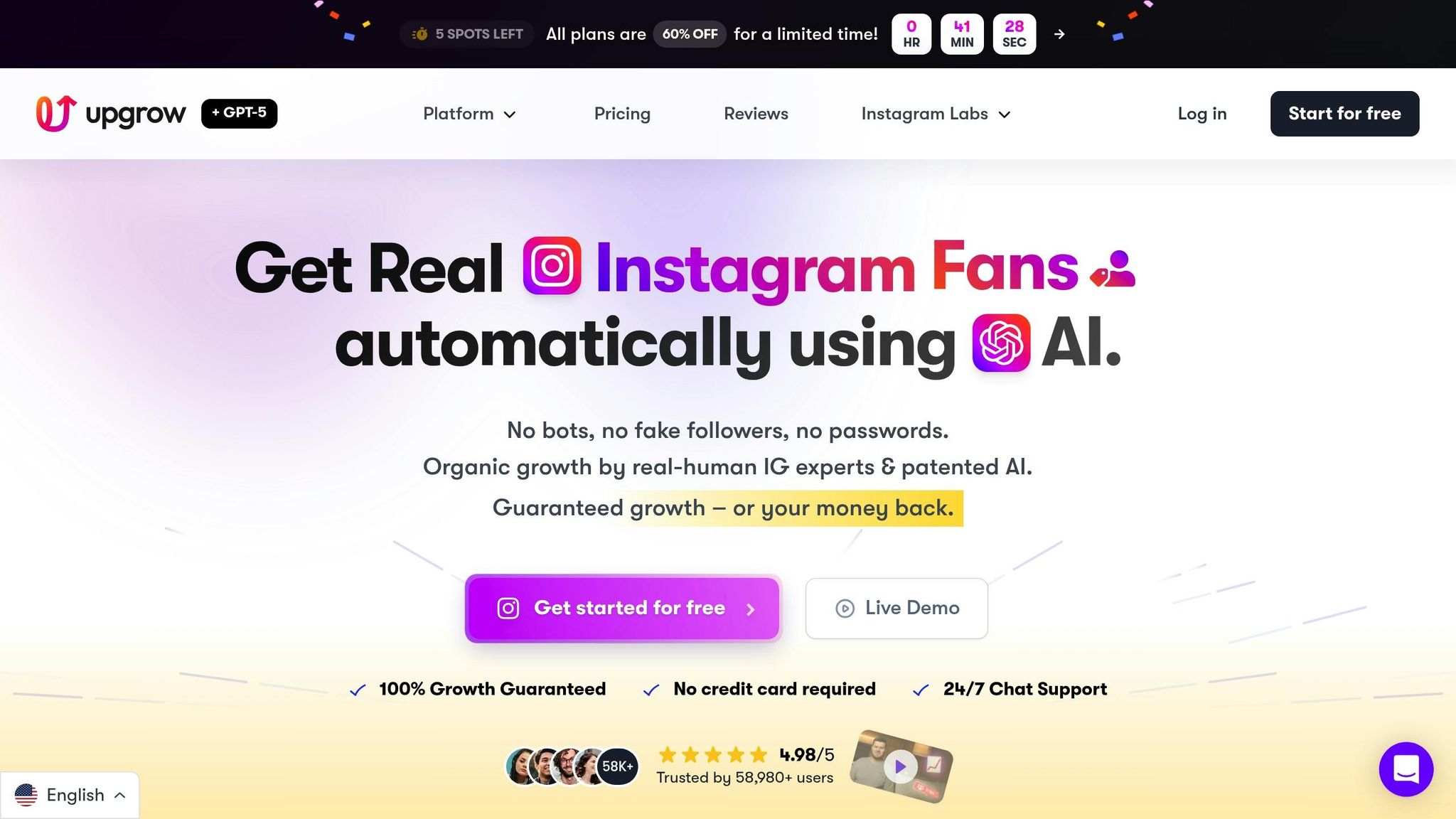
Building on the earlier discussion about creating effective caption prompts, UpGrow steps in to make the process more streamlined and impactful. With its AI-powered platform, you can fine-tune every detail of your captions to better connect with your audience. By leveraging advanced targeting tools and real-time analytics, UpGrow takes the guesswork out of caption creation, helping you identify the styles that truly resonate and drive engagement.
Let’s dive into how UpGrow’s features can help you customize and refine your caption strategy.
UpGrow’s Smart AI-Targeting allows you to tailor your captions with pinpoint accuracy. You can filter your audience by location, age, gender, language, and even specific interests. For example, you could craft captions for 25- to 34-year-old fitness enthusiasts in Los Angeles or Spanish-speaking food lovers in Miami. The platform’s AI Caption Generator also lets you adjust the tone of voice, ensuring your captions align perfectly with your brand’s identity while appealing to different audience segments.
The analytics dashboard is another game-changer, tracking over 50 metrics to identify which caption styles are the most engaging. Beta users of the Boost™ feature have reported a 275% increase in monthly followers, showcasing how data-backed strategies can deliver measurable growth.
Stuck on what to post? UpGrow’s Viral Content Library has you covered. It offers a collection of trending templates and niche-specific post ideas that you can adapt to your audience’s preferences. Paired with the AI Content Ideas Generator, powered by GPT-o3 technology, the platform analyzes content performance to suggest fresh, engaging approaches. This combination not only saves time but ensures your feed stays relevant and captivating.
With these tools at your disposal, UpGrow helps you move beyond just tailored captions to a content strategy that consistently delivers results.
Even the best captions need the right audience to make an impact. That’s where UpGrow’s Boost™ tool comes in, using advanced pattern recognition to expand your organic reach and ensure your captions are seen by the right people. The location targeting feature allows you to reference local landmarks or events, creating a stronger connection with geographically specific audiences. Plus, with full Instagram API compliance, you can test and optimize your captions without worrying about account security.
All these features work together seamlessly, empowering you to craft captions that not only grab attention but also contribute to meaningful audience growth.
Creating effective Instagram captions is all about grabbing attention, inspiring action, and presenting your message in a way that resonates with your audience. As Nathan Thompson, Marketing Leader at Copy.ai, explains:
"Your Instagram caption can be the difference between a scroll and a double-tap. It's your chance to engage, delight, and connect with your audience on a deeper level."
Here’s what works: posts featuring user-generated content can boost engagement by an impressive 70%. Keeping your key message within the first 125 characters ensures it won’t get cut off and helps maximize its impact. And when it comes to hashtags, stick to 5–10 highly relevant ones. This keeps your post discoverable without coming across as spammy.
To simplify the process, platforms like UpGrow offer AI-powered tools that make crafting captions and growing your audience easier. With a stellar 4.98/5 rating from over 58,000 reviews, UpGrow has helped users amass millions of organic followers since 2016.
Whether you’re writing captions yourself or using AI tools, the goal is always the same: build authentic connections while driving meaningful engagement. Prioritize your most important information upfront, experiment with different styles using Instagram Insights, and stay true to your brand’s voice. Combine proven strategies with UpGrow’s tools - starting at $39/month with a money-back guarantee - and you’ll be on your way to building a loyal, engaged following while achieving organic growth.
To write Instagram captions that truly reflect your brand's personality, begin by clearly defining your brand's tone and character. Think of a few key adjectives that best describe your style - like playful, professional, or friendly - and let these guide your caption-writing process.
For added efficiency, consider using AI tools such as caption generators. These tools can draft ideas tailored to your brand's tone when you provide a clear description of your post and the desired voice. Once you've got a few drafts, tweak them by including brand-specific language, hashtags, or calls-to-action. Be sure to format numbers, dates, and measurements in U.S. standards (e.g., $1,200, 04/15/2025, and imperial units) to maintain consistency.
Keep an eye on how your captions perform by tracking engagement metrics. Use this feedback to refine your approach over time, ensuring your captions consistently connect with your audience.
To make your Instagram captions resonate more with your audience, keep an eye on key engagement metrics that reveal how people are interacting with your posts:
Regularly reviewing these metrics can help you fine-tune your captions for better engagement. Test out different approaches, see what clicks, and use those insights to craft captions that consistently connect with your audience.
Instagram Insights offers a great way to evaluate how well your captions are connecting with your audience. By diving into metrics like likes, comments, saves, reach, and impressions in the "Content You Shared" section, you can pinpoint which captions are striking a chord.
To improve your captions, focus on posts that align with your engagement goals. For instance, if you're aiming for more interaction, study posts with the most comments. If you're sharing informative content, look at the ones with the highest saves. Pay attention to recurring elements like the tone, length, use of emojis, or effective calls-to-action. You can even try simple A/B testing - post similar content with different captions and compare their performance over 24-48 hours. Additionally, Insights provides demographic data, making it easier to customize captions for specific audience groups based on age, gender, or location.
If you want to test ideas faster, AI caption generators can be a handy resource. They allow you to create multiple caption variations quickly, giving you more options to experiment with. Combine these tools with Insights to refine your approach and create captions that truly resonate with your audience.


