
Affordable Tools for Scheduling Instagram Posts
Compare five affordable Instagram scheduling tools, their pricing and features like auto-posting, visual planners, and AI captions to simplify posting.
Compare five affordable Instagram scheduling tools, their pricing and features like auto-posting, visual planners, and AI captions to simplify posting.
4.98 /5 - from 58k reviews
Trusted by 50,000+ creators — get real engagement delivered to your profile in minutes, not days.

Running a successful Instagram account takes time, but scheduling tools can simplify the process. These tools let you plan posts, save time, and maintain consistency - key for growing your audience. Here are five affordable options to consider:
Quick Comparison:
| Tool | Starting Price | Key Features | Best For |
|---|---|---|---|
| Hopper HQ | $5/month | AI captions, grid preview, bulk uploads | Teams and high-volume posting |
| Buffer | Free or $5/month | Simple interface, AI tools, basic analytics | Small-scale creators |
| Later | $16.67/month | Visual planner, Link in Bio, AI captions | Brands focused on aesthetics |
| Post Planner | Varies | Content suggestions, scheduling | Idea generation and consistency |
| Planoly | Free or Paid Plans | Drag-and-drop grid, analytics, auto-posting | Individuals and small businesses |
These tools save time and help you stay consistent, boosting Instagram growth. Pair them with audience-growth services like UpGrow for even better results.
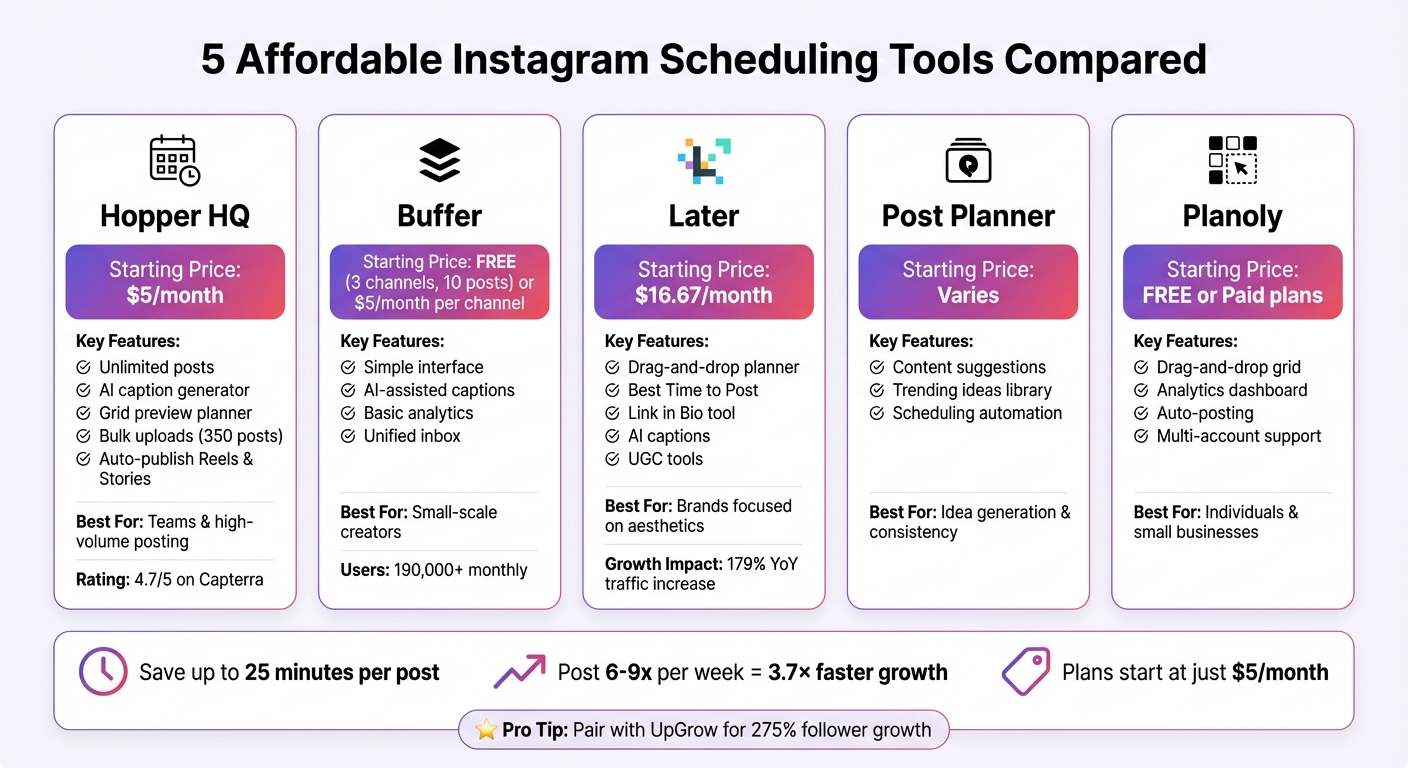
Instagram Scheduling Tools Comparison: Features and Pricing
Managing your Instagram content doesn’t have to break the bank. Here’s a rundown of five budget-friendly scheduling tools that combine professional features with competitive pricing. Below, we’ll explore their standout features and pricing to help you pick the right fit.
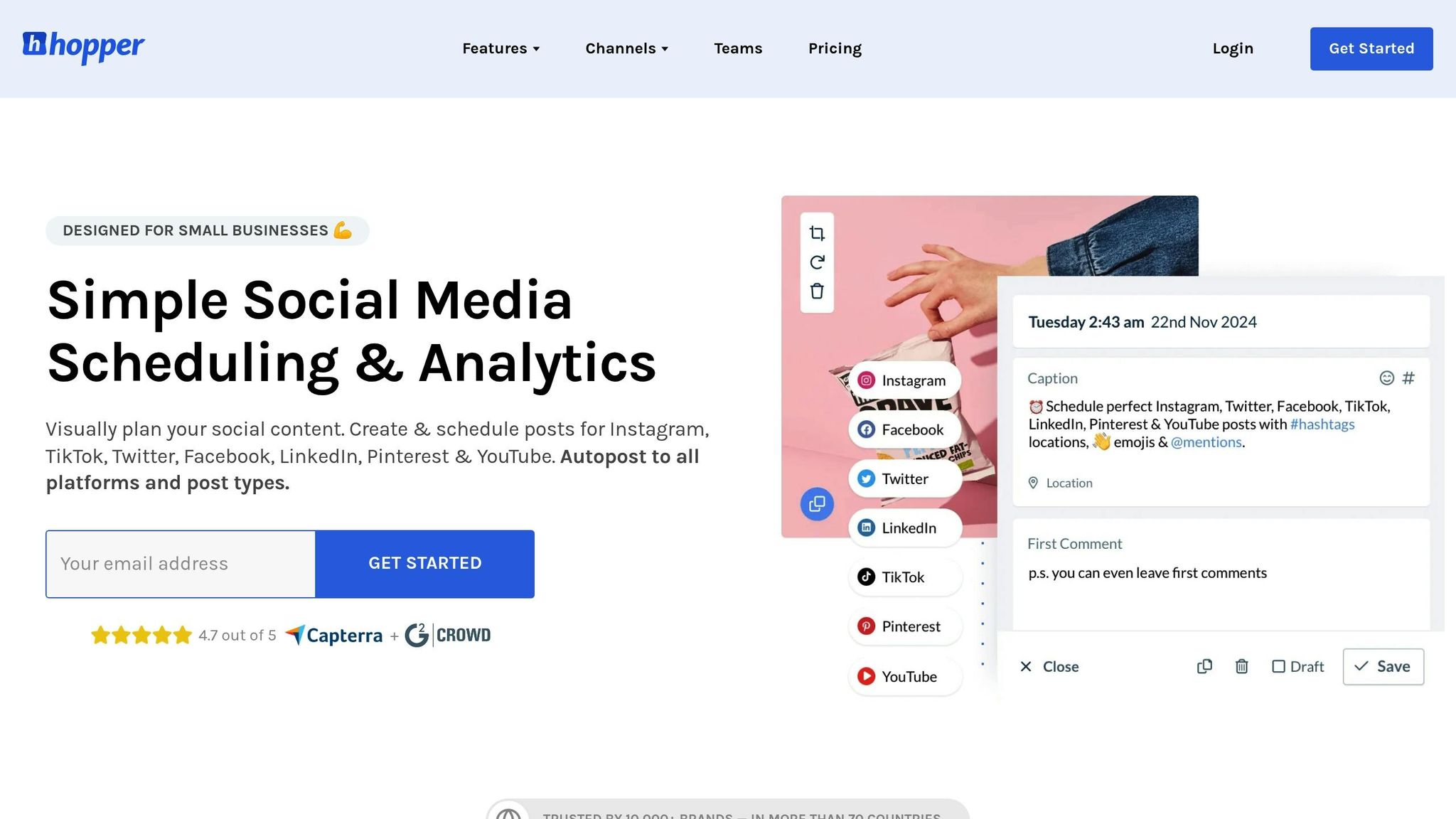
Hopper HQ takes a visual-first approach, making it simple to plan and schedule your Instagram content. Starting at just $5 per month (billed annually), the Grow plan includes unlimited posts, an AI assistant for generating captions and hashtags, and a link-in-bio tool. Its grid planner lets you preview your feed before publishing, and it supports auto-publishing for posts, Reels, Stories, and carousel posts. Other handy features include first-comment automation to keep captions clean and a bulk upload tool that can handle up to 350 posts via CSV. Trusted by over 10,000 brands and rated 4.7 on Capterra, Hopper HQ is known for its user-friendly interface.
"I can plan it out, set it, forget it, and move on. As a business owner juggling so many different facets, using a tool that makes things manageable saves me time." – Elizabeth Rose, CEO of Patisserie 46
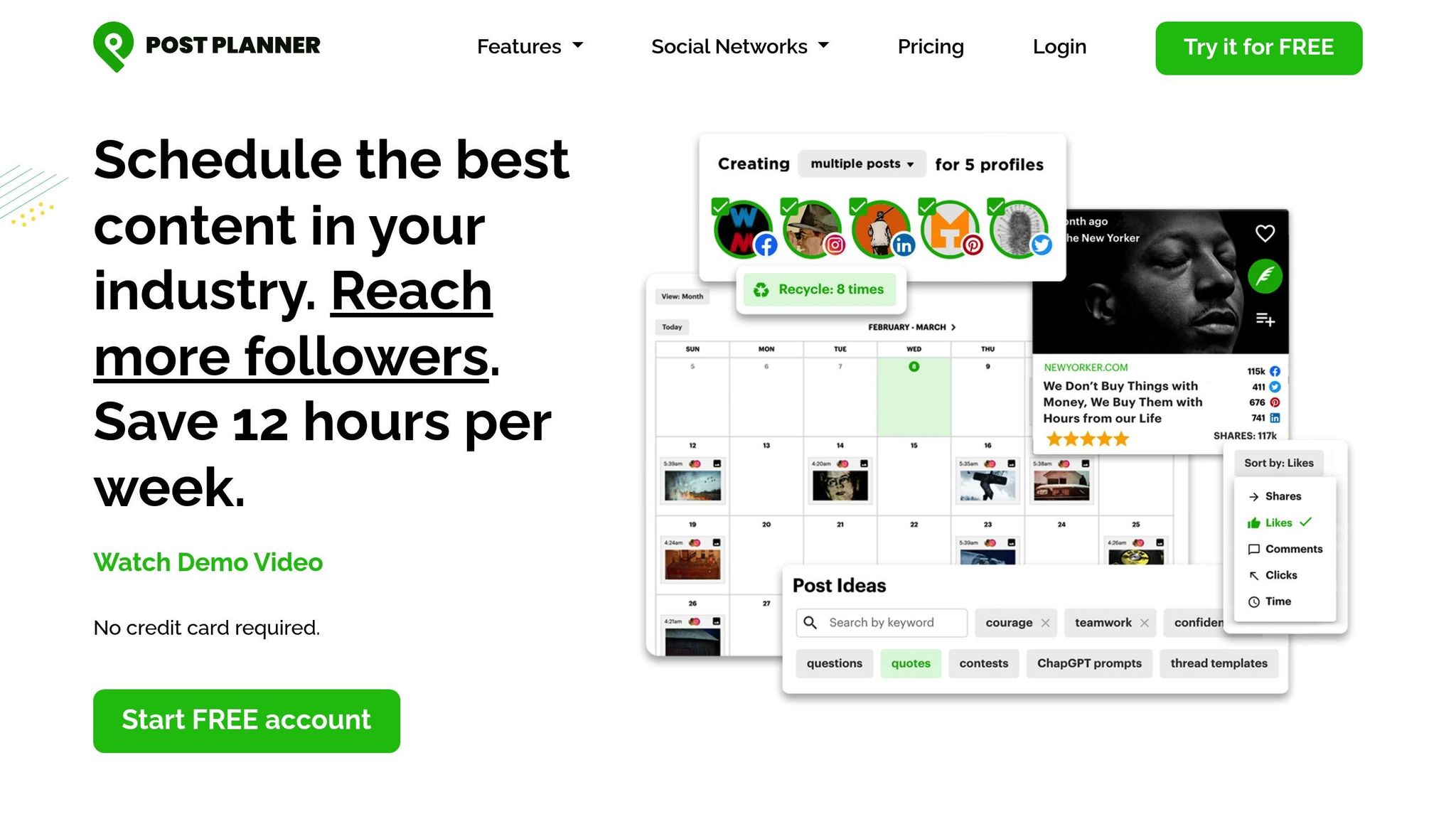
Post Planner is all about simplifying content discovery and planning. It not only schedules posts but also offers a content library that suggests ideas based on trending topics in your niche. This makes it a great option for businesses looking to maintain consistent, engaging content without spending too much time brainstorming.
Buffer stands out with its free forever plan, allowing you to connect up to three social channels and schedule 10 posts per channel. With over 190,000 monthly users, Buffer’s intuitive dashboard makes scheduling a breeze. Paid plans, starting at $5 per month per channel, include AI-assisted captions and advanced analytics.
"I've had Buffer for about 24 hours now and I honestly don't know how I functioned without it before." – Laura Westmore, Speccy Media
Later is well-known for its drag-and-drop visual planner, which shows exactly how your Instagram grid will look. Its "Best Time to Post" tool helps you optimize engagement by targeting your audience when they’re most active. Later also features AI-powered caption generation and a Link in Bio tool to drive significant traffic to your website.
"Link in bio has been a game-changer for our Instagram strategy... Our Instagram traffic has increased 179% YoY largely due to implementing link in bio!" – Brock Cardiner, HighSnobiety
Planoly offers a similar drag-and-drop grid planner, letting you rearrange posts until your feed looks perfect. It also provides analytics to track engagement and follower growth, giving you insights into what resonates with your audience. Planoly’s free tier is perfect for individuals managing a single Instagram account, while paid plans unlock features like auto-posting, multi-account support, and deeper analytics. Its mobile app mirrors the desktop experience, making it easy to refine your posts on the go.
Each of these tools offers a unique blend of features and pricing, making it easier than ever to streamline your Instagram strategy. Stay tuned as we dive into a detailed comparison of their features and costs in the next section.
Choosing the right tool means aligning its features and pricing with your specific needs. Here's a quick breakdown of pricing and Instagram-focused features for three popular tools:
| Tool | Starting Price (Annual) | Main Features | Instagram Capabilities |
|---|---|---|---|
| Hopper HQ | $5/mo per account | AI Assistant, Image Editor, Team Permissions | Grid Preview, Reels, Stories, Analytics |
| Buffer | Free (3 channels, 10 posts each) or $5–$6/mo per channel | Simple Interface, Unified Inbox, AI Writing Assistant | Auto-publish Reels/Stories, Basic Analytics |
| Later | $16.67/mo | Visual Grid Planner, Link in Bio, UGC Tools, AI Captions, Best Time to Post | Grid Preview, Reels, Stories, Analytics |
Let’s break it down further:
All three tools support auto-publishing for Reels and Stories, eliminating the need for manual posting on mobile devices. If analytics are a priority, Hopper HQ and Later provide more detailed insights, while Buffer offers a simpler, high-level overview of engagement metrics.
Your choice ultimately depends on your goals. Hopper HQ is perfect for teams and collaborative workflows, Buffer shines for individual creators or smaller-scale management, and Later is ideal for brands that focus on visual planning and need robust analytics.
Up next, discover how UpGrow works seamlessly with these tools to supercharge your Instagram strategy.
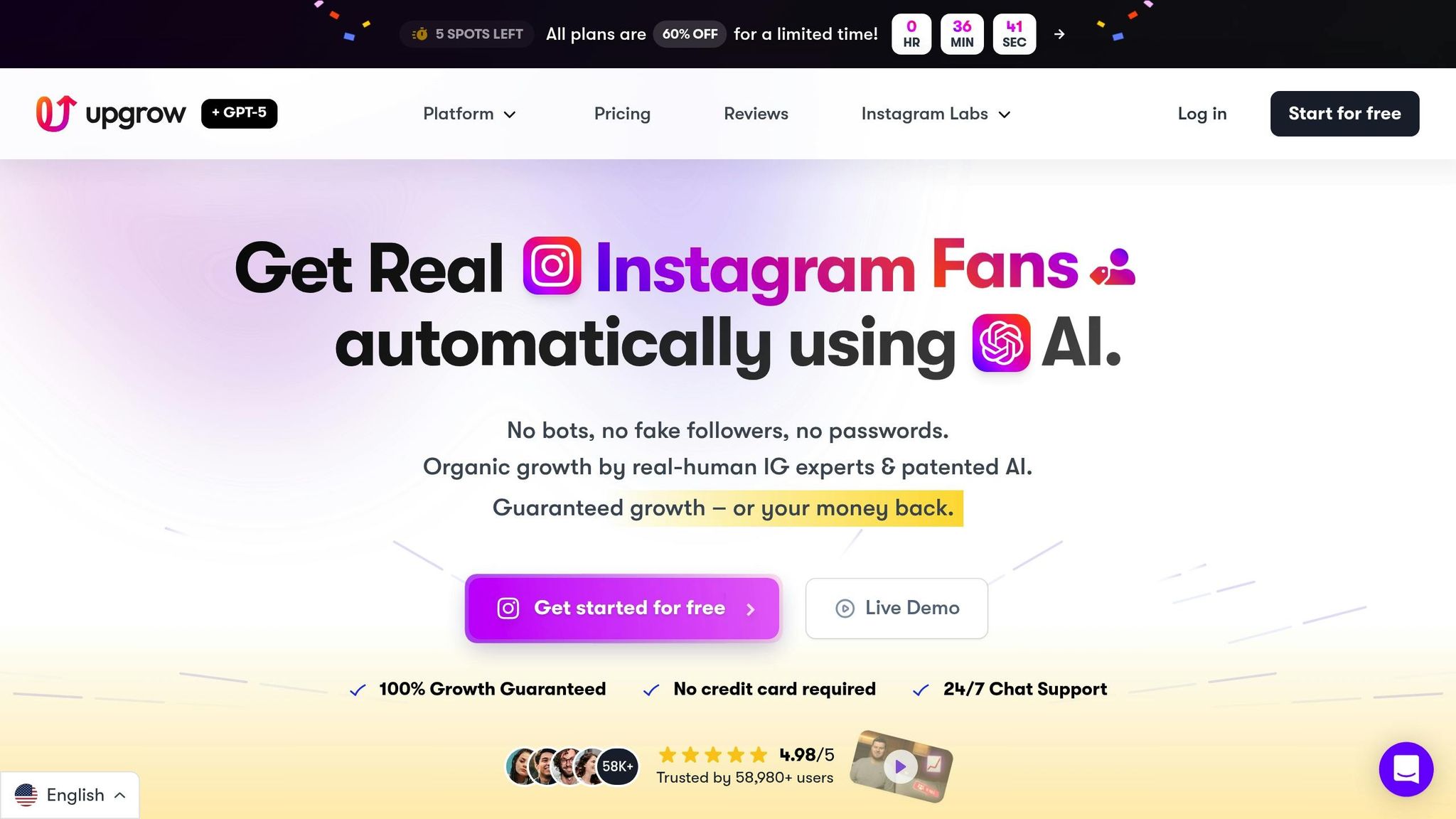
Scheduling tools focus on the "when" of posting - making sure your content goes live at the right time and with consistent frequency. Meanwhile, UpGrow handles the "who", driving real, targeted followers to your profile. Think of it this way: scheduling tools are like your storefront, ensuring everything is displayed neatly, while UpGrow acts as the marketing engine that brings in the crowd. This combination of strategic timing and audience targeting creates a powerful synergy.
While your scheduling tool sets the pace for posting, UpGrow ramps up engagement by attracting quality followers. Using GPT-o3 technology, UpGrow targets audiences based on competitors, location, age, gender, and language. Beta users of its AI-powered Boost™ feature reported a staggering 275% monthly follower increase. On top of that, UpGrow guarantees between 1,000 to 5,000+ real followers per month and boasts an impressive 4.98/5 rating from over 58,000 reviews.
Here’s how it works in practice: use your scheduling tool to batch-create and organize posts, while UpGrow drives targeted growth. Its AI reaches users in your niche across 195+ countries and more than 50 niches, pulling from a database of over 300 million verified profiles. As new followers join, UpGrow’s real-time analytics dashboard shows exactly when your growth spikes, helping you adjust your posting schedule to match peak engagement times.
UpGrow offers flexible pricing plans to fit different needs. The Pro plan ($99/month) includes 15 AI-generated image posts, while the Turbo plan ($129/month) ups the ante with 30 posts, access to a Viral Content Library, and a dedicated account manager. Before diving into posting, you can use UpGrow's AI Profile Optimization tool to ensure your profile looks polished and ready to convert visitors into followers. This way, when UpGrow drives traffic to your page, your feed leaves a strong first impression. Plus, there’s no risk - if you don’t see net-positive growth within 7 days, you’ll get a full refund.
Together, these tools and features make it easier and more affordable to grow your Instagram presence effectively.
When it comes to executing your Instagram strategy, picking the right scheduling tool is a big deal. Your choice will depend on factors like your account type, the kinds of content you plan to post, and your budget. For instance, if you're managing a Personal Instagram account, you'll be limited to notification-based publishing - essentially, you'll get a ping when it's time to post manually. Want the ease of auto-publishing for Stories and Reels? You'll need to switch to a Business or Creator account, which grants scheduling tools full API access.
Your content strategy should guide your decision. If maintaining a cohesive grid aesthetic is a priority, tools like Later are a great fit. Features like drag-and-drop planners allow you to rearrange posts before they go live, helping you nail that polished look. And if you're working with Stories, Reels, or Carousels, make sure the tool you choose supports auto-publishing for those formats. Chloe Pedersen, Art Director at Ranch & Coast Magazine, shared how Later’s features have improved her workflow:
"Later's hashtag tools are so simple. Adding a first comment barely adds a step to my process but it's so invaluable. It helps improve the look and feel of my post and drives reach at the same time."
Pricing is another key factor. For example, Buffer charges $6 per month per channel, while other tools offer unlimited accounts for a flat monthly fee. Many platforms also offer free tiers - Buffer, for instance, lets you manage up to three channels with 10 scheduled posts each, and some tools allow up to 15 free posts per month. These free plans are a great way to test out a tool’s interface before committing to a paid plan.
To boost your strategy even further, consider pairing your scheduling tool with an audience-building service. While schedulers handle consistent posting, services like UpGrow focus on targeted engagement by helping you gain quality followers. With UpGrow’s smart targeting and growth guarantees, you can streamline your workflow - batching content creation while they work behind the scenes to grow your audience.
Using affordable scheduling tools can save you a significant amount of time - up to 25 minutes per post lost to task-switching interruptions. Plus, sticking to a consistent posting schedule of 6–9 times per week can grow your brand up to 3.7× faster than posting sporadically.
The combination of scheduling tools and targeted growth strategies can deliver long-term results. Tools like Buffer, Later, and Planoly help you post at the best times and maintain a polished, cohesive grid. Meanwhile, services such as UpGrow focus on bringing real, engaged followers to your profile. Together, these tools ensure your account stays active while also driving meaningful growth.
By pairing automated scheduling with growth services, you create a cycle of engagement that feeds itself. Visual scheduling tools help you craft an appealing grid that converts the new visitors brought in by UpGrow into loyal followers.
With plans starting as low as $5 per month and free trials available, these tools make it easy to stay consistent without the hassle of manual posting. Find the tool that works best for your workflow, set up your content calendar, and let automation take care of the rest, freeing you up to focus on creating great content and building genuine connections with your audience.
When selecting an Instagram scheduling tool, it's essential to focus on features that align with your specific needs. Consider factors like cost, user-friendliness, and tools that help you achieve your growth objectives. Look for features such as real-time analytics, flexible posting schedules, and adherence to Instagram's rules to keep your account secure.
If you're a creator looking to grow organically, prioritize tools that offer smart audience targeting, live performance insights, and responsive customer support. Make sure the tool not only fits your budget but also includes features designed for your particular niche. The right scheduling tool can save you time, streamline your efforts, and help you expand your reach - all without overspending.
AI-powered caption tools can make scheduling Instagram posts much easier and more efficient. These tools craft engaging, audience-specific captions that align with your brand's tone, saving you time and effort. Plus, they help ensure your posts stay consistent and optimized to improve reach and engagement.
By examining trends, audience preferences, and how your content performs, AI tools can recommend captions that connect with your followers. This not only enhances interaction but also helps maintain a strong, unified brand voice.
With UpGrow, you can easily automate the publishing of Instagram Stories and Reels. This tool simplifies the process, helping you save time while ensuring your content gets shared without a hitch. Thanks to its AI-driven features and real-time growth tracking, staying on top of your Instagram game is straightforward and efficient.
Share this post


