
How to Schedule Instagram Posts with AI Tools
Learn how AI tools can streamline your Instagram posting, enhance engagement, and optimize your content strategy for better results.
Learn how AI tools can streamline your Instagram posting, enhance engagement, and optimize your content strategy for better results.
4.98 /5 - from 58k reviews
Trusted by 50,000+ creators — get real engagement delivered to your profile in minutes, not days.

Scheduling Instagram posts using AI tools has simplified content management and boosted engagement. These tools analyze audience behavior, recommend optimal posting times, and automate tasks like caption generation and hashtag suggestions. Businesses can save time, reduce errors, and improve content strategies with detailed analytics and audience insights.
Using AI tools like UpGrow, which starts at $39/month, businesses can optimize their Instagram presence, grow their audience, and focus on creating high-quality content while automating the technical aspects of posting.
Before diving into AI scheduling tools, make sure you’ve set up an Instagram Business account and have a clear content strategy in place. These steps lay the groundwork for a smooth and effective scheduling process.
First things first, you’ll need an Instagram Business account. Creator accounts might seem appealing but lack crucial scheduling features. If you’re currently using a personal profile, you can switch to a Business account through your account settings, or simply create a new one.
Next, link your Instagram Business account to a Facebook Page. This connection is essential because Instagram’s API relies on Facebook’s business infrastructure. Don’t worry - you don’t need to actively use Facebook; this step is purely technical.
If you’re working with a team, make sure everyone has the necessary permissions to manage the account. Also, keep your Instagram app updated to avoid compatibility issues with scheduling tools. If you run into problems, unlinking and relinking your Facebook Page to Instagram can often resolve them.
Choose AI tools that are officially partnered with Meta and comply with Instagram’s API terms. This ensures seamless functionality and protects your account from potential suspensions. Interestingly, over 63% of marketers use automation on Instagram, with AI scheduling tools being a go-to choice.
Alongside setting up your account, focus on building a strong content strategy. Start by ensuring your visual assets and captions are top-notch. High-quality images, thoughtful captions, and well-researched hashtags are the foundation of engaging posts.
To stay organized, sort your visual content into categories like product shots, behind-the-scenes moments, user-generated content, and promotions. This will not only simplify scheduling but also help maintain a cohesive aesthetic.
Prepare multiple caption variations tailored to different types of posts. While AI tools can refine your captions, having a solid starting point makes their suggestions even more effective.
When it comes to hashtags, do your homework. Combine popular tags with niche-specific ones to reach the right audience. While many AI tools offer hashtag recommendations, creating your own curated lists ensures you’re targeting the communities that matter most to your brand.
Finally, determine your posting frequency and content mix. Strike a balance between promotional and engaging posts to keep your audience interested. With these elements in place, AI scheduling tools can fine-tune posting times and content delivery without straying from your strategy.
Once your account is ready and your content is organized, you’re all set to connect your Instagram account to an AI scheduling tool.
With your account ready and content prepared, it’s time to connect your Instagram Business account to an AI scheduling tool. This guide will walk you through the process, helping you streamline your workflow and make the most of AI-assisted scheduling.
The first step is linking your Instagram Business account to your chosen AI scheduling platform. This connection enables features like automatic posting and advanced scheduling options.
Make sure your Instagram account is set to Business or Professional mode. If it’s not, head to your Instagram settings and switch your account type.
To link your account, you’ll typically need your Instagram username and password. Many platforms handle this connection through Meta Business Suite, creating a secure link between your scheduling tool and Instagram. During this process, you’ll be asked to grant permissions that allow the tool to access your Instagram content. These permissions are essential for scheduling posts, including regular updates, Reels, and Stories. Trustworthy tools only request the permissions they need and comply with Instagram’s terms of service.
Some platforms might require extra steps, like setting up access tokens or installing plugins. Follow the instructions provided by your tool carefully, as the process can vary slightly between platforms.
Once the connection is established, test it by scheduling a simple post for immediate publication. After confirming everything works, you can move on to uploading and scheduling your content.
AI tools simplify the process of uploading and scheduling posts, often by offering helpful suggestions and automated features.
Start by opening your tool’s content creation interface. Here, you can upload pre-made content or use AI to create new posts. Many tools even suggest content ideas based on your industry and trending topics.
Upload your media - whether it’s photos, videos, or carousel images - directly to the platform. The AI can analyze your visuals and propose captions, hashtags, and posting strategies. While these suggestions can save time, it’s important to tweak them to reflect your brand’s unique voice.
Most AI tools analyze your audience’s activity to recommend the best times to post. When scheduling, add your caption, upload your media, and review the preview. You can choose to publish immediately or schedule the post for a later time based on these insights.
Additionally, many platforms support automatic publishing for various formats, including single posts, carousels, Reels, and Stories. Use the built-in content calendar to map out your schedule and ensure consistent posting throughout the week.
Keep an eye on your scheduled posts and adjust the timing if needed. The analytics provided by your tool can help you identify when your audience is most active and engaged.
For teams managing Instagram accounts, AI scheduling tools offer features that make collaboration smoother and more efficient. These tools are especially helpful for brands or agencies juggling multiple contributors and approval processes.
Shared content calendars provide a centralized space where all team members can view, plan, and organize posts. This ensures everyone is on the same page and helps identify any gaps in the content plan.
Set up approval workflows to maintain quality and consistency. These workflows allow posts to be reviewed and approved by managers or clients before they go live, ensuring every piece of content aligns with your brand standards.
Assign custom user roles to streamline responsibilities. For example, content creators can draft and schedule posts, while senior team members handle final approvals and publishing.
Many tools also include team communication features, such as built-in chat, notifications, and comment threads for specific posts. Additionally, shared media libraries serve as a repository for all your approved Instagram assets - photos, videos, graphics, and more - ensuring everyone uses consistent, high-quality content.
To get the most out of these features, hold regular meetings to review performance and refine your strategy. Clear guidelines for content standards, approval processes, and posting schedules will keep your team aligned and productive.
AI-powered scheduling tools are changing the game for Instagram content creators. These tools don’t just automate posting - they dig deep into data to find patterns that can elevate your Instagram strategy. With 70% of companies already using AI, the focus has shifted from reactive analysis to predictive insights that help you stay ahead of the curve. These insights fuel actionable strategies to boost engagement and connect with your audience more effectively.
AI analytics go beyond timing your posts - they uncover what truly resonates with your audience. By analyzing massive amounts of behavioral data, these tools track key engagement metrics to provide a clear picture of your audience’s preferences.
Natural Language Processing (NLP) takes it a step further by examining user comments and messages to gauge sentiment. It can tell you whether your audience feels positive, negative, or neutral about your content, offering instant feedback on how your messaging lands.
AI’s strength lies in identifying behavior patterns based on demographics like age, location, and interests. For instance, you might find that your 25-34 age group engages most with behind-the-scenes carousel posts, while your 18-24 demographic prefers snappy videos with trending audio.
Machine learning models predict future behaviors, helping you fine-tune your content strategy in advance. Imagine knowing what your audience will want to see next - before they even realize it themselves.
"AI analytics offer businesses transformative insights by analyzing vast amounts of data quickly and accurately. This technology enables companies to make data-driven decisions, predict trends, and optimize operations." - Volkan Yolci, Business Developer at Demirören Yatırım Holding
AI also segments your audience into distinct groups, making it easier to tailor your content. By understanding the unique preferences of each segment, you can create highly targeted posts that resonate on a deeper level.
Once AI has analyzed your audience, it doesn’t stop there - it also provides targeted recommendations to extend your content’s reach. These suggestions work hand-in-hand with your scheduled posts to amplify engagement.
One standout feature is hashtag optimization. Instead of guessing which hashtags to use, AI suggests a mix of popular and niche hashtags tailored to your content. It considers factors like hashtag competition, relevance, and audience behavior to strike the perfect balance.
AI also helps refine your captions and suggests content formats - like stories, carousels, or videos - to keep your audience engaged. By analyzing your brand’s tone and audience preferences, it ensures your captions are both consistent and engaging.
To boost discoverability, AI crafts keyword-rich content. This includes optimizing alt text and seamlessly incorporating relevant keywords into captions and hashtags.
"The algorithm will start prioritizing and rewarding content that is original and creative." - Eileen Kwok, Social Marketing Specialist at Hootsuite
AI even pinpoints the best times to post based on your audience’s activity, ensuring your content gets maximum visibility. Businesses that have embraced these AI-driven scheduling insights report a 20% increase in follower retention.
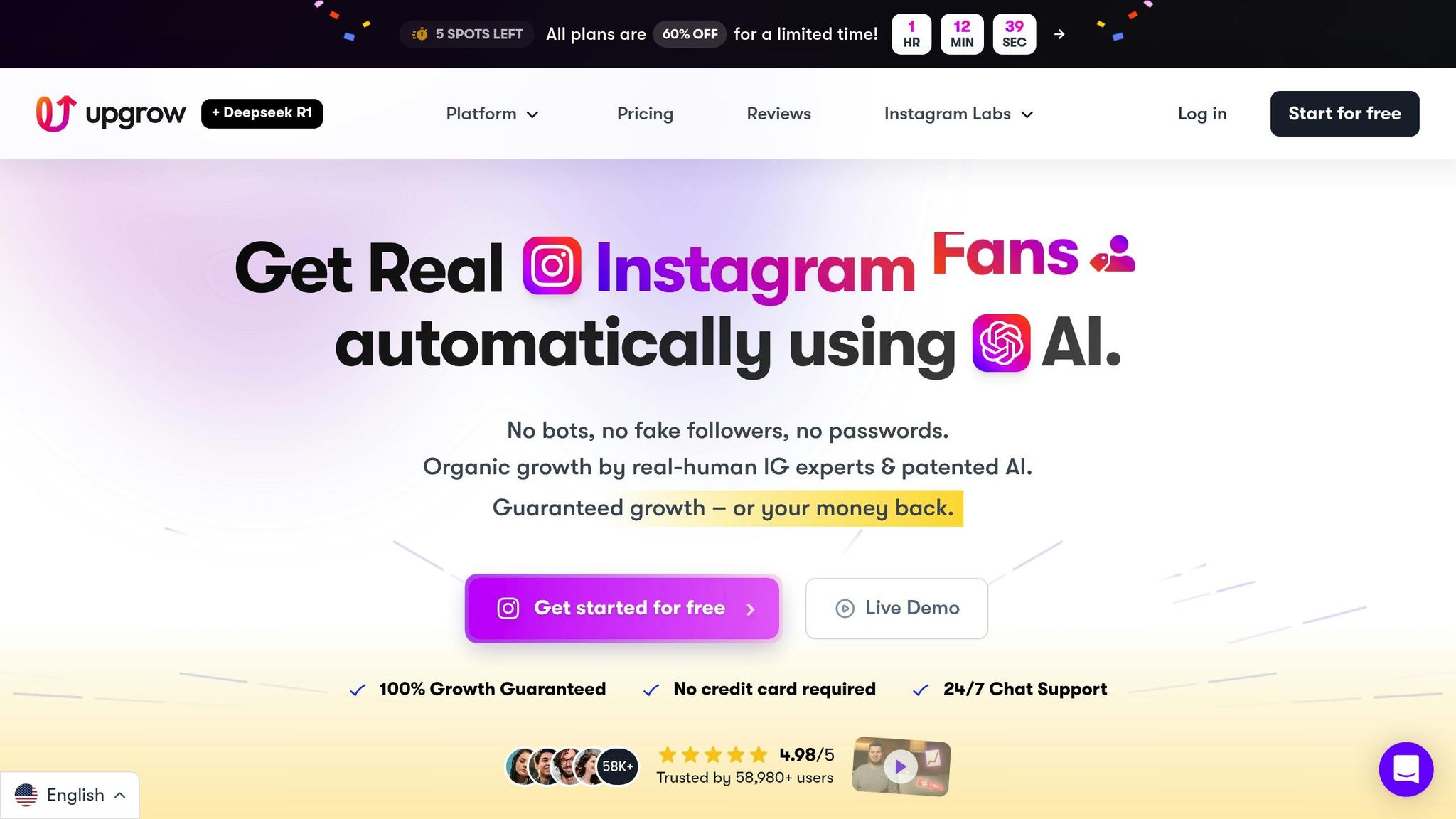
UpGrow has earned its reputation as the leading AI-powered Instagram growth service, combining advanced scheduling tools with audience growth capabilities. Recognized as the "Best Instagram Growth Service 2025" by Social Media Today, it’s trusted by over 85,000 brands and influencers. With an outstanding 4.98/5 rating from 58,000+ reviews, UpGrow offers tools designed to enhance targeting, analytics, and team collaboration.
UpGrow doesn’t just schedule your posts; it revolutionizes how your content connects with your audience. Its patented AI technology integrates Smart Auto Targeting, which uses sophisticated algorithms to pinpoint the most relevant audience for your posts. By analyzing factors like location, interests, age, and gender, the AI ensures your content reaches the right people at the perfect time.
For those looking to supercharge growth, the Boost™ feature employs advanced pattern recognition to amplify results. Beta users have reported a 275% increase in monthly followers - a testament to its effectiveness.
"UpGrow is the #1 AI Instagram growth tool for organic follower growth... Forget 'organic growth.' This is viral warfare: real humans, real followers, real results - at hypersonic speed. No bots. No BS. Just the secret sauce behind accounts that crush the algorithm." – UpGrow Spokesperson
UpGrow’s real-time analytics make it easy to fine-tune your Instagram strategy. Its live dashboard provides up-to-the-minute insights, tracking follower growth on an hourly, daily, and long-term basis. You’ll also get detailed engagement metrics for posts and reels, uncovering which content resonates most with your audience.
By identifying peak engagement times and refining hashtag strategies, you can maximize your reach. For a deeper look at growth trends and ROI, downloadable PDF reports offer a comprehensive breakdown of your performance.
Managing multiple accounts? UpGrow’s tools are built for collaboration. With features like bulk discounts and agency-friendly options, it’s perfect for teams handling several Instagram profiles. The AI Profile Optimization tool takes it a step further by analyzing your content and suggesting tweaks to your bio, highlights, and overall profile aesthetic to align with your scheduled posts.
Need fresh content ideas? The Viral Content Library provides trending templates and post concepts to keep your feed engaging. With pricing starting at $39/month and a growth guarantee that promises a full refund if expectations aren’t met, UpGrow offers a complete solution for Instagram scheduling and growth - trusted by more than 100,000 users.
Scheduling posts on Instagram isn’t just about convenience - it’s about staying compliant with platform rules, keeping your account secure, and crafting a posting rhythm that keeps your audience engaged.
Before diving into scheduling, make sure the tools you’re using align with Instagram’s official standards. Instagram has strict rules for third-party tools to ensure they protect user accounts. Legitimate tools must rely on the Instagram Graph API for proper integration and compliance.
"Instagram requires: Official API Usage: Tools like Postly must use the Instagram Graph API. Rate Limits: Restrictions on actions like posting or liking. Verification: Apps undergo strict approval processes." – Postly.ai
Instagram also sets limits on how often tools can perform actions, like posting, to avoid spam-like behavior. A 2025 TechCrunch report found that improper tool use led to a 35% rise in account restrictions.
When picking a scheduling tool, check that it’s been through Instagram’s verification process. This ensures the tool adheres to platform guidelines and won’t lead to issues like shadowbans, reduced visibility, or even account suspension. While automation is helpful, make sure to balance it with genuine engagement, as Instagram’s algorithm favors accounts that interact authentically.
Protecting your Instagram account is critical, especially when linking it to third-party tools. Start by enabling two-factor authentication (2FA), which can reduce the risk of account compromise by 50%, according to a 2025 Norton cybersecurity report.
Stick to scheduling tools that use OAuth authentication. These tools redirect you to Instagram’s official login page, allowing you to grant permissions securely without exposing your password. Avoid any platform that asks for your password directly - this is a major red flag.
It’s also a good idea to regularly review and remove outdated apps from Instagram’s settings. The same Norton report revealed that 60% of social media breaches involved unsecured third-party apps. To stay safe, schedule a monthly check to revoke access for any tools you no longer use.
If you’re testing a new scheduling tool, link it to a secondary account first. This lets you evaluate its features and security without risking your primary profile. A 2024 Sprout Social study found that 75% of businesses faced disruptions from outdated third-party integrations.
Once your account is secure, you’re ready to focus on creating a posting schedule that drives engagement.
A well-thought-out posting schedule is key to maintaining consistent engagement. Research suggests that posting 3–5 times per week strikes the right balance, with structured schedules boosting follower growth by up to 48%.
But remember: quality trumps quantity. Studies show that posting just twice a week can deliver a 4.04% engagement rate, proving that thoughtful, high-quality posts outperform frequent, lower-quality content.
Timing also plays a major role. Posts shared during peak engagement hours can see up to 30% more likes and shares compared to those posted at off-hours. Use your scheduling tool’s analytics to identify when your audience is most active - this will likely vary depending on your industry and demographics.
| Strategy | Impact on Engagement |
|---|---|
| Posting at peak times | Up to 30% increase in likes and comments |
| Consistent daily posts | 25% boost in follower growth rate |
| Using relevant hashtags | 12.6% increase in engagement |
| Responding to comments | 18% higher engagement rate |
In addition to feed posts, aim to share at least one Instagram Story daily to stay visible in your followers’ feeds. You can also repurpose top-performing content by updating captions or tweaking formats, giving it a fresh feel without starting from scratch.
Track your schedule’s performance using analytics and adjust as needed. Engaging with your audience in real time, like responding to comments, can boost engagement by 18%. Combining scheduled posts with authentic interactions is the foundation for long-term Instagram growth.
AI-driven scheduling tools are reshaping how businesses and creators approach Instagram. With over 75% of marketers relying on these tools and about 19% even using them for content creation, their impact is undeniable.
But these tools go beyond simple automation. They allow teams to shift their focus from the repetitive task of daily posting to more strategic efforts, like refining content plans and analyzing performance. By relying on data rather than guesswork, AI scheduling ensures posts are timed for maximum engagement while improving overall content strategies.
Take UpGrow as an example. This platform combines AI scheduling with a suite of growth-focused tools, including location targeting, profile optimization, and in-depth performance analytics. Starting at just $39/month - with a growth guarantee - it’s an affordable and effective solution for businesses looking to expand their Instagram reach.
Whether you’re juggling one account or managing several, incorporating AI scheduling into your strategy is a smart move for achieving Instagram success.
AI tools help pinpoint the ideal times to post on Instagram by diving into your audience's activity and engagement habits. These tools analyze factors like when your followers are most active, their time zones, past interactions, and peak engagement windows.
While weekdays from mid-morning to early afternoon often yield good results for many accounts, AI tools go a step further. They tailor recommendations specifically for your audience, ensuring your posts reach them at the most effective times.
Instagram offers two specialized account types that cater to distinct needs: Business accounts and Creator accounts.
Business accounts are tailored for brands and companies. They come with advanced tools like detailed analytics, advertising options, and seamless integration with AI scheduling platforms. These features make them a great choice for businesses aiming to streamline content posting and monitor performance metrics with ease.
Creator accounts, on the other hand, are designed for influencers and individual content creators. They focus on personal branding by offering tools like enhanced messaging options and audience insights. While both account types work well with AI scheduling tools, Business accounts typically provide more advanced features for managing and refining content strategies.
AI tools can reshape your Instagram game by diving deep into your audience's habits - what they like, when they engage, and the best times for you to post. With this data in hand, you can craft content that hits the mark and truly connects with your followers.
But that's not all. These tools can also recommend the most impactful hashtags, spark fresh content ideas, and deliver performance analytics to fine-tune your strategy over time. Instead of just scheduling posts, you’ll be creating a roadmap for genuine growth and building stronger, more meaningful relationships with your audience.


