
10 AI Tools for Instagram Captions
Compare 10 AI tools that generate Instagram captions, suggest hashtags, and offer scheduling, analytics, and brand-voice customization.
Compare 10 AI tools that generate Instagram captions, suggest hashtags, and offer scheduling, analytics, and brand-voice customization.
4.98 /5 - from 58k reviews
Trusted by 50,000+ creators — get real engagement delivered to your profile in minutes, not days.
Creating Instagram captions that boost engagement and resonate with your audience can be time-consuming. But with AI tools, you can save hours and still get great results. From generating captions in seconds to suggesting hashtags and predicting performance, these tools simplify the process and allow you to focus on personalizing your content.
| Tool | Free Option | Key Features | Starting Price |
|---|---|---|---|
| Hootsuite | Yes | Caption generator, hashtag tools | $99/month |
| Planable | Yes | Multiple tones, hashtag suggestions | $33/month |
| Ritetag | No | Hashtag optimization | $49/year |
| Canva AI | Yes | Design + captions + hashtags | $120/year |
| Copy.ai | Yes | Brand tone, multiple options | $49/month |
| Flick | Yes | Captions + advanced hashtags | $14/month |
| SocialBee | Yes | AI captions, scheduling | $29/month |
| DFIRST | Yes | Basic caption generator | Free |
| Synthesia | Yes | Video captions, multilingual | $18/month |
| UpGrow | Yes | Free caption + hashtag tools | $39/month |
These tools cater to different needs, from solo creators to marketing teams. Try the free versions to see which one works best for your Instagram strategy.
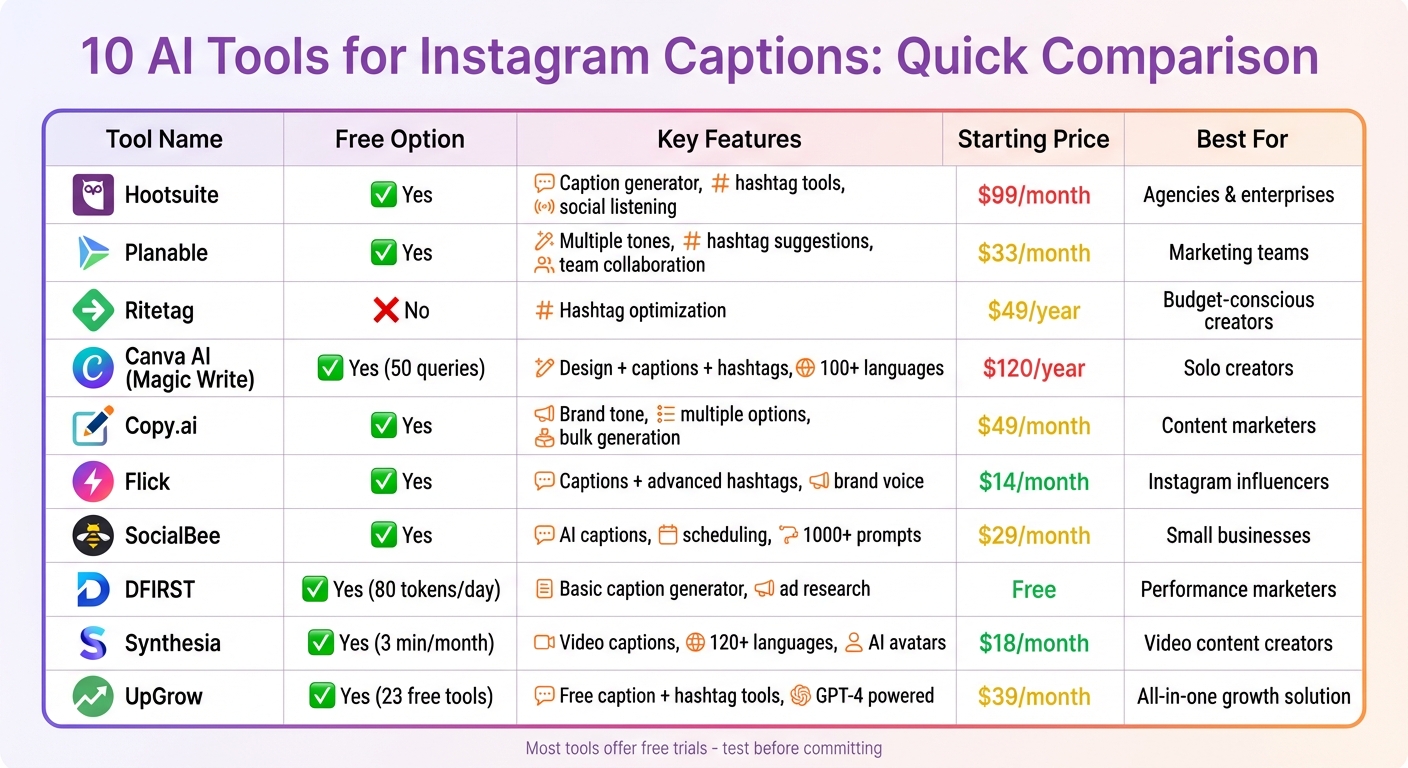
AI Instagram Caption Tools Comparison: Features and Pricing
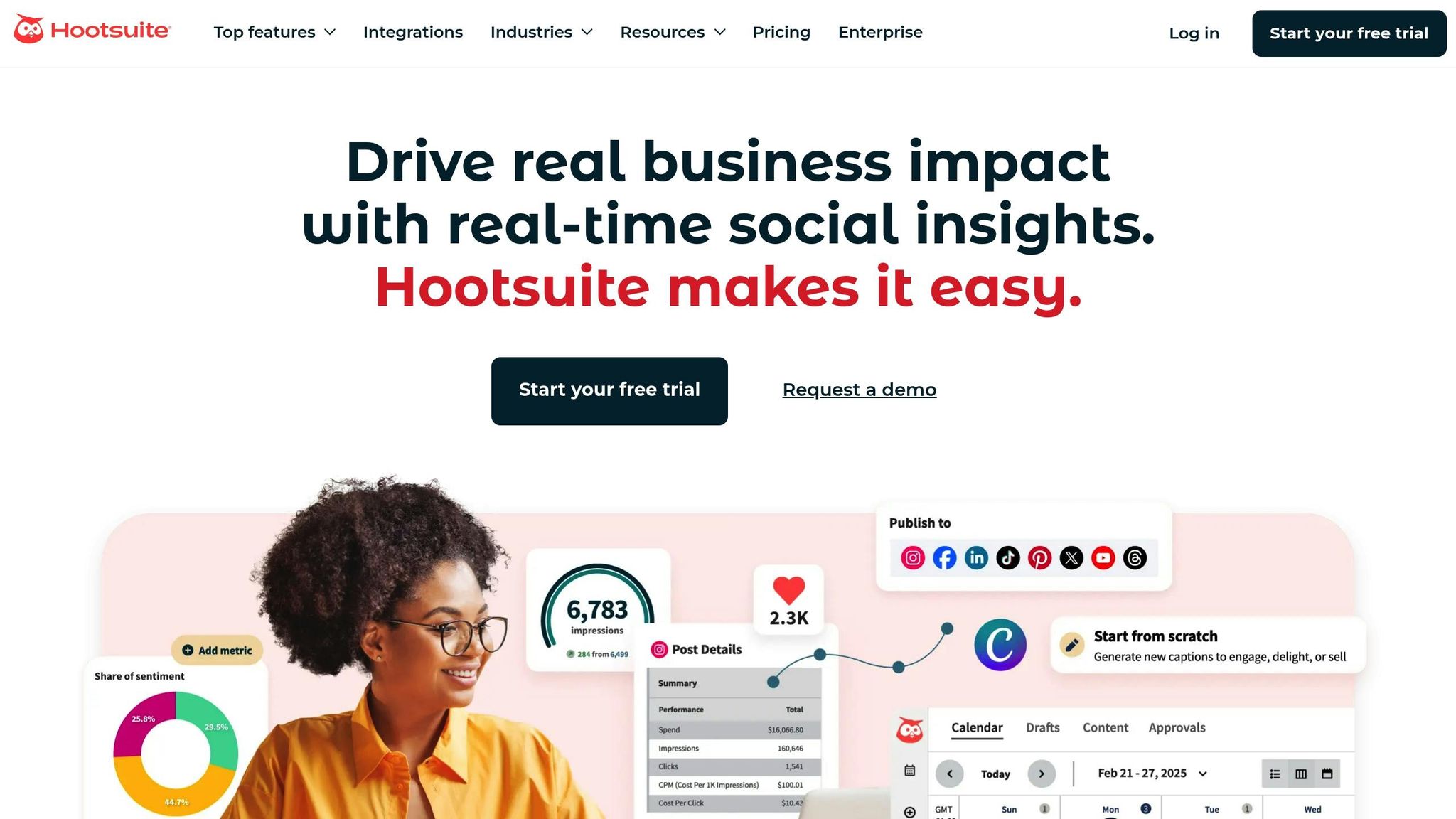
Hootsuite provides two AI-driven tools for captions: a free web-based generator and OwlyWriter AI/OwlyGPT, available to subscribers. The paid version incorporates Talkwalker's real-time social listening to enhance its functionality.
Hootsuite uses established copywriting frameworks - like AIDA, PAS, HOOK, and WIIFM - to craft captions tailored to your audience in five different languages. While Instagram allows captions up to 2,200 characters, Hootsuite suggests keeping them between 138 and 150 characters for better engagement.
To generate captions, simply provide a brief description, select Instagram as your platform, and include keywords to improve SEO.
OwlyGPT comes with an AI-powered hashtag generator that examines your caption text and uploaded images to recommend suitable tags. Additionally, the "Best Time to Post" feature analyzes your audience data to help you schedule posts at the most effective times.
OwlyGPT adapts to your brand's voice by analyzing your previous posts and bio. You can also choose from various tones through a dropdown menu to ensure the captions align with your brand's personality. Angela Ferdinando, Social Media and Brand Marketing Manager, shares:
Hootsuite's AI tools and hashtag generation capabilities make content creation and scheduling fast and seamless.
Hootsuite’s pricing and accessibility add even more appeal for content creators.
The free AI caption generator is available without requiring a signup or credit card. For subscribers, OwlyWriter AI and OwlyGPT are included in all Hootsuite plans, which start at $99/month (billed annually) for one user and up to 10 accounts. New users can also take advantage of a 30-day free trial. Plus, the AI integrates with approval workflows, allowing for a final review before publishing.

Planable leverages machine learning and natural language processing to create up to five caption variations from a single input. This gives users a variety of caption styles to suit different types of posts.
What sets Planable apart is its ability to generate multiple caption options while allowing users to fine-tune the tone to align with their brand. You can choose from post intents like Actionable, Inspiring, Introspective, or Promotional to craft content that fits your goals. The tool also offers two length options: "Shorter" for concise messages and "Longer" for more detailed narratives. While Instagram allows up to 2,200 characters per caption, Planable highlights that captions around 125 characters tend to perform best in terms of engagement. For brands looking to connect with their audience, an "Actionable" tone can be particularly effective in driving interaction and attracting the right followers.
Planable includes an AI-powered hashtag generator designed to suggest relevant tags based on your chosen style. Users can generate hashtags in batches of 5, 10, or 30, formatted as either a list or a single line. To keep posts visually clean, hashtags can be placed in the first comment. Although Instagram permits up to 30 hashtags per post, Planable recommends using 5–10 well-targeted hashtags to strike a balance between reach and aesthetics.
Planable offers extensive customization options to help brands maintain a consistent voice. With 10 distinct writing styles - such as Humorous, Inspirational, Informative, Formal, and Witty - users can adapt captions to fit their unique identity. Miruna Dragomir, CMO at Planable, emphasizes this point:
"In the wild world of social media, a strong, consistent brand voice is your best defense against the dreaded scroll-past syndrome".
Additional features like emoji and hashtag toggles allow users to inject personality into their captions while saving up to 33% of planning time. Together, these tools ensure that your posts not only stand out but also align seamlessly with your brand's messaging.
Planable’s AI Instagram Caption Generator is entirely free and doesn’t require users to sign up. For teams in need of collaboration and scheduling tools, Planable offers a "Try for free" option to explore its full platform. This makes it an excellent choice for individual creators seeking easy-to-use AI tools without any upfront costs.
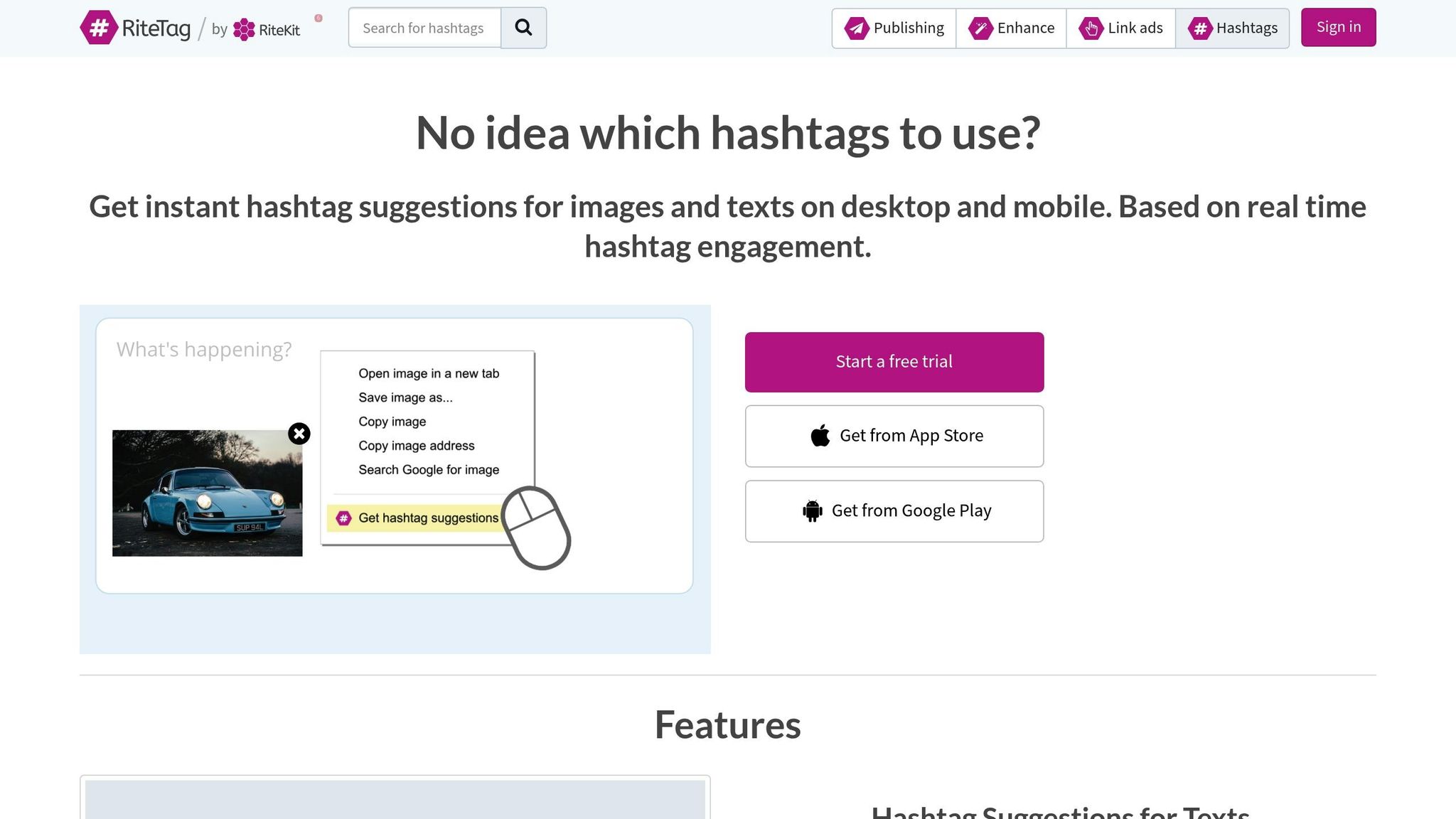
Ritetag is all about hashtags. It helps creators find both popular and niche-specific hashtags, which is a big deal since posts with 11 or more hashtags tend to see higher engagement. Its focus on hashtags makes it a great companion to caption generators, working together to increase your post's visibility.
Ritetag takes the guesswork out of finding the right hashtags. It not only suggests hashtags that can drive engagement but also uncovers related tags you might have overlooked. This lets you build a tailored hashtag set that resonates with your audience. Pairing this targeted approach with AI caption tools can make your Instagram posts stand out even more.
Details on pricing aren’t readily available, but Ritetag remains a go-to option for creators aiming to improve Instagram reach through smart hashtag choices.
Canva's Magic Write brings AI-powered caption generation directly into your design process. Built using OpenAI technology, it creates captions tailored for Instagram posts, stories, and reels, making it easier to align your visuals with engaging text. This feature simplifies the workflow by combining design and caption creation in one place. By analyzing your images, it crafts captions that fit seamlessly with your content.
Magic Write is designed to produce short, search-friendly captions that encourage audience engagement while staying within platform character limits. You can guide the AI by providing up to 200 words of input, including details about tone, audience, and post specifics. After the initial generation, you can refine the text by rewriting, paraphrasing, expanding, or summarizing it. The tool also includes safeguards to block any harmful or inappropriate content.
With the Pro Brand Kit, you can store your logos, colors, and fonts, ensuring that AI-generated captions align with your brand's style. You can further tweak these captions to match your preferred tone and color scheme. Additionally, the AI Translator supports over 100 languages, making it a valuable tool for businesses aiming to connect with global audiences. Canva also allows manual edits within its interface, giving you full control to fine-tune captions for better engagement.
Canva provides 50 lifetime queries for free users to explore Magic Write. Upgrading to Canva Pro costs about $120 per person annually (or $12–$15 per month) and includes 500 Magic Write queries per month, along with advanced tools like the Content Planner for scheduling posts. For teams, Canva Teams is available at approximately $100 per person annually. Magic Write is accessible on web browsers, desktop apps, and mobile devices for both iOS and Android platforms.
Next on our list of AI caption tools is Copy.ai, a platform designed to help you overcome writer's block with ease. Using advanced AI, it generates multiple caption options from just a few simple inputs, making it a go-to tool for content creators looking to save time and spark creativity. As Nathan Thompson from Copy.ai puts it:
Your Instagram caption can be the difference between a scroll and a double-tap. It's your chance to engage, delight, and connect with your audience on a deeper level.
This quote perfectly highlights why captions matter and how Copy.ai aims to deliver on that promise.
Copy.ai dives into the details of your post - whether you're aiming to entertain, inform, or inspire action - and creates a variety of caption suggestions tailored to your goals. It offers options with different lengths and structures, giving you the flexibility to test approaches like opening with a question or a striking statement. On top of that, its hashtag generator suggests 5–10 targeted hashtags based on your image or text, helping you expand your reach.
One standout feature of Copy.ai is its ability to adapt to your brand's unique tone. During the caption creation process, you can specify the style you want - whether playful, formal, or motivational. The Brand Voice tool ensures consistency across all your captions, while the Tone Rewriter and Prompt Improver polish your content into professional, audience-ready copy.
Copy.ai makes it easy to get started with a free plan that includes 2,000 words per month - no credit card required. It supports over 90 content types, making it a versatile tool for creators. For Instagram-specific captions, remember to craft attention-grabbing opening lines within the first 125 characters to avoid being cut off by the platform’s text preview. Using line breaks and strategically placed emojis can also enhance readability on mobile devices.
Whether you're managing a brand or just looking to boost your social media game, Copy.ai offers tools that simplify the process while keeping your content engaging and on-brand.
Flick brings an AI assistant to the table that simplifies the process of creating Instagram captions. By using simple prompts or keywords, it generates captions tailored to your needs. What makes Flick stand out is its ability to transform long-form content - like blog posts - into short, engaging Instagram captions. With five caption length options ("One Liner", "Short", "Standard", "Long", and "Very Long"), it offers flexibility to match your post's tone and style.
Creating captions manually can be time-consuming, but Flick's AI speeds things up - producing captions up to 10× faster. It’s not just for Instagram, either; the tool supports Facebook, LinkedIn, and TikTok. Flick’s Brand Hub takes things further by learning your brand voice. By analyzing your previous posts, it tailors its suggestions to align with your style. You can even link your Instagram account directly, allowing the AI to study your content for more personalized results. As Mackenzie Taylor from Flick puts it:
Using a caption generator is a perfect way to get those initial ideas kicking around in your head, and save you a lot of time in the process.
Flick doesn’t stop at captions - it also helps with hashtags. Its suite of tools includes a search engine, manager, tracker, and even a banned hashtag checker. These features ensure your hashtags are contextually relevant and effective.
With the Brand Info feature, you can define your brand's tone and values upfront, ensuring consistent output. Whether you want captions that are witty, sarcastic, humble, or sassy, Flick’s AI adapts on demand. Plus, it supports multilingual content, making it a great choice for brands with diverse audiences. Trusted by over 100,000 creators and boasting a 4.98/5 rating from 58,000 reviews, Flick has earned its reputation.
Flick offers a 7-day free trial, with paid plans starting at $14.00 per month. The platform is available on web browsers and through dedicated apps for iOS and Android. For those looking to try it out, there’s even a free web-based Instagram Caption Generator that doesn’t require a login.
SocialBee brings over 1,000 AI prompts to the table, catering to a wide range of industries and post types. Whether you're crafting educational, promotional, or interactive content, this tool provides pre-designed templates to streamline the process. Plus, you can generate up to 10 caption variations from a single prompt, making it simple to test different approaches and find what resonates best.
SocialBee doesn't just stop at offering a robust prompt library - it fine-tunes captions for better engagement. For instance, it ensures captions fit within Instagram's 125-character preview limit, so your posts are optimized for quick impact. Beyond text, it integrates with DALL-E 3 to create AI-generated images, adding a visual edge to your posts. The platform can even condense external links or lengthy product descriptions into concise, attention-grabbing captions. As Kayela Young, a Social Media Manager, shared:
I love that I can schedule a week's worth of posts in under an hour with SocialBee. The AI writer and Canva integration are a huge plus.
SocialBee also simplifies hashtag strategy. Its hashtag generator analyzes your text and images to recommend trending tags, which can then be automatically posted as the first comment. It typically suggests three to five hashtags per post, keeping things focused and effective. These features make it easier to align hashtags with the brand-specific adjustments discussed in the next section.
Maintaining a consistent brand voice is a priority for SocialBee. With 18 different tones - such as Witty, Professional, Motivating, and Nostalgic - the platform allows you to tailor captions to match your brand's personality. You can also organize posts into content categories like "Tips", "Quotes", or "Promotions" to ensure a balanced and varied posting schedule. Need to tweak your posts on the fly? You can instantly toggle emojis and hashtags to suit your style.
SocialBee offers a 14-day free trial for its Pro plan, so you can explore its features risk-free. Paid plans start at $29/month for the Bootstrap tier (covering five social profiles), $49/month for Accelerate (10 profiles), and $99/month for Pro (25 profiles). For agencies managing larger accounts, higher-tier plans range from $179/month to $449/month, supporting up to 150 profiles. These pricing options make SocialBee accessible for creators and businesses at every stage of their Instagram journey.
DFIRST is an AI-powered Instagram caption generator, but there’s limited verified information available about its features, capabilities, or pricing. This lack of transparency makes it challenging to assess its value or reliability.
When exploring AI tools, it’s always wise to prioritize those with clear pricing, detailed feature descriptions, and genuine user reviews. Opting for tools with a solid reputation and well-documented performance can help you make a more informed decision that aligns with your needs.
Next, we’ll look at a tool that takes a different approach to Instagram caption creation.
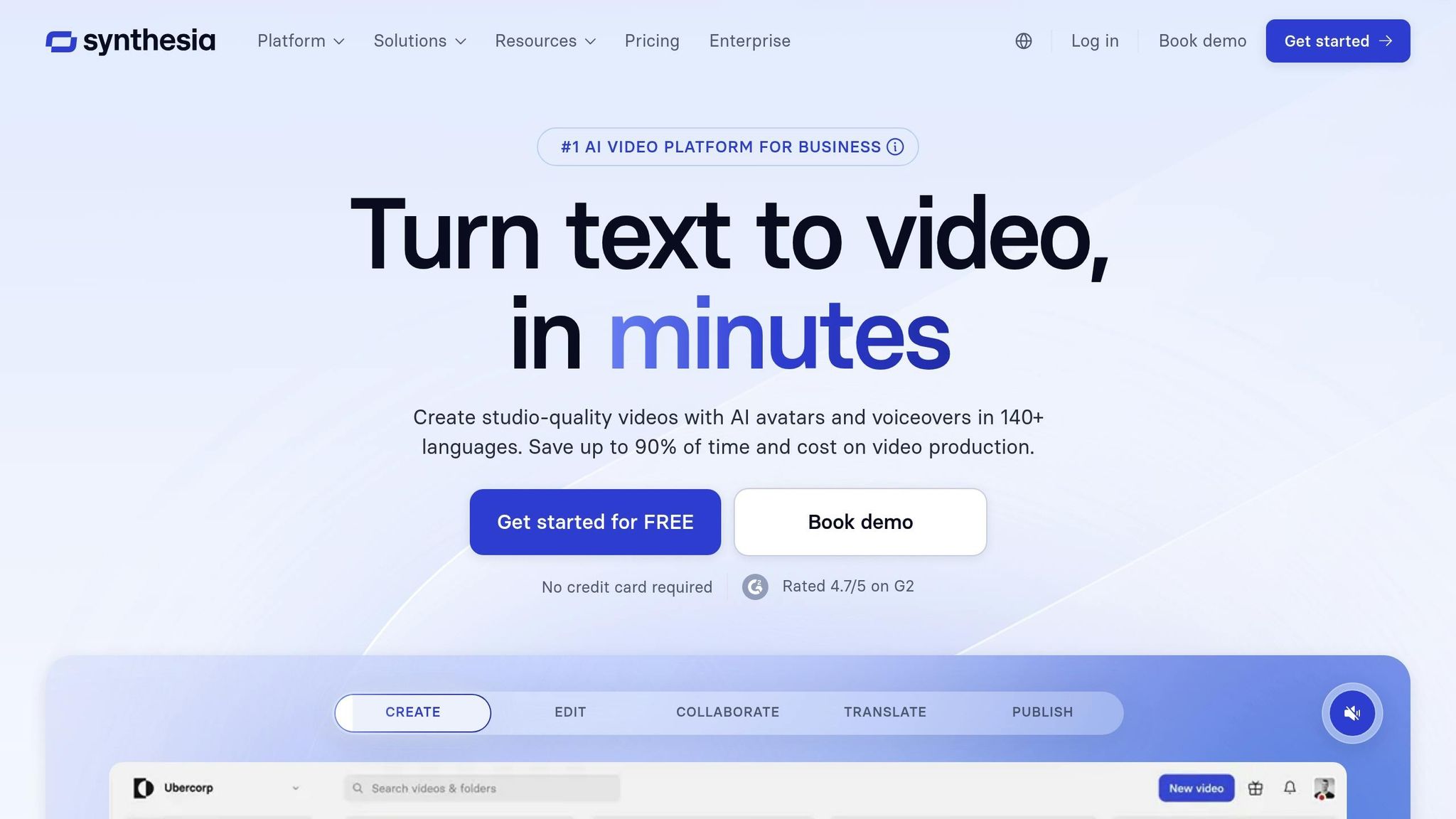
Synthesia takes content creation beyond text, offering a video-focused solution that pairs perfectly with traditional captioning tools. This AI-powered video platform transforms your content into engaging video scripts, which can also serve as Instagram captions for Reels and video posts.
Synthesia’s AI Video Assistant seamlessly converts your content into video scripts that double as Instagram captions, ensuring your message stays consistent across formats. This streamlined script-to-caption workflow allows for precise brand alignment. With support for over 120 languages, Synthesia is an excellent choice for managing Instagram accounts across different regions. In fact, BSH (Bosch and Siemens Home Appliances) reported a 30% boost in engagement in 2025 after adopting Synthesia-generated content.
Synthesia doesn’t just help create content - it makes sure it aligns with your brand identity. Using its Brandkit, you can upload logos, choose brand colors, and define your preferred style. The platform offers over 1,700 AI voices with diverse accents and tones, plus voice cloning options for a personalized touch. You also have access to more than 230 AI avatars that can express emotions based on your script. Trusted by 90% of Fortune 100 companies, Synthesia ensures that your content feels authentic and professional.
Synthesia offers a Free Plan that includes 3 minutes of video per month, 9 stock avatars, and support for 140+ languages. For more advanced features, you can opt for a paid plan: the Starter Plan is $18 per month (billed annually), while the Creator Plan costs $64 per month. Enterprise packages are also available for larger-scale needs. To make your videos accessible, Synthesia automatically adds subtitles, catering to viewers who prefer watching without sound.
"What used to take 4 hours now takes 30 minutes." - Rosalie Cutugno, Global Sales Enablement Lead
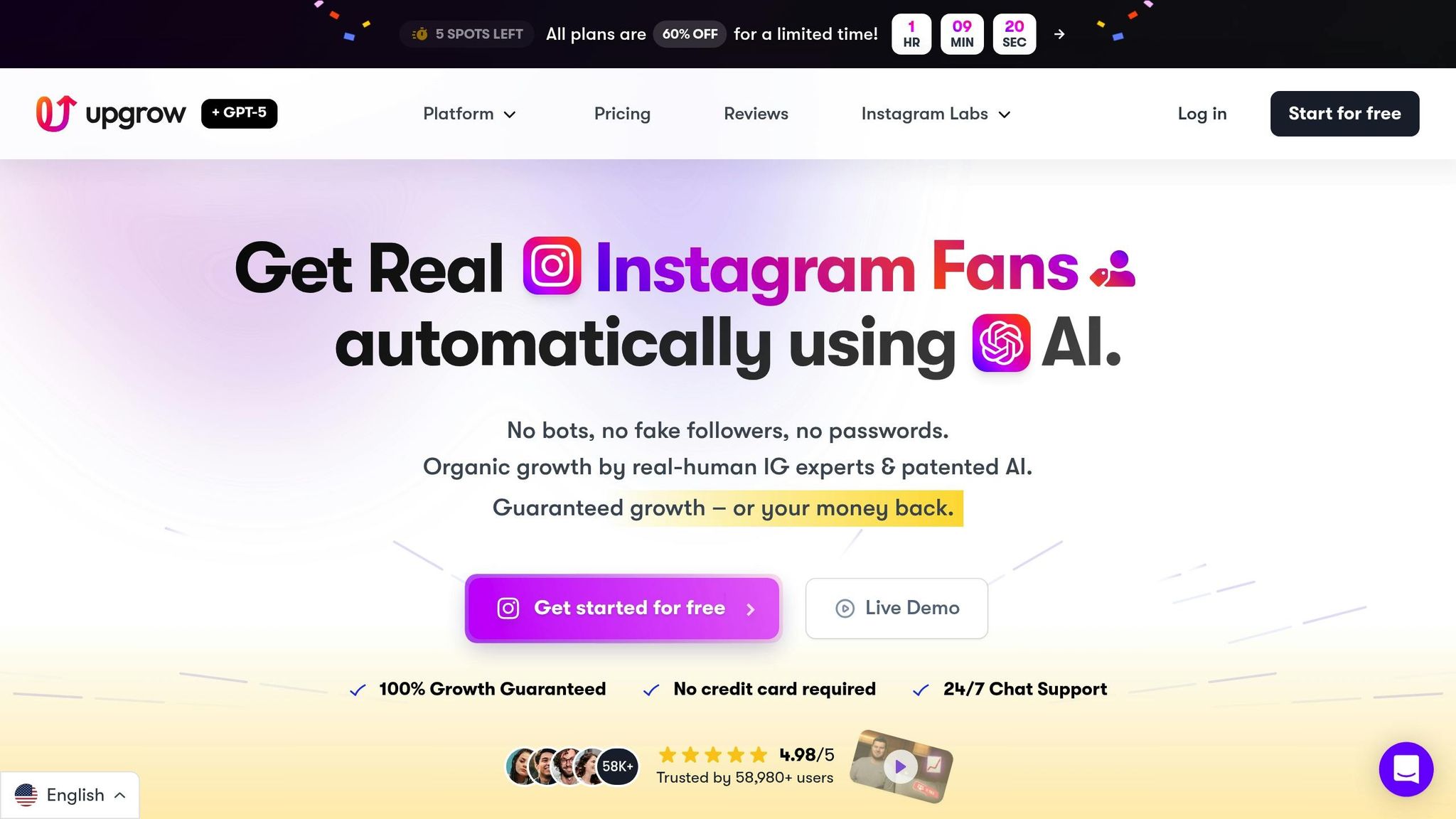
UpGrow has earned its reputation as an AI-driven Instagram growth tool, offering a collection of 23 free AI-powered features, including a standout Caption Generator. Powered by GPT-4's advanced content analysis, this tool interprets your post's context and crafts captions that feel natural and connect with your audience. With over 2.4 million users worldwide, UpGrow has become a go-to platform for creators aiming to enhance their content.
The Caption Generator delivers five unique caption suggestions for each prompt, giving users a variety of options to choose from. All you need to do is describe your post, pick a tone, and select a target language. The AI then creates captions optimized for Instagram's algorithm. Supporting over 10 major languages and requiring no login, it ensures a seamless and instant experience.
Beyond captions, UpGrow shines with its hashtag tools. The AI Hashtag Generator tailors hashtags to your content's theme and category, while the "Hashtag Genius" feature recommends high-performing tags to boost visibility. Additionally, the Trending Instagram Hashtags by Country Tool helps you pinpoint popular hashtags in specific regions. Pairing the Caption Generator with these hashtag tools and the Post Optimizer can significantly increase your reach and engagement.
UpGrow takes personalization a step further by allowing users to align captions with their brand's tone - whether it's playful, professional, or energetic. The ChatGPT for Instagram feature, powered by GPT-4, adapts to your content style and audience preferences, while the Fancy Fonts Generator offers over 140 font styles to enhance your bio and captions. With a stellar 4.98/5 rating from 58,000 reviews, users frequently highlight how UpGrow helps them create content that feels genuine and engaging.
UpGrow's 23 AI tools are entirely free to use, with no login required for accessibility. For users seeking more advanced growth solutions, premium plans start at $39/month and come with a money-back growth guarantee. According to UpGrow, their AI toolkit is three times more effective than paid competitors, helping users gain an average of 300 to 500 real followers monthly.
Here’s a quick look at how 10 popular AI caption tools compare in terms of features, pricing, and ideal users. Whether you’re a solo creator, a business, or a marketing team, this table can help you find the right fit for your Instagram strategy.
| Tool | Caption Generation | Hashtag Tools | Analytics | Pricing | Best-Fit Users |
|---|---|---|---|---|---|
| Hootsuite | AI-driven captions with real-time social listening via Talkwalker | Built-in hashtag suggestions | Tracks engagement and trends | Starts at $99/month | Agencies and enterprises managing multiple accounts |
| Planable | AI generator with team collaboration features | Includes hashtag recommendations | Offers performance tracking | Free standalone generator; paid plans from $33/month | Marketing teams needing workflow approval |
| Ritetag | Basic caption support | Focused on hashtag optimization | Limited analytics | $49/year ($4/month) | Budget-conscious creators focused on hashtags |
| Canva AI (Magic Write) | 50 free queries; 500 for Pro users, with support for 100+ languages | AI-powered hashtag generator | Tracks engagement and design performance | Free for up to 50 uses; Pro plan at $120/year | Solo creators blending visuals and captions |
| Copy.ai | High-volume caption generation with framework options | Basic hashtag suggestions | Not included | Free plan; Unlimited at $49/month | Content marketers producing bulk copy |
| Flick | AI assistant tailored for Instagram captions | Advanced hashtag research | Detailed Instagram analytics | Solo plan at £11/month ($14) | Instagram influencers and creators |
| SocialBee | AI captions with evergreen content recycling | Integrated hashtag tools | Scheduling and performance metrics | Bootstrap plan at $24/month | Small businesses with recurring content needs |
| DFIRST | Token-based generation with ad research integration | Limited hashtag features | Ad performance insights | Free (80 daily tokens); Starter at $39/month | Performance marketers running paid campaigns |
| Synthesia | AI video captions and avatar-based content | Not included | Tracks video performance | Starter plan at $22/month | Educators and tutorial creators using video content |
| UpGrow | AI-powered caption generation with multiple variations | Hashtag optimization tools | Real-time analytics via live dashboard | Free trial; plans from $39/month | Content creators seeking all-in-one Instagram growth tools |
Each tool is designed to address different needs, whether you’re looking for budget-friendly options, advanced analytics, or Instagram-specific features. For example:
Since many platforms offer free trials, it’s a good idea to test a few before committing. The right tool can simplify caption creation, improve engagement, and save you time.
AI tools have reshaped the way content creators craft Instagram captions, making it possible to produce multiple variations in just seconds. The stats speak for themselves: 85% of businesses have reported improved productivity thanks to AI-driven content creation, while 61% of marketers have seen a boost in social media engagement through AI-generated content.
However, finding the right balance is key. As Alyssa English from Originality.ai explains:
AI is best as a tool to assist with social media caption creation rather than a full-scale solution to manage caption writing or other social media processes.
Let AI handle tasks like keyword research, hashtag suggestions, or drafting initial captions. Then, step in to add your personal touch and creativity. This approach not only saves time but also allows you to focus on refining your broader content strategy.
AI tools make creating Instagram captions a breeze. By leveraging advanced language models, these tools can take a simple prompt - like a product description, mood, or target audience - and turn it into personalized captions. Users can fine-tune details such as tone (playful, professional, or something else), set character limits, and even add relevant hashtags. Within seconds, multiple ready-to-use options are at your fingertips.
With trending keywords and popular hashtags baked in, AI-generated captions help you stay relevant and boost engagement - all without spending hours on research. They’re a lifesaver for saving time, breaking through writer’s block, and keeping your messaging consistent and on-brand. This makes it easier than ever to connect with your audience and grow your Instagram presence.
When picking an AI tool for Instagram captions, it’s essential to find one that fits your brand’s personality. Look for tools that let you tweak the tone - whether it’s casual, professional, or playful - and adjust the language so your captions feel natural and connect with your audience. Features like built-in grammar checks, easy text editing, and options to modify length or rewrite captions can improve quality while saving you time.
Another important consideration is how easy the tool is to use. Choose one with a user-friendly interface that can quickly generate ideas and works smoothly with your existing Instagram workflow or scheduling tools. Don’t forget to factor in practical elements like cost, speed, support for multiple languages, and style presets that align with your campaigns. By focusing on these aspects, you’ll find a tool that simplifies content creation and helps drive better engagement.
Yes, there are plenty of free AI tools out there to help you craft Instagram captions. These tools let you tailor your captions by choosing the tone, style, or length you want. Plus, many of them offer extra features like adding hashtags and emojis to make your posts stand out effortlessly.
Some of the most popular options allow you to simply describe your post and get instant caption suggestions - no login required. Many also come with perks like keyword suggestions, language options, and real-time editing. If you're looking to create eye-catching Instagram content without spending a dime, these tools are a great place to start.


