Meta AI “Create Task” Hack: Turn Instagram DMs into Your Brand’s Kanban Board
Simplify Instagram DM management with Meta AI's 'Create Task' feature, turning messages into actionable tasks for better brand efficiency.

Managing Instagram DMs for a brand can be chaotic. Meta AI’s “Create Task” feature simplifies this by turning Instagram messages into actionable tasks, directly within the DM interface. Here's how it helps:
- Organize DMs into tasks: Convert key messages into a Kanban-style workflow.
- Improve response times: Prioritize and track inquiries to respond faster.
- Streamline collaboration: Assign tasks to team members without leaving Instagram.
- Save time: Automate task creation and focus on growing your brand.
This feature helps brands stay on top of customer interactions, ensuring no message is missed and improving overall efficiency. With 73% of users saying they’d switch brands if they don’t get a response, this tool is a must for managing Instagram DMs effectively.
What is Meta AI's 'Create Task' Feature
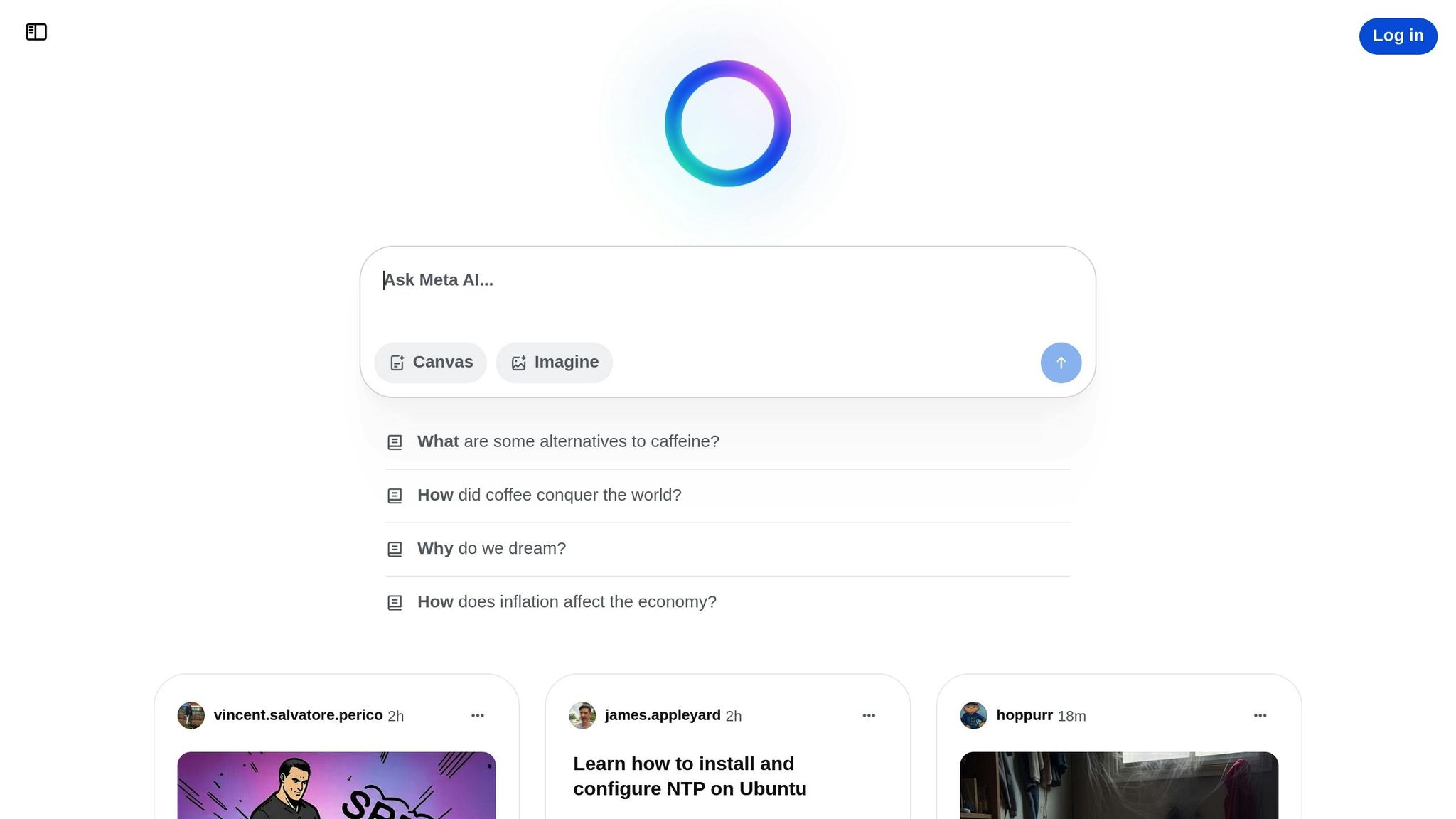
Meta AI's "Create Task" feature is an experimental tool aimed at turning Instagram Direct Messages into organized, actionable tasks within the app. By adding a "Create Task" button directly to Instagram's DM interface, this feature allows users to transform key points from conversations into trackable tasks without interrupting the chat flow. Researcher Alessandro Paluzzi was the first to spot this functionality, describing it as a simple prompt that appears within the chat window.
This tool is part of Meta's broader push to make AI chatbots more versatile - moving beyond basic text responses to actively managing tasks and initiating actions. The feature is designed to help users stay on top of important messages, ensuring that customer inquiries or potential collaborations are handled efficiently.
How 'Create Task' Works
Here’s a closer look at how this feature operates. While chatting in Instagram DMs, the AI assistant can suggest task actions based on your conversation. It identifies key moments that may require follow-up and lets you create reminders without leaving the chat. This makes it easy to turn important conversation points into actionable tasks. The system works in the background, analyzing messages to pinpoint follow-up opportunities and organizing them into a task list - all while you continue chatting. The goal is to simplify task management and improve productivity.
Why Automate Instagram DM Tasks
Automating these tasks offers several benefits. First, it simplifies organization and saves time, allowing you to focus on other aspects of managing your brand. One standout advantage is 24/7 responsiveness - automated systems can answer frequently asked questions at any time. Additionally, automating responses to story replies, reactions, and mentions can increase engagement. Extending this automation to comments on feed posts and reels can further enhance visibility and reach. For businesses, this streamlined approach not only improves audience interaction but also ensures smoother collaborations.
How to Set Up Your Instagram DM Kanban Workflow
Get your Instagram DM Kanban workflow ready now to make the most of Meta AI's "Create Task" feature when it becomes available.
What You Need Before Starting
Before diving in, make sure you have the right tools and accounts in place. Start by confirming that you have an Instagram Professional Account, as it unlocks advanced features like Meta AI.
Next, choose a Kanban tool to organize your tasks. Popular platforms like Trello, Monday.com, Asana, or Notion work well. Pick one that integrates smoothly with your existing systems to avoid unnecessary complications.
Lastly, establish clear labels and naming conventions for task categorization. This step ensures everyone on your team can easily understand and classify different types of conversations.
How to Map DM Types to Kanban Columns
Turning your Instagram DMs into task categories is a game-changer for managing your workflow and ensuring timely responses. Start by creating columns tailored to your needs, such as "Sales", "Support", "Collaborations", and "General Inquiries." These categories help you keep track of business inquiries, customer interactions, influencer outreach, and promotional efforts.
For a more structured approach, set up columns that follow the stages of your workflow. For instance, use labels like "New Inquiry", "In Progress", "Awaiting Response", and "Completed" to track the progress of each task.
You can also organize DMs by their purpose. For example:
- Sales Inquiries
- Customer Support
- Collaboration Requests
- Media Inquiries
- General Questions
This setup lets team members focus on specific areas based on their expertise. To further streamline things, use labels for contacts. For instance, tag someone as "Active Client" or "IGTV Actor" and assign them to the relevant board.
If prioritization is key for your team, consider adding columns like "Urgent", "High Priority", "Standard", and "Low Priority." This ensures critical conversations are addressed first. Once your columns are in place, set up automation rules to convert DMs into tasks seamlessly.
Setting Up AI Rules for Automatic Task Creation
Although Meta AI's "Create Task" feature is still in testing, you can prepare your workflow now by setting up clear rules and triggers. This feature is designed to appear as a prompt within Instagram's DM interface, aiming to simplify collaboration, improve audience engagement, and streamline workflows.
Define keyword triggers that will automatically assign tasks to the right Kanban column. For example, you could use terms like "pricing", "collaboration", "support", or "partnership" to guide the AI in categorizing messages.
To keep automated responses natural, incorporate quick reply buttons and add slight pauses between messages. This approach helps maintain a conversational tone. Always include fallback options in your automated flows, and set up alerts for your team when a user requests human assistance.
Finally, track and refine your automation rules by analyzing metrics like trigger rates, response times, conversion rates, and points where users drop off. Stay compliant with Instagram's policies by only triggering DMs based on user actions, clearly labeling promotions or links, and safeguarding user privacy throughout the process.
Advanced Automation Techniques for Better Workflows
Take your DM Kanban workflow to the next level with automation, making it easier to manage a higher volume of messages without missing a beat. Let’s dive into how you can automatically prioritize tasks and streamline responses for maximum efficiency.
How to Prioritize Tasks Automatically
Automating task prioritization can completely transform how your team handles Instagram DMs, ensuring that critical messages get the attention they need right away. By leveraging AI, you can analyze factors like deadlines, complexity, and impact to determine the urgency of each task.
Start by defining clear criteria for different priority levels - urgent, high, medium, and low. For instance, messages containing words like "urgent", "ASAP", "complaint", or "refund" can automatically be flagged as high priority.
Incorporate tags and custom fields within your Kanban system to indicate urgency levels, project details, effort estimates, or even personal importance ratings. Over time, the AI will adapt to your team's workflow patterns, improving its ability to make accurate prioritization decisions.
To ensure nothing slips through the cracks, set up escalation protocols based on task importance. For example:
- Critical tasks: Trigger SMS alerts.
- High-priority items: Send in-app notifications.
- Medium-priority messages: Include them in daily digests.
- Low-priority communications: Summarize in weekly reports.
This approach isn’t just theoretical - a global tech company that integrated AI into its project management system saw a 25% drop in project delays and a noticeable boost in productivity.
Once you’ve established prioritization, you can take things a step further by analyzing the sentiment behind messages.
Using NLP to Analyze Message Sentiment
Pair automated prioritization with Natural Language Processing (NLP) to understand customer sentiment and respond promptly to negative feedback. NLP enables your Instagram DM management system to analyze the emotional tone of incoming messages, identifying frustrated customers, excited leads, or neutral inquiries before your team even reads the messages.
Here’s how it works: NLP tools scan the text of customer messages, flagging them as positive, negative, or neutral. Negative messages can be automatically moved to high-priority columns, ensuring immediate attention for upset customers. Positive messages might be routed to a "testimonial opportunities" column, while neutral ones follow standard prioritization rules.
To implement sentiment analysis, start by preparing your message data for NLP processing. Use specialized software to analyze the language in messages, scoring them based on emotion. Beyond improving response times, this method helps you identify recurring pain points and track sentiment trends over time, giving you valuable insights into customer satisfaction and boosting overall workflow efficiency.
With prioritization and sentiment analysis in place, the next step is integrating these tools with your CRM and project management systems.
Connecting with CRMs and Project Management Tools
Bringing Meta AI’s task creation feature into your existing CRMs and project management platforms can unify your workflow, eliminate data silos, and improve team collaboration. For example, customer details from Instagram DMs can automatically populate your CRM while simultaneously generating tasks in your project management tool.
To get started:
- Identify necessary data: Determine what information should flow between systems.
- Use APIs: Connect Meta AI with your CRM and project management tools.
- Create an integration tool: This tool acts as a translator, reformatting Instagram DM data for your CRM while also creating tasks in your project management system.
Before launching, test the integration thoroughly. Verify that data transfers correctly and set up error-handling protocols to catch and resolve any issues. This integration also opens up possibilities like automatic lead scoring - messages showing strong purchase intent can generate high-value leads in your CRM and assign them to top sales reps.
To keep your system running smoothly, schedule monthly reviews to monitor performance metrics and tweak automation rules based on actual results. Regular updates ensure the system evolves alongside your team’s needs, maximizing workflow efficiency.
sbb-itb-3c55afb
How to Improve Your Kanban Workflow Performance
Once you've automated your task setup, the next step to boosting workflow performance involves setting strategic limits and defining clear metrics. Two essential strategies to consider are work-in-progress (WIP) limits and response time tracking.
Setting Work-In-Progress Limits
WIP limits control the number of tasks allowed in each column on your Instagram DM Kanban board. This core Kanban principle ensures your team focuses on completing tasks before starting new ones, helping to avoid bottlenecks.
By limiting the number of tasks in progress, you also help maintain quality. Overloading your team with too many simultaneous conversations can lead to slower responses and a decline in service quality. A practical rule of thumb is to set your "In Progress" column limit to the number of team members managing DMs, plus one. For instance, if three people are handling Instagram messages, you might set the limit to four tasks.
Here’s a quick guide for setting column limits based on your team’s workflow:
- In Progress: Team size + 1
- Waiting for Customer: Base this on team capacity and past performance data
- Escalated: Use team discussions and historical data to define a reasonable cap
If your "In Progress" column frequently hits its limit, it’s a sign of a bottleneck. This might indicate the need for additional training or adjustments in how certain types of messages are handled. For example, Aerosud's IT team saw a dramatic improvement after introducing WIP limits and targeted training, doubling their ticket throughput from 60 to 120 in just three days. Regularly revisit and tweak your WIP limits based on actual performance metrics, not assumptions.
It’s also worth considering individual WIP limits to prevent burnout. Restricting the number of Instagram conversations each team member handles at once minimizes context switching, which can otherwise slow responses and reduce focus. Once your task flow is running smoothly, the next step is to measure how efficiently your team is responding.
Measuring and Analyzing Response Times
Tracking response times is crucial for identifying strengths and weaknesses in your Instagram DM workflow. With 77% of consumers prioritizing quick replies, timely responses are non-negotiable.
Focus on these key metrics:
- Lead Time: The total time from when a customer sends a message to when their issue is resolved.
- Cycle Time: The time a task spends in the "In Progress" column, indicating how long active work takes.
- Throughput: The number of conversations your team completes within a specific timeframe, such as daily or weekly.
To track these metrics, record timestamps as tasks move between columns. Many project management tools offer automated tracking, but even a simple spreadsheet can do the job.
By analyzing response time data, you can spot patterns and areas for improvement. For instance, do certain types of messages consistently take longer to resolve? Are there specific times when response rates slow down? Use these insights to set benchmarks for response times that align with the priority of messages and customer expectations.
Regular assessments are key. Conduct reviews during different times and with various team members to identify bottlenecks - whether tasks are piling up in a specific column or WIP limits are being exceeded. Adjust your processes based on these findings to ensure a steady workflow.
Finally, schedule regular performance reviews, such as monthly team meetings, to discuss trends and brainstorm solutions. This will help your Instagram DM workflow adapt as your brand and customer base grow.
Conclusion: Better Instagram DM Management for Brand Growth
Transforming Instagram DMs into a Kanban-style workflow using Meta AI's 'Create Task' can make a big difference in how efficiently your team handles customer interactions. With the visual clarity that Kanban boards offer, your team can track each ticket's progress, respond faster, and make smarter, data-informed decisions.
Brands that adopt Kanban workflows often see noticeable boosts in productivity. This structured method helps pinpoint bottlenecks and ensures your team focuses on resolving the most pressing customer issues first. It’s not just about faster responses - it’s about creating a system that supports sustainable growth for your brand.
By centralizing customer interactions, your team can deliver more tailored solutions, which plays a critical role in retaining customers. A streamlined approach like this reduces response times, leading to quicker resolutions and happier customers. Considering that nearly 80% of American consumers are more likely to engage with brands that provide personalized communication, this system becomes a must-have for scaling your social media efforts.
Kanban’s adaptability also allows managers to shift priorities as your Instagram audience expands, ensuring your team isn’t overwhelmed. This flexibility promotes transparency and helps your brand stay responsive to changing needs. In the end, this approach to DM management doesn’t just improve efficiency - it lays the groundwork for stronger customer engagement and long-term brand growth.
FAQs
How can Meta AI's 'Create Task' feature work with tools like Trello or Asana to organize Instagram DMs?
Meta AI's 'Create Task' feature makes it easy to connect with Kanban tools like Trello or Asana through automation platforms. With the right workflows in place, Instagram DMs can automatically generate tasks in these tools, transforming conversations into actionable items on your Kanban board.
For instance, if a customer sends a DM, a task can be instantly created in Trello or Asana to follow up or monitor progress. This integration simplifies task management, boosts team collaboration, and ensures no customer interaction slips through the cracks. It’s an efficient way to stay organized and enhance engagement with AI-powered tools.
How can I get my Instagram account ready to use Meta AI's 'Create Task' feature?
To get your Instagram account ready for the 'Create Task' feature, start by switching to a business account. This will give you access to advanced tools and features. Next, review your current direct messages (DMs) and pinpoint recurring questions or common customer inquiries. Identifying these patterns now can help you automate responses more effectively once the feature becomes available.
Also, keep up with updates from Meta about the rollout of the 'Create Task' feature. Staying informed will ensure you're prepared to use this tool to its full potential as soon as it launches.
How does sentiment analysis help streamline Instagram DM management in a Kanban workflow?
Sentiment analysis, driven by Natural Language Processing (NLP), makes managing Instagram DMs smoother by detecting the tone of incoming messages - be it positive, negative, or neutral. This helps brands respond more strategically, giving priority to sensitive or urgent messages while maintaining meaningful engagement with their audience.
When combined with a Kanban workflow, sentiment analysis can take task organization to the next level. Teams can better manage priorities, prevent negative interactions from escalating, and ensure smoother communication. Beyond just message management, these insights can shape marketing efforts and refine customer service strategies, helping brands uphold their reputation and strengthen customer loyalty.